> ## Documentation Index
> Fetch the complete documentation index at: https://manual.voiceping.net/llms.txt
> Use this file to discover all available pages before exploring further.
# Member Registration
> How to join a workspace
export const ContactEn = () => <>
If you have any questions, please contact us via this form.
Official Links
Visit our official website
Follow us on X
Like us on Facebook
Connect on LinkedIn
;
This guide explains how members invited by a workspace owner can create an account and start using VoicePing.
## Create Account from Invitation Link
1. **Click the invitation URL sent by your manager.** You will be redirected to the registration page.
If you don't have the invitation URL, please ask your manager to issue one.
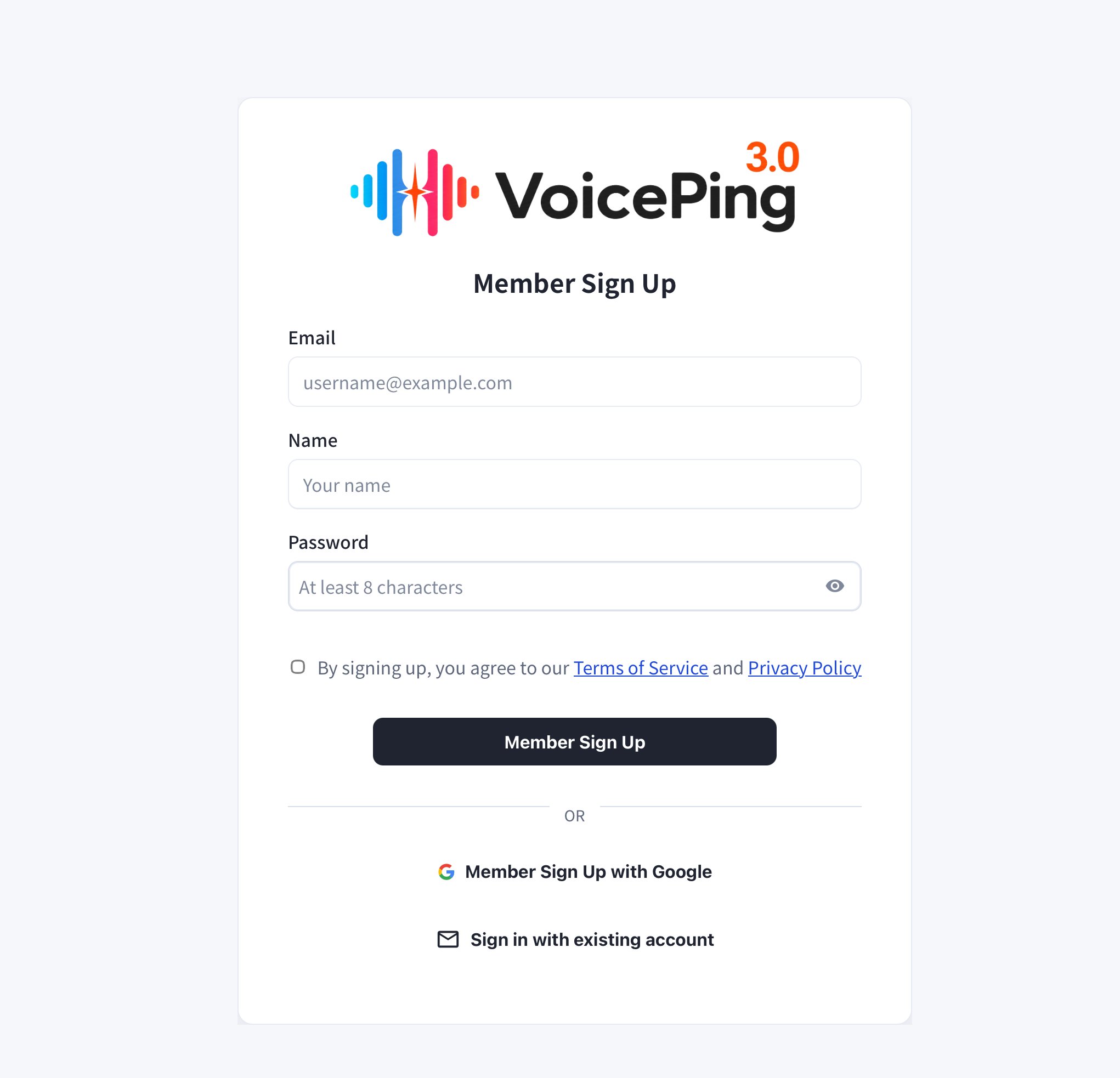
2. **Enter your email, name, and password, then click "Member Sign Up".**
* To sign up with Google, click "Member Sign Up with Google".
* If you already have an account, click "Sign in with existing account".
If you received the invitation link by email, you must register with that email address.
 3. **After registration, the app download will start automatically.** Run the downloaded file to install the app.
If the app download does not start automatically, you can download it directly from the [PC App Download](/en/pc-download) page.
4. **Open the app and log in with your registered email and password.**
3. **After registration, the app download will start automatically.** Run the downloaded file to install the app.
If the app download does not start automatically, you can download it directly from the [PC App Download](/en/pc-download) page.
4. **Open the app and log in with your registered email and password.**