> ## Documentation Index
> Fetch the complete documentation index at: https://manual.voiceping.net/llms.txt
> Use this file to discover all available pages before exploring further.
# Registration: Create New Workspace (For Owners)
> This guide explains how administrators (owners) can create a new workspace and start using VoicePing.
export const ContactEn = () => <>
If you have any questions, please contact us via this form.
Official Links
Visit our official website
Follow us on X
Like us on Facebook
Connect on LinkedIn
;
This guide explains how administrators (owners) can create a new workspace and start using VoicePing.
## PC
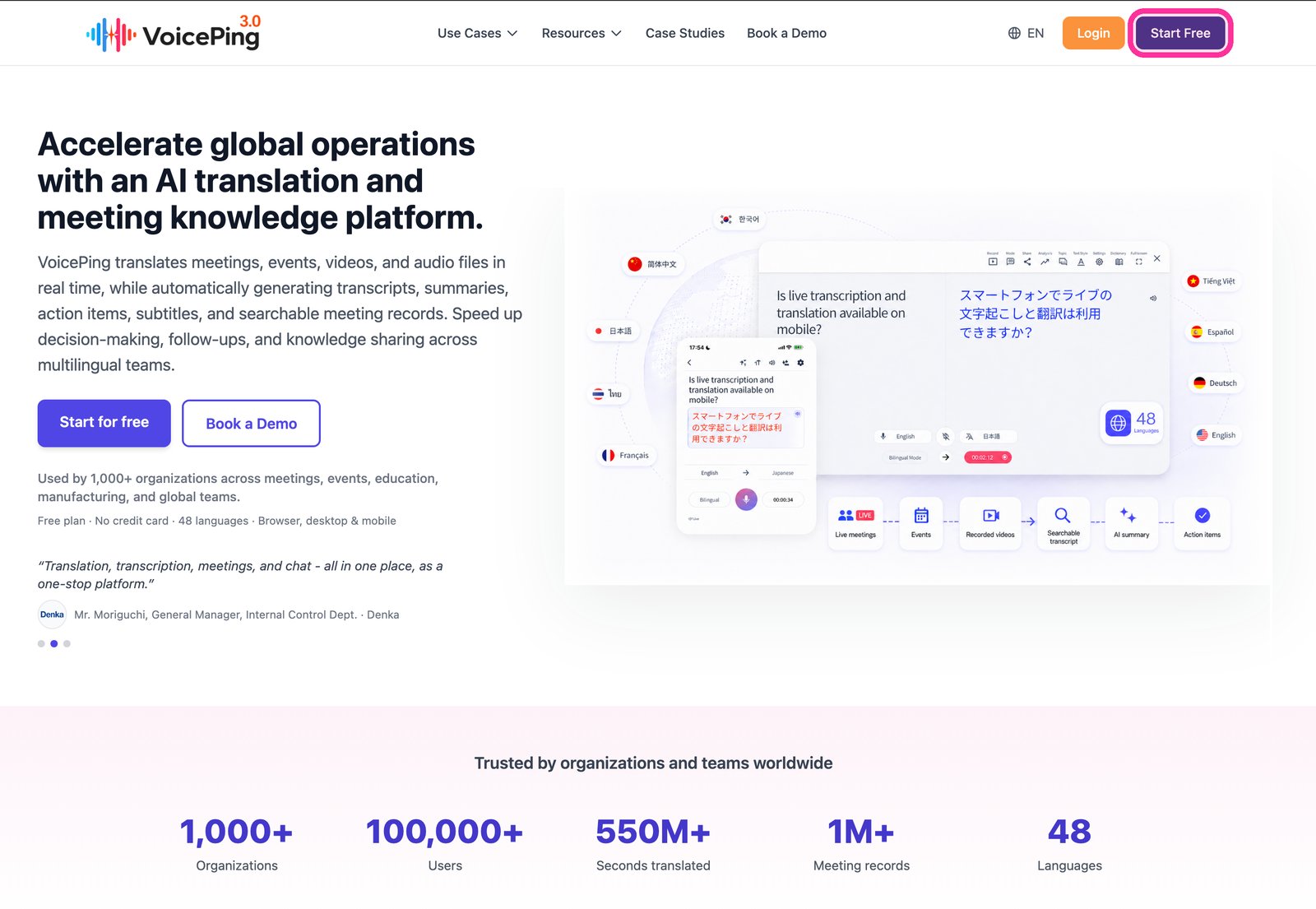
1. **Go to the [VoicePing homepage](https://voiceping.net/) and click the "Start Free" button in the top right.**
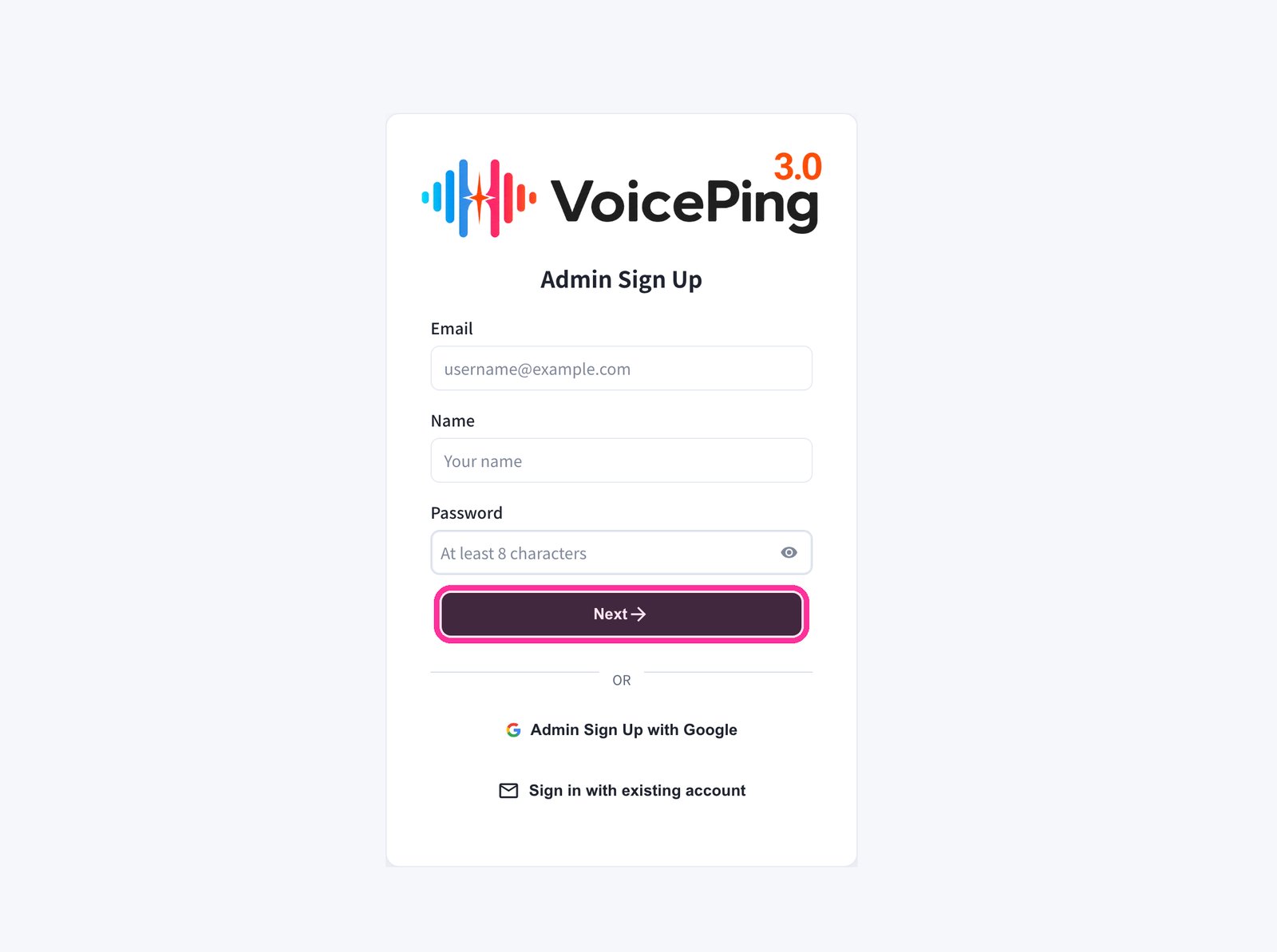
 2. **The registration form will appear. Enter your email, name, and password, then click "Next →".**
* To sign up with Google, click "Admin Sign Up with Google".
* If you already have an account, click "Sign in with existing account".
2. **The registration form will appear. Enter your email, name, and password, then click "Next →".**
* To sign up with Google, click "Admin Sign Up with Google".
* If you already have an account, click "Sign in with existing account".
 3. **Enter the verification code sent to your registered email address.**
4. **Follow the on-screen instructions to set up your workspace.**
## Mobile / Tablet
### Register with Email
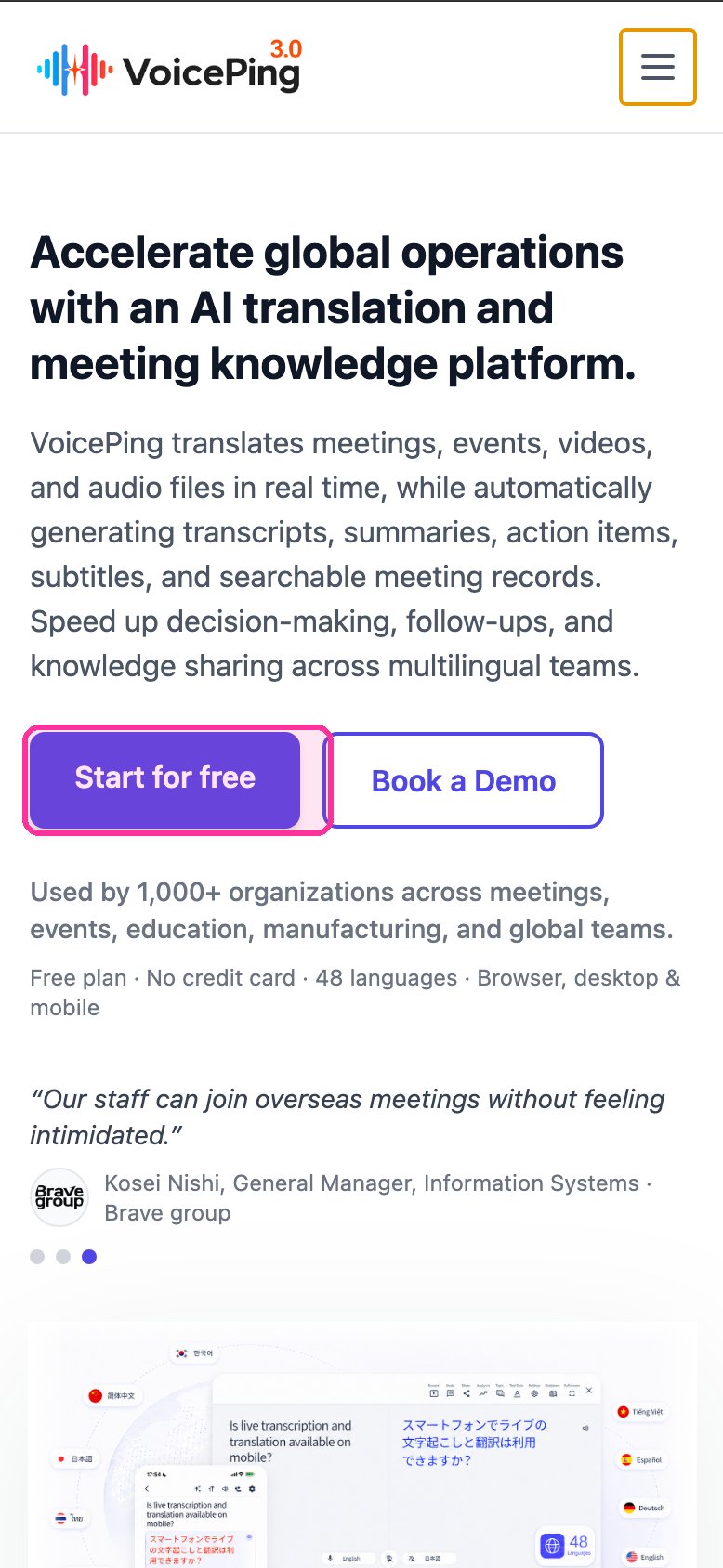
1. **Go to the [VoicePing homepage](https://voiceping.net/) and tap the "Start for free" button.**
3. **Enter the verification code sent to your registered email address.**
4. **Follow the on-screen instructions to set up your workspace.**
## Mobile / Tablet
### Register with Email
1. **Go to the [VoicePing homepage](https://voiceping.net/) and tap the "Start for free" button.**
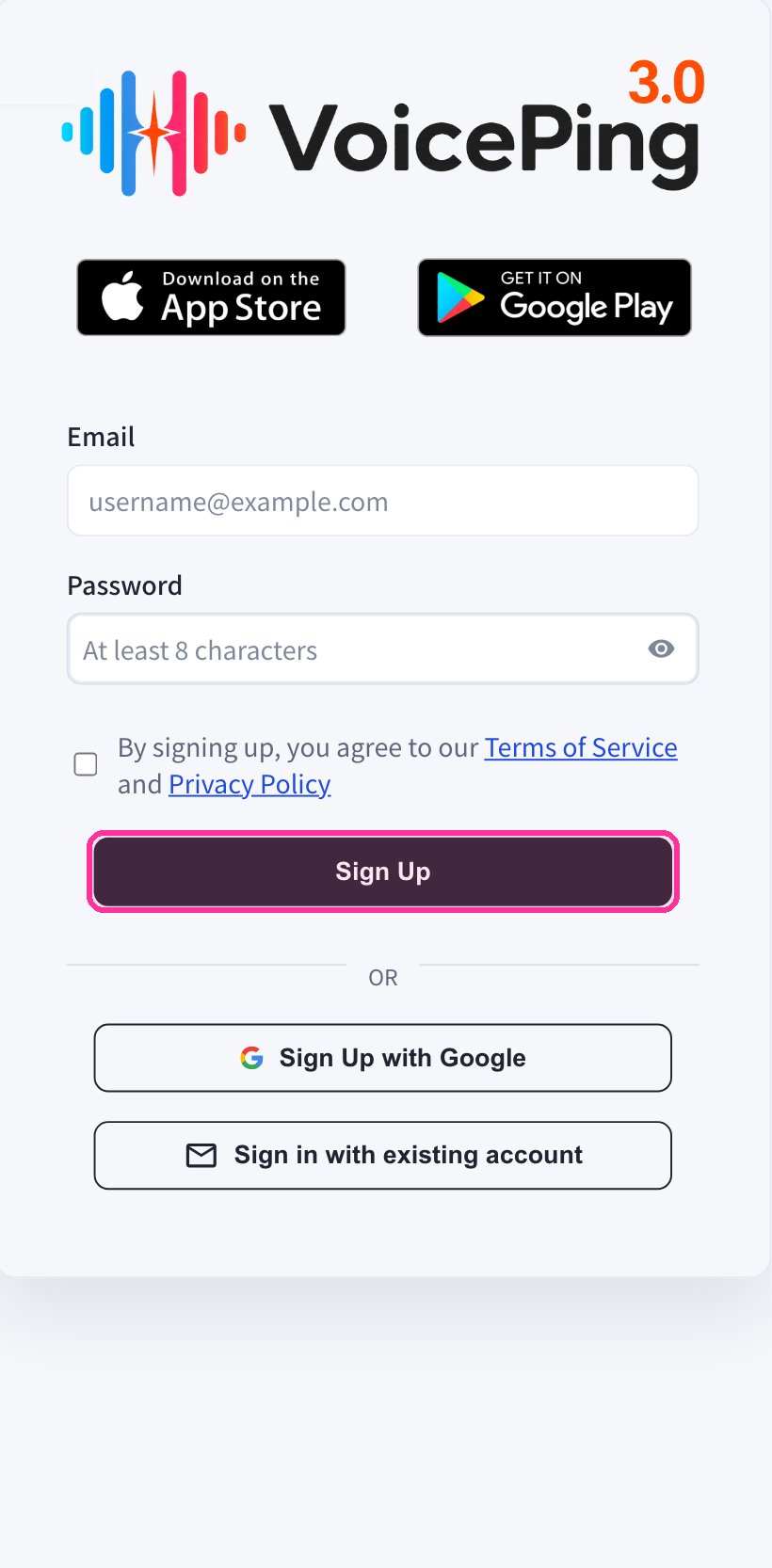
 2. **The registration form will appear on the mobile web app. Enter your email and password, agree to the Terms of Service, then tap "Sign Up".**
 3. **Enter the verification code sent to your registered email address.**
4. **Follow the on-screen instructions to set up your workspace.**
5. **Download the VoicePing app from the [App Store](https://apps.apple.com/jp/app/voiceping-2-0/id6450720360) or [Google Play](https://play.google.com/store/apps/details?id=com.voiceping.app), and log in with your created account.**
### Register with Google or Apple Account
If you have a Google or Apple account, you can create an account and log in directly from the mobile app.
1. **Download the VoicePing app from the [App Store](https://apps.apple.com/jp/app/voiceping-2-0/id6450720360) or [Google Play](https://play.google.com/store/apps/details?id=com.voiceping.app).**
2. **Open the app and sign up with your Google or Apple account.**
If the PC app download does not start automatically, you can download it directly from the [PC App Download](/en/pc-download) page.
3. **Enter the verification code sent to your registered email address.**
4. **Follow the on-screen instructions to set up your workspace.**
5. **Download the VoicePing app from the [App Store](https://apps.apple.com/jp/app/voiceping-2-0/id6450720360) or [Google Play](https://play.google.com/store/apps/details?id=com.voiceping.app), and log in with your created account.**
### Register with Google or Apple Account
If you have a Google or Apple account, you can create an account and log in directly from the mobile app.
1. **Download the VoicePing app from the [App Store](https://apps.apple.com/jp/app/voiceping-2-0/id6450720360) or [Google Play](https://play.google.com/store/apps/details?id=com.voiceping.app).**
2. **Open the app and sign up with your Google or Apple account.**
If the PC app download does not start automatically, you can download it directly from the [PC App Download](/en/pc-download) page.