> ## Documentation Index
> Fetch the complete documentation index at: https://manual.voiceping.net/llms.txt
> Use this file to discover all available pages before exploring further.

# ワークフロー — 1回の会議から顧客向け提案書を作成

> 提案レビュー会議の議事録から、経営層向け提案書ドラフト（エグゼクティブサマリ、顧客状況、提案ソリューション、タイムライン、次のステップ）を作成。VoicePing MCP Accessを利用します。

export const FeedbackJa = () => <>
    <Tip>
      このフィーチャーへのご意見やご要望は、<a href="/ja/product-feedback">Product Feedback</a> からチームへお送りください。
    </Tip>

    <h2>公式リンク</h2>

    <CardGroup cols={2}>
      <Card title="公式サイト" icon="globe" href="https://voiceping.net/">
        公式ウェブサイトはこちら
      </Card>
      <Card title="X (Twitter)" icon="x-twitter" href="https://x.com/VoicePingMedia">
        Xでフォロー
      </Card>
      <Card title="Facebook" icon="facebook" href="https://www.facebook.com/voiceping.inc">
        Facebookでいいね
      </Card>
      <Card title="LinkedIn" icon="linkedin" href="https://www.linkedin.com/company/28684130/">
        LinkedInでつながる
      </Card>
    </CardGroup>
  </>;

## 1回の会議から顧客向け提案書を作成

**状況設定。** 提案レビュー会議が終わったばかりです。顧客はゴールを共有し、セキュリティに関する2つの懸念を挙げ、段階的なタイムラインを求めました。次にやるべきは、この会話を正式な提案書に変えることです。難しいのは文章を書くことではありません ― シグナルを一つも取りこぼさないことです。

このワークフローは、[MCP Access](/ja/external-access/mcp) を有効化し、AIクライアントに接続済みであることを前提としています。

<Steps>
  <Step title="対象の会議を特定する">
    ```text theme={null}
    Search my VoicePing transcripts for the Northstar Capital proposal review meeting.
    Find the most relevant transcript and show me the title, date, participants
    if available, and why it matches.
    ```

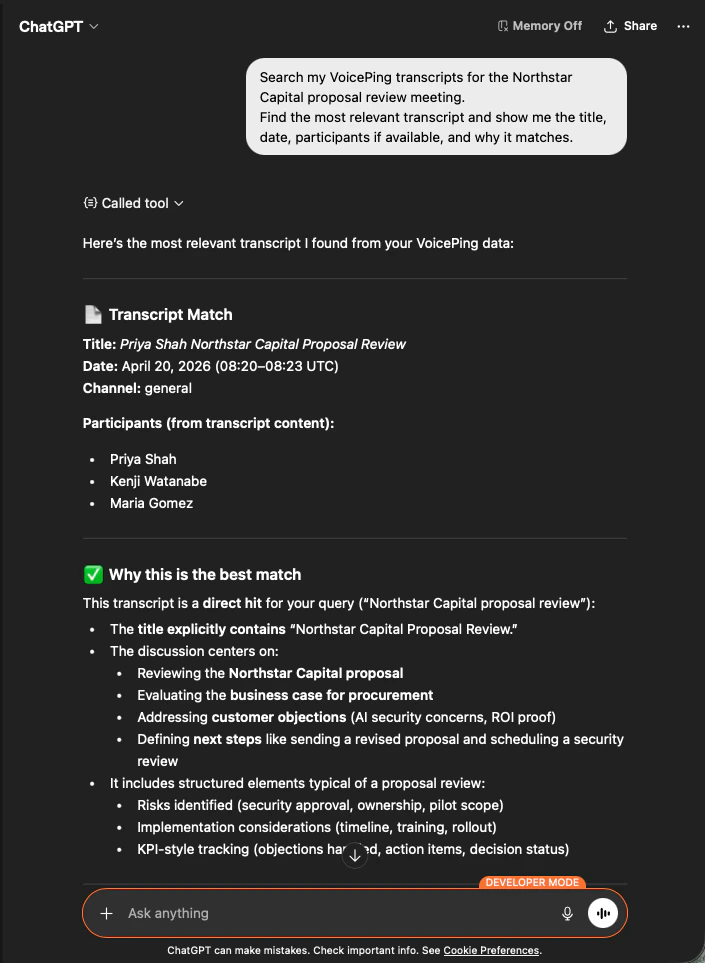
    AIは該当する議事録を特定し、参加者を列挙し、なぜ一致するかを説明します ― 提案書が正しい会議を根拠にしていることを確認できます。

    <div style={{maxWidth: "600px", margin: "0 auto"}}>
      <Frame>
        <img src="https://mintcdn.com/test-cf63e467/z13MfE0CikV5b-4X/en/images/external_access/proposal%20creation%201.png?fit=max&auto=format&n=z13MfE0CikV5b-4X&q=85&s=541234a4b6549b663c1410f3344d4edb" alt="ChatGPT identifying the Northstar Capital proposal review transcript with participants and match reasoning" width="705" height="963" data-path="en/images/external_access/proposal creation 1.png" />
      </Frame>
    </div>
  </Step>

  <Step title="提案書の構造化インプットを抽出">
    ```text theme={null}
    Read that transcript and extract the key proposal inputs:
    - customer goals
    - pain points
    - requested solution
    - success criteria
    - objections or concerns
    - timeline
    - stakeholders
    - next steps
    ```

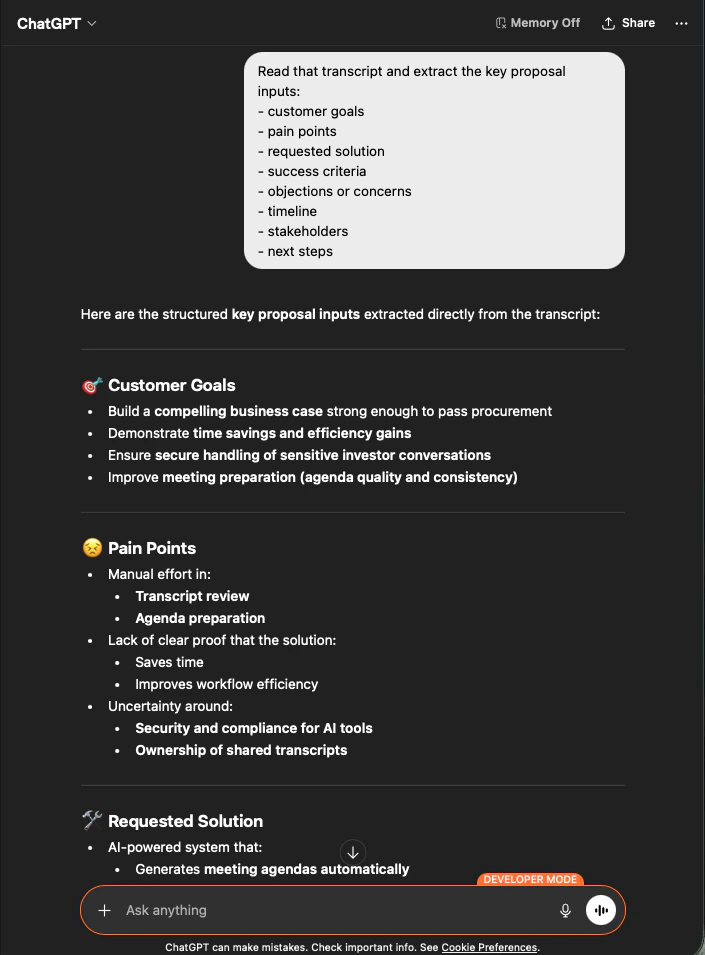
    AIは、依頼したグループ分けのままインプットをすべて抽出します。これが提案書の骨格です ― 新たに作り出されたものはなく、すべて議事録に根拠があります。

    <div style={{maxWidth: "600px", margin: "0 auto"}}>
      <Frame>
        <img src="https://mintcdn.com/test-cf63e467/z13MfE0CikV5b-4X/en/images/external_access/proposal%20creation%202.png?fit=max&auto=format&n=z13MfE0CikV5b-4X&q=85&s=65915e908ac022464f1668c6b920706e" alt="ChatGPT extracting structured proposal inputs — customer goals, pain points, requested solution — from a Northstar Capital transcript" width="705" height="955" data-path="en/images/external_access/proposal creation 2.png" />
      </Frame>
    </div>
  </Step>

  <Step title="提案書ドラフトを生成する">
    ```text theme={null}
    Create a customer proposal draft based only on this meeting.
    Structure it with:
    - executive summary
    - customer situation
    - proposed solution
    - implementation scope
    - expected value
    - security or operational considerations
    - timeline
    - next steps
    ```

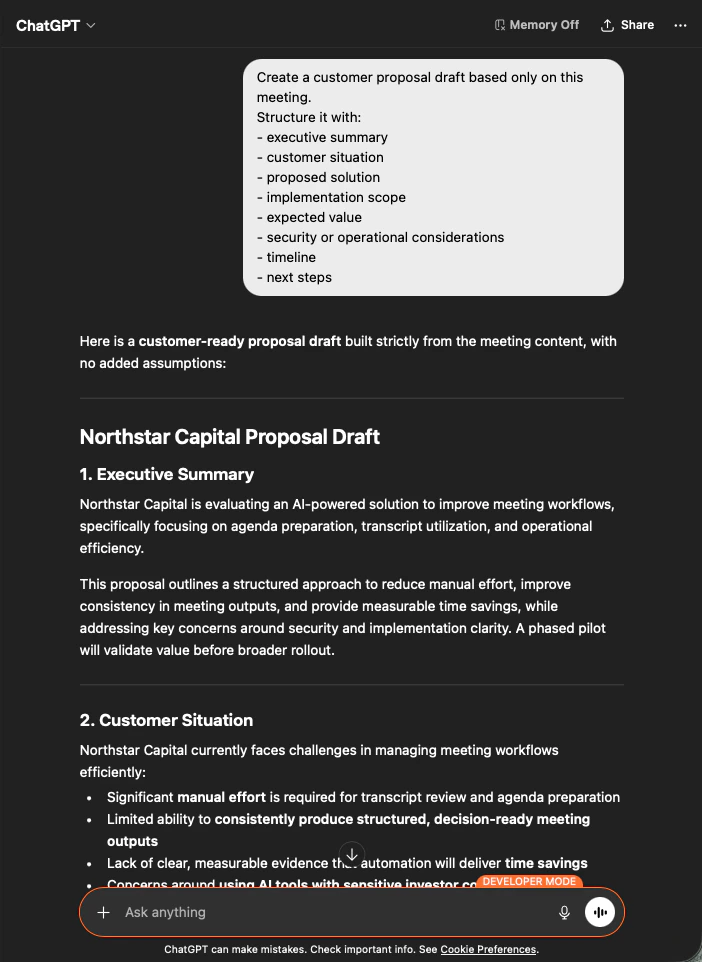
    得られるのは完全な提案書ドラフトです ― 最初にエグゼクティブサマリ、続く各セクションは会議内容のみから埋められます。あとはトーンを整えて送信するだけです。

    <div style={{maxWidth: "600px", margin: "0 auto"}}>
      <Frame>
        <img src="https://mintcdn.com/test-cf63e467/z13MfE0CikV5b-4X/en/images/external_access/proposal%20creation%203.png?fit=max&auto=format&n=z13MfE0CikV5b-4X&q=85&s=9ef5ea2d403eadf232efd486e8c1a7c8" alt="ChatGPT producing a customer-ready Northstar Capital proposal draft built strictly from meeting content" width="702" height="962" data-path="en/images/external_access/proposal creation 3.png" />
      </Frame>
    </div>
  </Step>
</Steps>

<Note>
  AIに **「based only on this meeting」** および **「with no added assumptions」** と明示することが、そのまま送れる提案書と、一行ずつファクトチェックが必要な提案書を分ける要因になります。
</Note>

***

## 次のステップ

<CardGroup cols={2}>
  <Card title="外部アクセスの概要" icon="arrow-left" href="/ja/external-access">
    スコープ、ライフサイクル制御、イベントログのハブに戻る。
  </Card>

  <Card title="MCP Accessの有効化手順" icon="plug" href="/ja/external-access/mcp">
    Claude、ChatGPT、Codex、Claude Code、Gemini CLI のセットアップガイド。
  </Card>
</CardGroup>

<FeedbackJa />