> ## Documentation Index
> Fetch the complete documentation index at: https://manual.voiceping.net/llms.txt
> Use this file to discover all available pages before exploring further.
# 無料プランの始め方
> VoicePingの無料プランで全機能をお試しください
export const ContactJa = () => <>
ご不明な点がございましたら、こちらのフォームよりお問い合わせください。
公式リンク
公式ウェブサイトはこちら
Xでフォロー
Facebookでいいね
LinkedInでつながる
;
**VoicePingは、ユーザー1人とゲスト5人までなら全ての機能を「無料」で利用可能なプロダクト**です。ご自由にお試しください。
ただし、文字起こし・音声翻訳および録画機能を利用できる時間には制限があります。詳細は[料金プラン](/ja/pricing)を参照してください。
## 無料プランの始め方
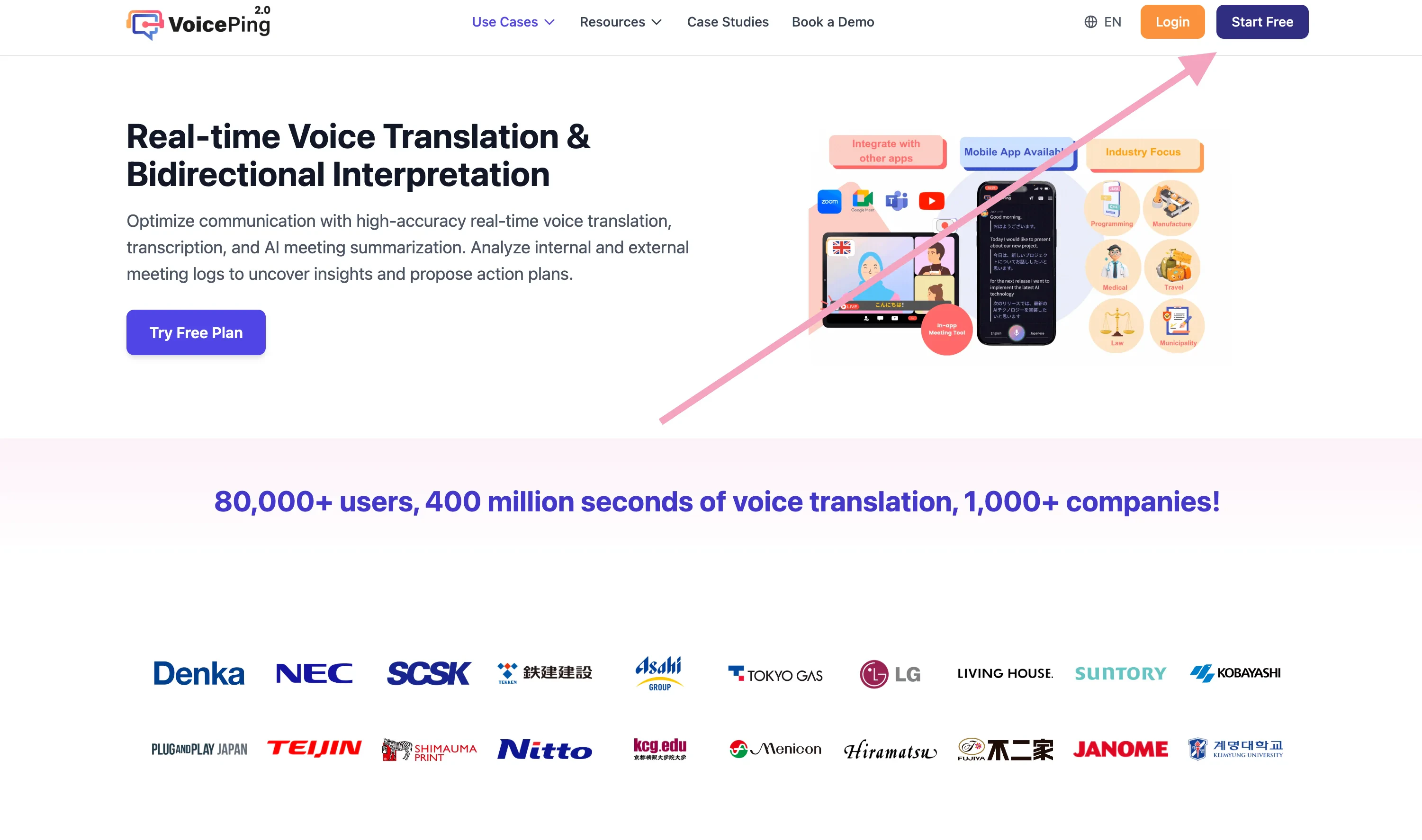
1. [VoicePingのホームページ](https://voiceping.net/)に行く
2. 「無料プランを始める」ボタンをクリック
 3. [会員登録&ワークスペース作成](/ja/member-signup)を行う
## 関連ページ
* [会員登録: 新規ワークスペースの作成・アプリインストール(オーナー用)](/ja/member-signup)
* [1週間無料トライアルの始め方](/ja/free-trial)
3. [会員登録&ワークスペース作成](/ja/member-signup)を行う
## 関連ページ
* [会員登録: 新規ワークスペースの作成・アプリインストール(オーナー用)](/ja/member-signup)
* [1週間無料トライアルの始め方](/ja/free-trial)