> ## Documentation Index
> Fetch the complete documentation index at: https://manual.voiceping.net/llms.txt
> Use this file to discover all available pages before exploring further.
# 무료 플랜 시작하기
> VoicePing 무료 플랜으로 모든 기능을 체험해 보세요
export const ContactKo = () => <>
문의 사항이 있으시면 이 양식을 통해 연락해 주세요.
공식 링크
공식 웹사이트 방문
X에서 팔로우
Facebook에서 좋아요
LinkedIn에서 연결
;
**VoicePing은 사용자 1명과 게스트 5명까지 모든 기능을 "무료"로 이용 가능한 제품**입니다. 자유롭게 체험해 보세요.
단, 텍스트 변환, 음성 번역 및 녹화 기능 이용 시간에는 제한이 있습니다. 자세한 내용은 [요금 플랜](/ko/pricing)을 참조해 주세요.
## 무료 플랜 시작하기
1. [VoicePing 홈페이지](https://voiceping.net/)로 이동
2. "무료 플랜 시작하기" 버튼 클릭
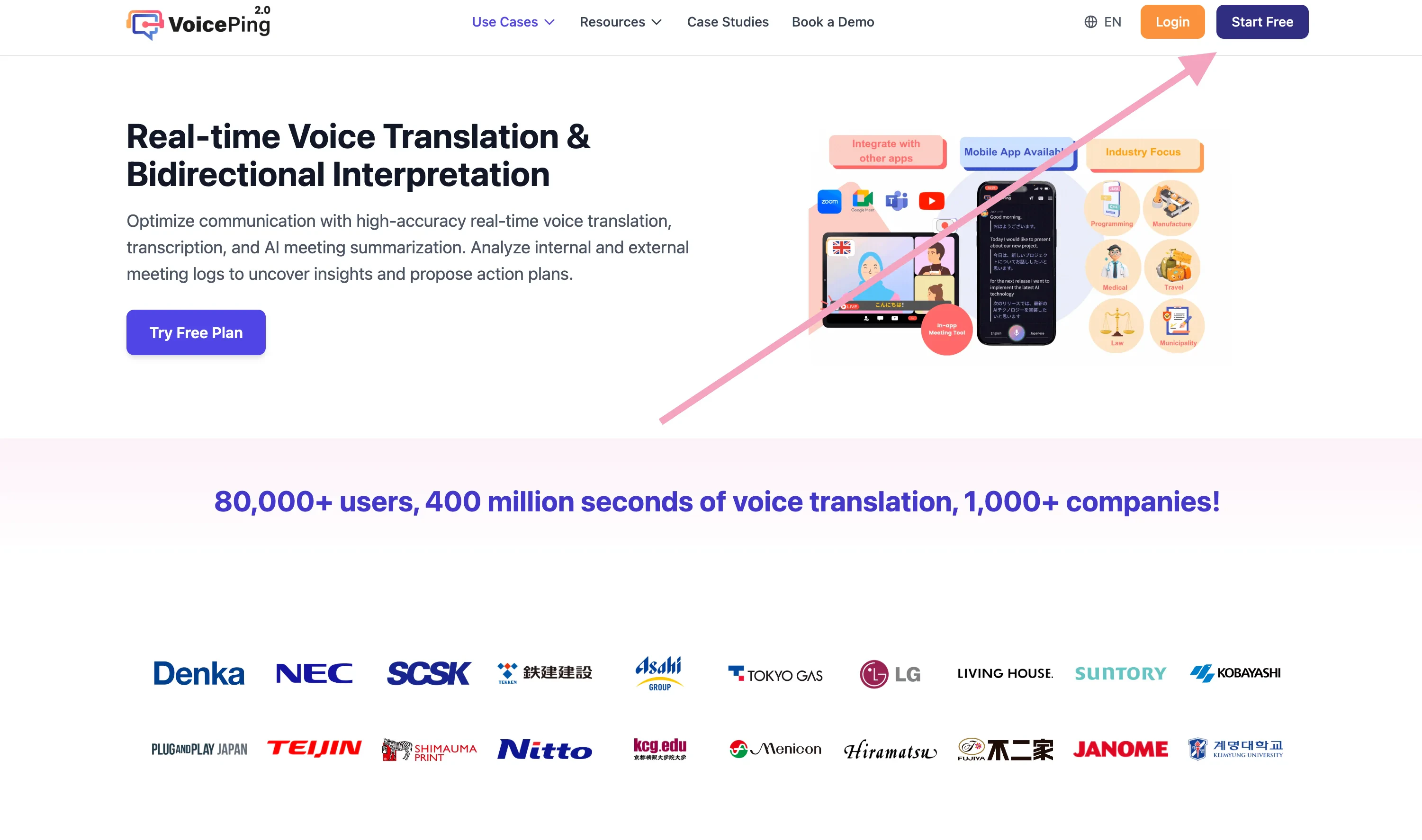 3. [회원 가입 및 워크스페이스 생성](/ko/member-signup) 진행
## 관련 페이지
* [회원 가입: 신규 워크스페이스 생성 및 앱 설치 (오너용)](/ko/member-signup)
* [1주일 무료 체험 시작하기](/ko/free-trial)
3. [회원 가입 및 워크스페이스 생성](/ko/member-signup) 진행
## 관련 페이지
* [회원 가입: 신규 워크스페이스 생성 및 앱 설치 (오너용)](/ko/member-signup)
* [1주일 무료 체험 시작하기](/ko/free-trial)