> ## Documentation Index
> Fetch the complete documentation index at: https://manual.voiceping.net/llms.txt
> Use this file to discover all available pages before exploring further.
# 멤버 등록
> 워크스페이스에 참여하는 방법
export const ContactKo = () => <>
문의 사항이 있으시면 이 양식을 통해 연락해 주세요.
공식 링크
공식 웹사이트 방문
X에서 팔로우
Facebook에서 좋아요
LinkedIn에서 연결
;
이 가이드는 워크스페이스 소유자로부터 초대받은 멤버가 계정을 만들고 VoicePing 사용을 시작하는 방법을 설명합니다.
## 초대 링크로 계정 만들기
1. **매니저가 보낸 초대 URL을 클릭하세요.** 등록 페이지로 이동됩니다.
초대 URL이 없는 경우, 매니저에게 발급을 요청하세요.
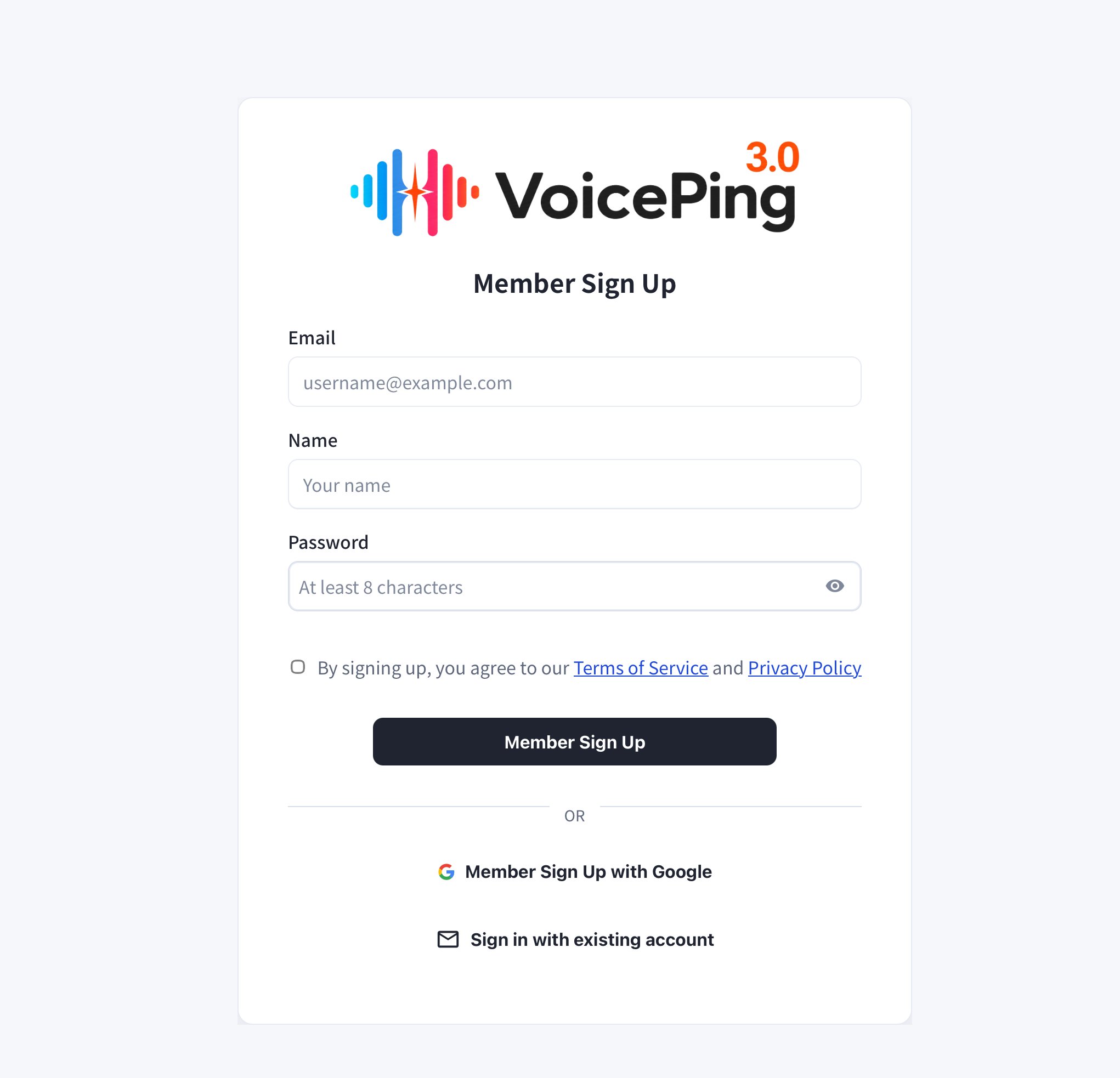
2. **이메일, 이름, 비밀번호를 입력한 후 "Member Sign Up"을 클릭하세요.**
* Google로 가입하려면 "Member Sign Up with Google"을 클릭하세요.
* 이미 계정이 있는 경우 "Sign in with existing account"를 클릭하세요.
이메일로 초대 링크를 받은 경우, 해당 이메일 주소로 등록해야 합니다.
 3. **등록 후 앱 다운로드가 자동으로 시작됩니다.** 다운로드된 파일을 실행하여 앱을 설치하세요.
앱 다운로드가 자동으로 시작되지 않으면 [PC 앱 다운로드](/ko/pc-download) 페이지에서 직접 다운로드할 수 있습니다.
4. **앱을 열고 등록한 이메일과 비밀번호로 로그인하세요.**
3. **등록 후 앱 다운로드가 자동으로 시작됩니다.** 다운로드된 파일을 실행하여 앱을 설치하세요.
앱 다운로드가 자동으로 시작되지 않으면 [PC 앱 다운로드](/ko/pc-download) 페이지에서 직접 다운로드할 수 있습니다.
4. **앱을 열고 등록한 이메일과 비밀번호로 로그인하세요.**