> ## Documentation Index
> Fetch the complete documentation index at: https://manual.voiceping.net/llms.txt
> Use this file to discover all available pages before exploring further.
# วิธีเริ่มต้นแผนฟรี
> ลองใช้ฟีเจอร์ทั้งหมดของ VoicePing ด้วยแผนฟรี
export const ContactTh = () => <>
หากคุณมีคำถามใดๆ กรุณาติดต่อเราผ่าน แบบฟอร์มนี้
ลิงก์อย่างเป็นทางการ
เยี่ยมชมเว็บไซต์อย่างเป็นทางการของเรา
ติดตามเราบน X
ติดตามเราบน Facebook
เชื่อมต่อบน LinkedIn
;
**VoicePing เป็นผลิตภัณฑ์ที่มีฟีเจอร์ทั้งหมด "ฟรี" สำหรับผู้ใช้ 1 คนและแขกสูงสุด 5 คน** กรุณาทดลองใช้งาน
อย่างไรก็ตาม มีข้อจำกัดด้านเวลาสำหรับการใช้งานฟีเจอร์การถอดความ การแปลเสียง และการบันทึก สำหรับรายละเอียด ดู [แผนบริการ](/th/pricing)
## วิธีเริ่มต้นแผนฟรี
1. เข้าถึง [หน้าแรก VoicePing](https://voiceping.net/)
2. คลิกปุ่ม "เริ่มต้นแผนฟรี"
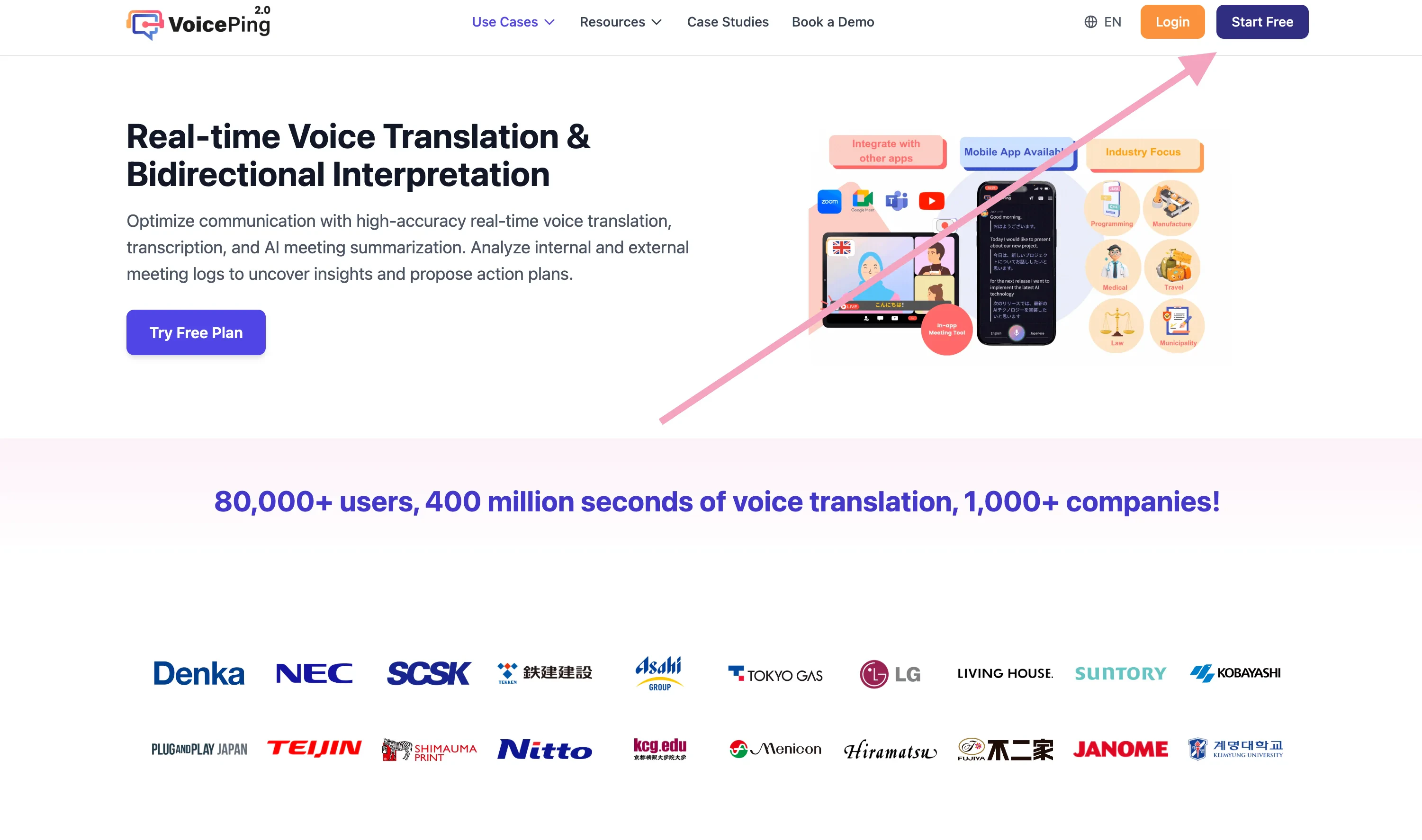 3. ดำเนินการ [สมัครสมาชิก & สร้าง Workspace](/th/member-signup)
## หน้าที่เกี่ยวข้อง
* [สมัครสมาชิก: สร้าง Workspace ใหม่ & ติดตั้งแอปพลิเคชัน (สำหรับเจ้าของ)](/th/member-signup)
* [วิธีเริ่มต้นทดลองใช้ฟรี 1 สัปดาห์](/th/free-trial)
3. ดำเนินการ [สมัครสมาชิก & สร้าง Workspace](/th/member-signup)
## หน้าที่เกี่ยวข้อง
* [สมัครสมาชิก: สร้าง Workspace ใหม่ & ติดตั้งแอปพลิเคชัน (สำหรับเจ้าของ)](/th/member-signup)
* [วิธีเริ่มต้นทดลองใช้ฟรี 1 สัปดาห์](/th/free-trial)