> ## Documentation Index
> Fetch the complete documentation index at: https://manual.voiceping.net/llms.txt
> Use this file to discover all available pages before exploring further.

# 免費方案入門指南

> 使用VoicePing免費方案試用所有功能

export const ContactZhTW = () => <>
    <Tip>
      如有任何問題，請透過<a href="https://forms.gle/6AUho7oj3zBr79e96">此表單</a>與我們聯繫。
    </Tip>

    ## 官方連結

    <CardGroup cols={2}>
      <Card title="官方網站" icon="globe" href="https://voiceping.net/en/">
        造訪官方網站
      </Card>
      <Card title="X (Twitter)" icon="x-twitter" href="https://x.com/VoicePingMedia">
        在X上追蹤我們
      </Card>
      <Card title="Facebook" icon="facebook" href="https://www.facebook.com/voiceping.inc">
        在Facebook上按讚
      </Card>
      <Card title="LinkedIn" icon="linkedin" href="https://www.linkedin.com/company/28684130/">
        在LinkedIn上連結
      </Card>
    </CardGroup>
  </>;

<Tip>
  **VoicePing是一款1名使用者加最多5名訪客可以「免費」使用所有功能的產品**。請隨意試用。
</Tip>

<Note>
  但是，文字轉錄、語音翻譯和錄製功能的使用時間有限制。詳情請參閱[定價方案](/zh-tw/pricing)。
</Note>

## 如何開始免費方案

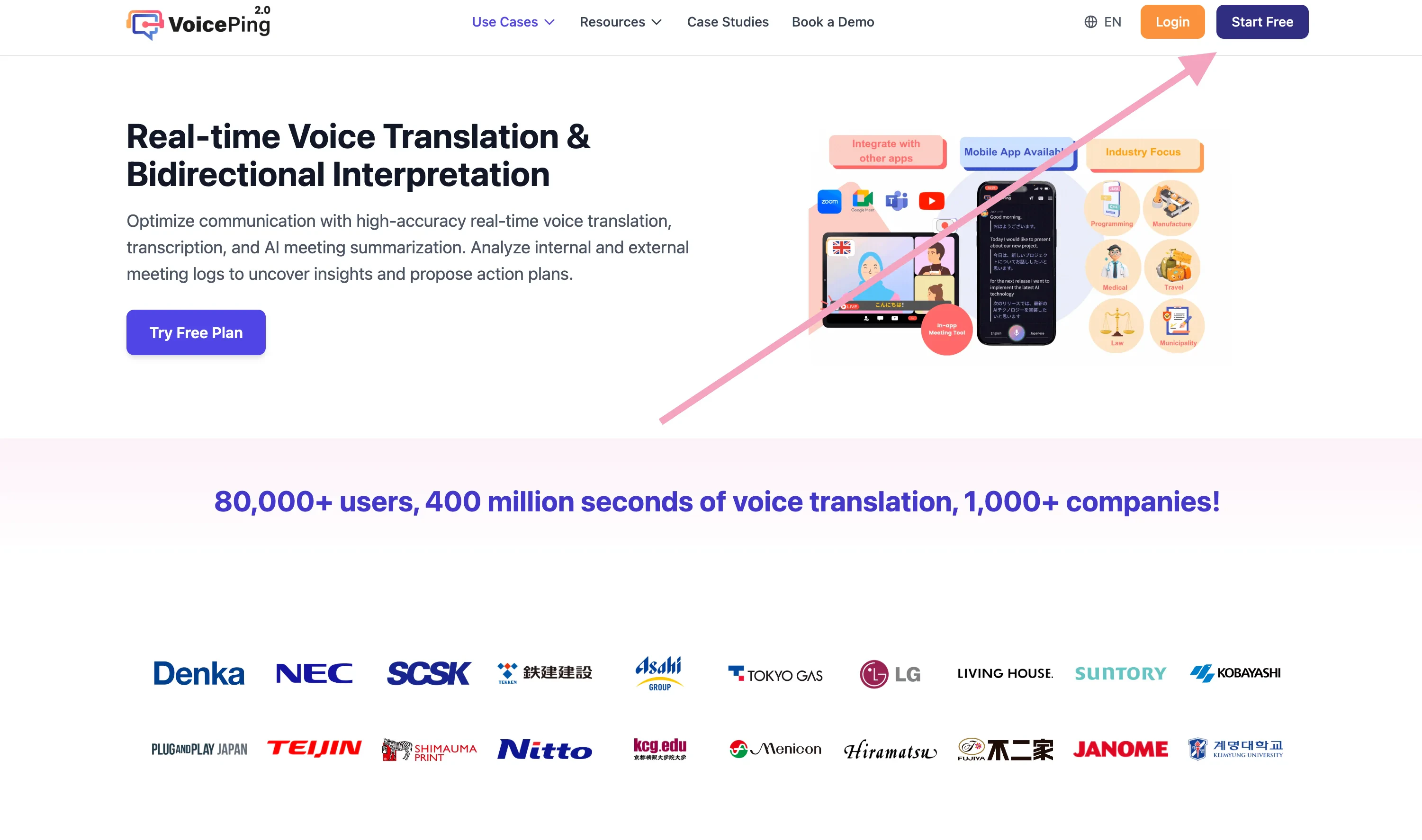
1. 前往[VoicePing首頁](https://voiceping.net/)
2. 點選「開始免費方案」按鈕
<Frame>
  <img src="https://mintcdn.com/test-cf63e467/z13MfE0CikV5b-4X/en/images/free-plan/01-start-free-plan-button.webp?fit=max&auto=format&n=z13MfE0CikV5b-4X&q=85&s=6c30657666455717a347497d6b744690" alt="開始免費方案按鈕" width="3002" height="1774" data-path="en/images/free-plan/01-start-free-plan-button.webp" />
</Frame>

3. 進行[會員註冊和工作區建立](/zh-tw/member-signup)

## 相關頁面

* [會員註冊：建立新工作區/安裝應用程式（擁有者用）](/zh-tw/member-signup)
* [如何開始1週免費試用](/zh-tw/free-trial)

<ContactZhTW />
