> ## Documentation Index
> Fetch the complete documentation index at: https://manual.voiceping.net/llms.txt
> Use this file to discover all available pages before exploring further.
# Product Feedback
> 通过 Settings > Product Feedback 向 VoicePing 团队发送改进建议、功能需求和截图。
export const ContactZh = () => <>
如有任何问题,请通过此表单与我们联系。
## 官方链接
访问官方网站
在X上关注我们
在Facebook上点赞
在LinkedIn上连接
;
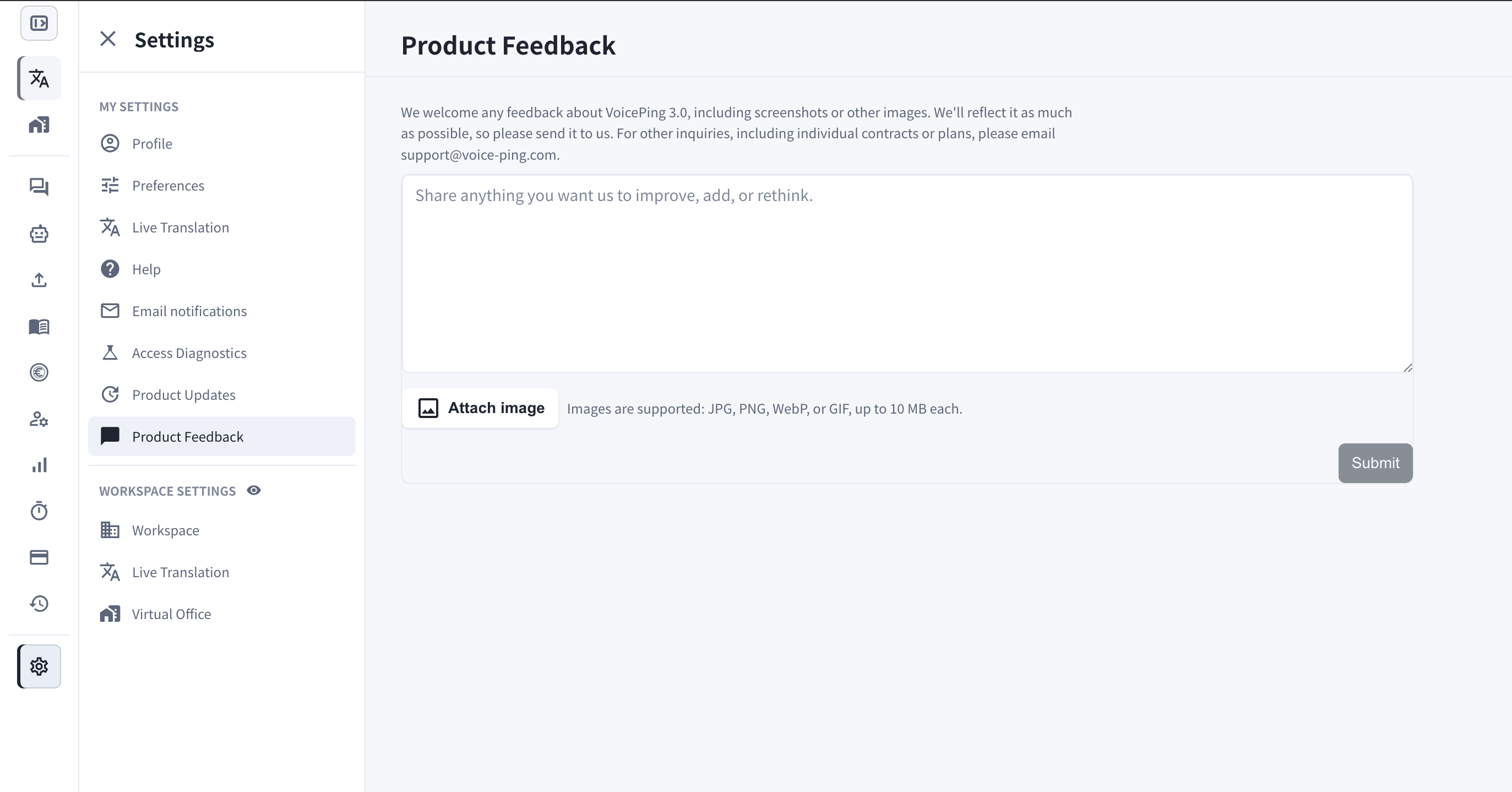
 通过 Product Feedback,您可以在应用内直接向团队发送对 VoicePing 3.0 的意见。
## 它的用途
* 分享任何您希望我们**改进、新增或重新考虑**的内容 — 功能需求、易用性问题或您遇到的粗糙之处。
* 附上**截图或其他图片**,让我们准确了解您的意思。
* 每条反馈都会直接送达 VoicePing 团队,我们会尽可能反映到产品中。
其他咨询(包括单独合同或套餐)请发送邮件至 [support@voice-ping.com](mailto:support@voice-ping.com)。
## 打开方式
1. 打开 **Settings**。
2. 在 **My Settings** 下选择 **Product Feedback**。
3. 在文本框中输入您的消息。
4. 如需要,点击 **Attach image** — 支持 JPG、PNG、WebP、GIF,每张最大 10 MB。
5. 点击 **Submit**。
通过 Product Feedback,您可以在应用内直接向团队发送对 VoicePing 3.0 的意见。
## 它的用途
* 分享任何您希望我们**改进、新增或重新考虑**的内容 — 功能需求、易用性问题或您遇到的粗糙之处。
* 附上**截图或其他图片**,让我们准确了解您的意思。
* 每条反馈都会直接送达 VoicePing 团队,我们会尽可能反映到产品中。
其他咨询(包括单独合同或套餐)请发送邮件至 [support@voice-ping.com](mailto:support@voice-ping.com)。
## 打开方式
1. 打开 **Settings**。
2. 在 **My Settings** 下选择 **Product Feedback**。
3. 在文本框中输入您的消息。
4. 如需要,点击 **Attach image** — 支持 JPG、PNG、WebP、GIF,每张最大 10 MB。
5. 点击 **Submit**。