> ## Documentation Index
> Fetch the complete documentation index at: https://manual.voiceping.net/llms.txt
> Use this file to discover all available pages before exploring further.
# Real-Time Editing of Transcription & Translation Text
> How to correct speech recognition and translation errors in real-time
export const FeedbackEn = () => <>
Have an idea or request about this feature? Send it to the team via Product Feedback.
Official Links
Visit our official website
Follow us on X
Like us on Facebook
Connect on LinkedIn
;
When a presenter speaker makes a mistake or there are errors in speech recognition/translation, **you can edit the translation immediately, and the corrections are reflected in real-time to all guest translation channels.**
## How to Use
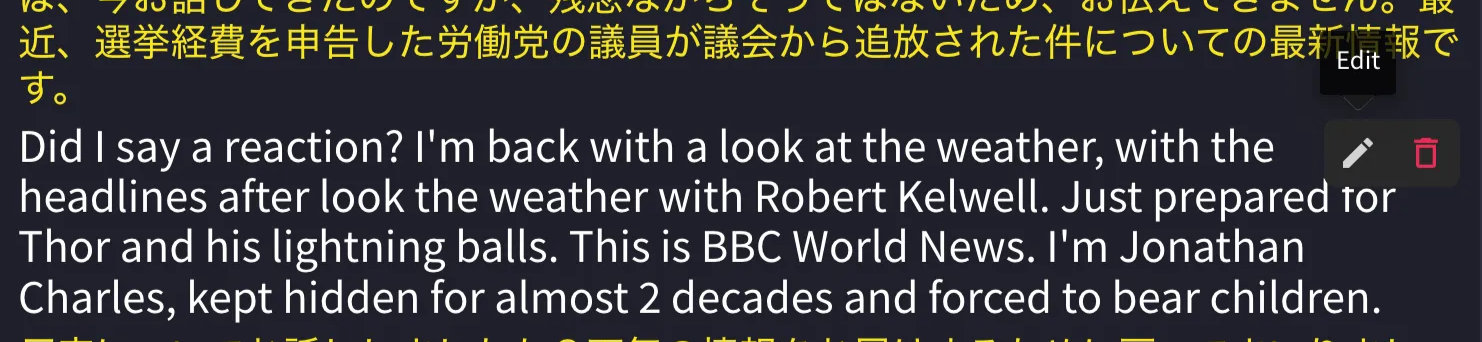
1. **Hover your mouse over the sentence you want to edit.**
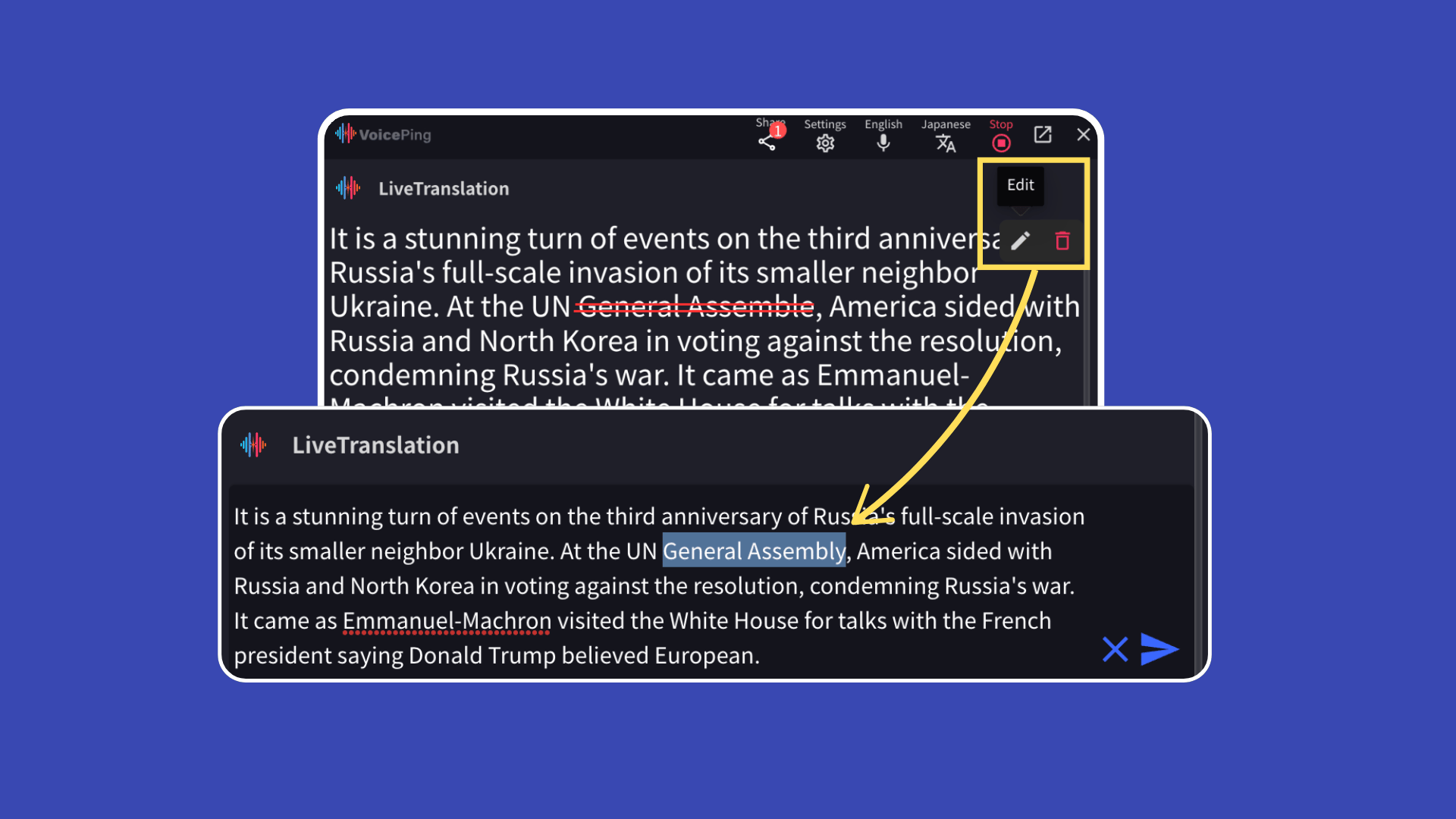 2. **Click the "Edit" button.**
 3. **After making corrections, click the blue arrow button on the right to save.**
 ### Real-Time Reflection to Guests
Edited content is reflected in real-time to guests viewing the translation channel via **QR code or URL**.
### Real-Time Reflection to Guests
Edited content is reflected in real-time to guests viewing the translation channel via **QR code or URL**.