
बगहरू/समस्याहरू रिपोर्ट गर्ने चरणहरू
-
बग/समस्या सामना गर्दा क्याप्चर तयार गर्नुहोस्
- विकासकर्ता उपकरणहरू खोल्न F12 कुञ्जी थिच्नुहोस्

- दायाँ तिरको विकासकर्ता उपकरणहरूमा माथिल्लो ट्याबहरूबाट “Console” छान्नुहोस्
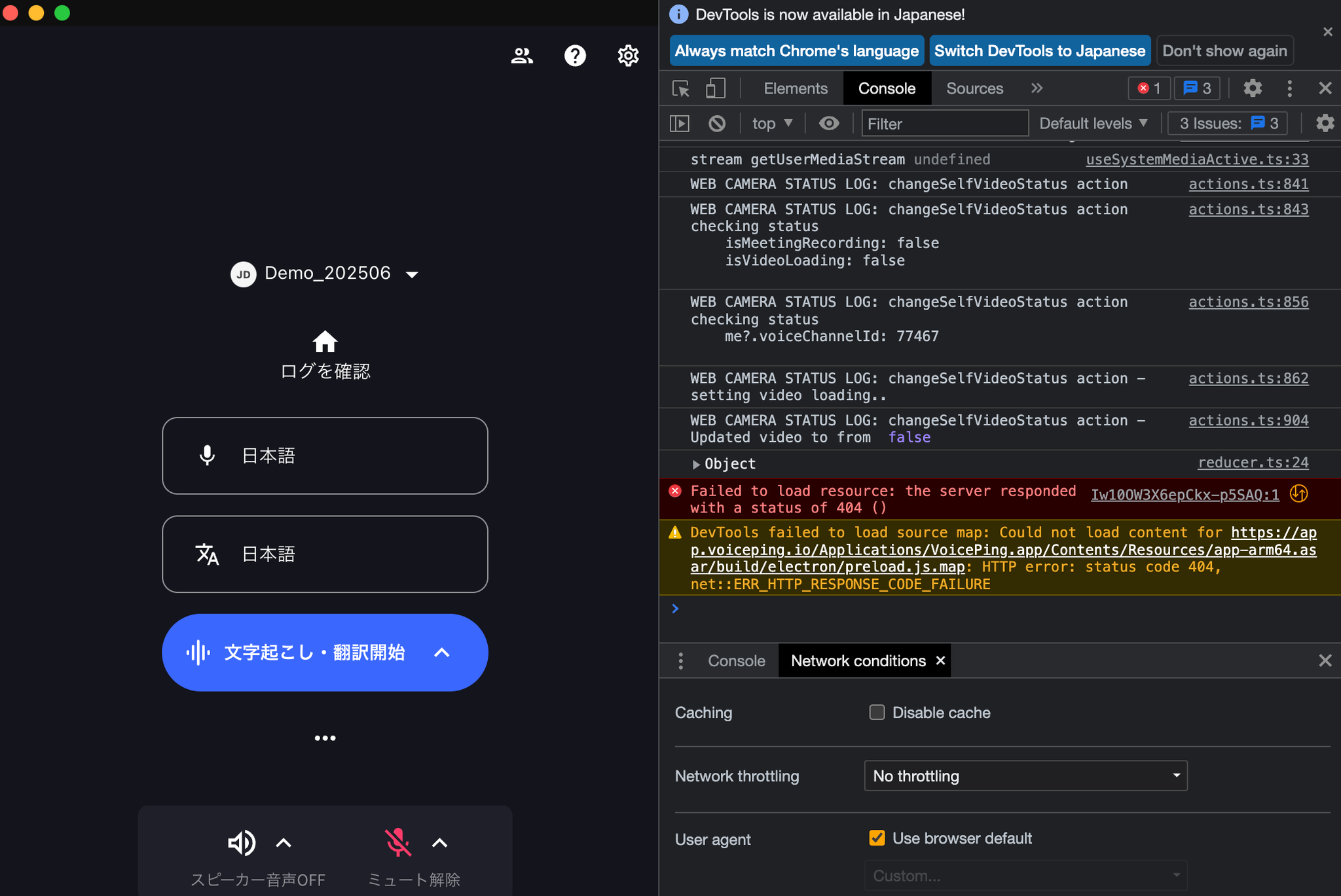
- स्क्रिनको स्क्रिनसट लिनुहोस् (यदि धेरै लगहरू छन् भने, स्क्रोल गर्नुहोस् र धेरै स्क्रिनसटहरू लिनुहोस्)
- कृपया यो फारम मार्फत हामीलाई सम्पर्क गर्नुहोस्