从单次会议生成客户提案草稿

情境。 一次提案评审会议刚结束。客户阐述了他们的目标,提出了对安全的两点担忧,并要求给出分阶段的时间表。现在您要把这次对话转化为一份正式提案。难点不是写作本身 ― 而是一个信号也不漏掉。 本工作流假设您已经启用了 MCP Access 并连接了 AI 客户端。
1

找到那次具体的会议

Search my VoicePing transcripts for the Northstar Capital proposal review meeting.
Find the most relevant transcript and show me the title, date, participants
if available, and why it matches.
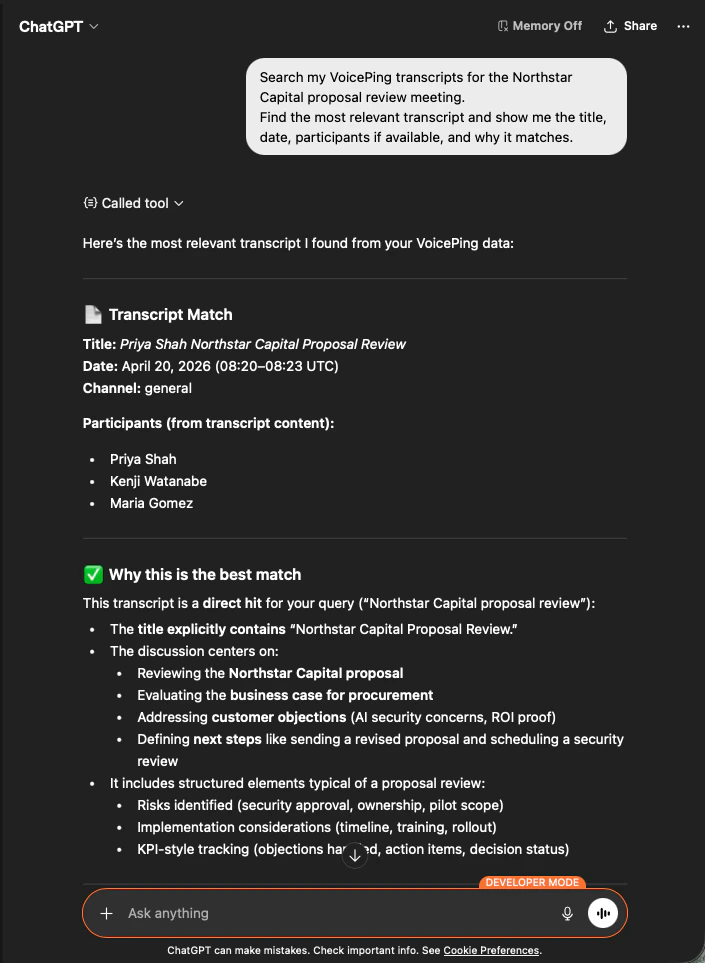
AI 会准确识别出这份会议记录,列出与会者,并说明为何匹配 ― 保证您的提案有正确的会议作为依据。
ChatGPT identifying the Northstar Capital proposal review transcript with participants and match reasoning
2

提取结构化的提案输入

Read that transcript and extract the key proposal inputs:
- customer goals
- pain points
- requested solution
- success criteria
- objections or concerns
- timeline
- stakeholders
- next steps
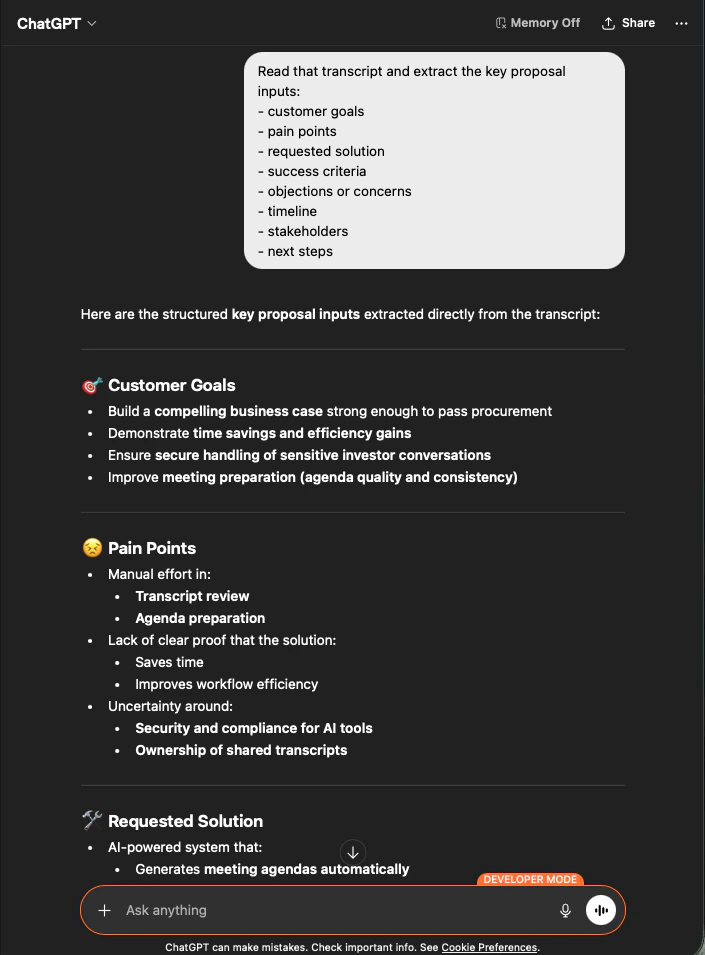
AI 会按您要求的分组,把全部输入完整抽取出来。这就是您的提案骨架 ― 没有杜撰,每一条都可追溯到会议记录。
ChatGPT extracting structured proposal inputs — customer goals, pain points, requested solution — from a Northstar Capital transcript
3

生成提案草稿

Create a customer proposal draft based only on this meeting.
Structure it with:
- executive summary
- customer situation
- proposed solution
- implementation scope
- expected value
- security or operational considerations
- timeline
- next steps
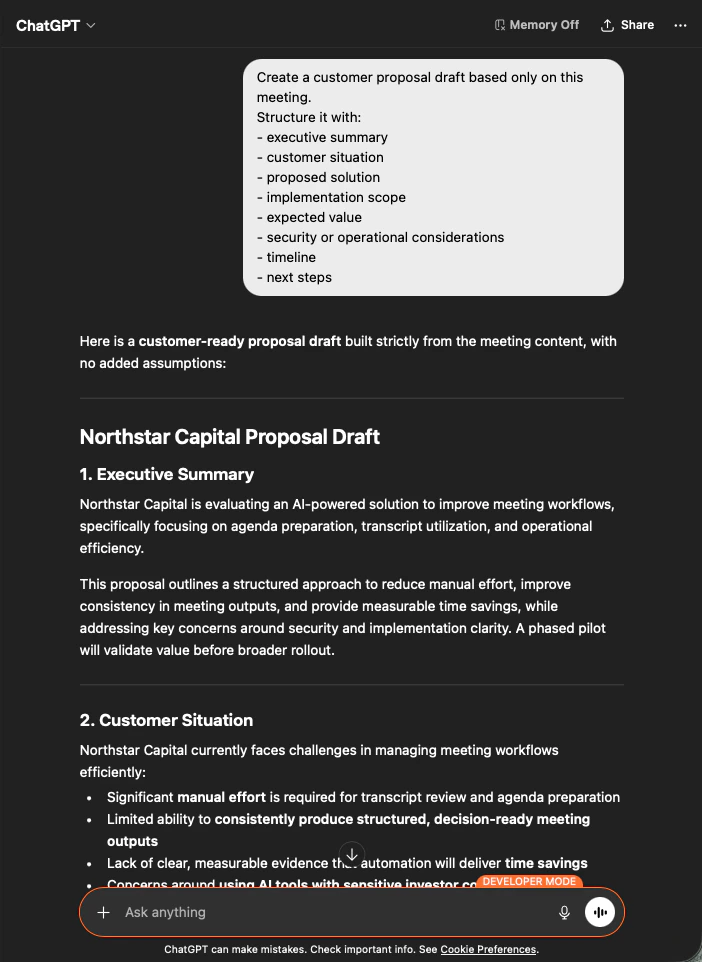
输出是一份完整的提案草稿 ― 先是执行摘要,随后各部分严格依据会议内容生成。您只需调整语气、然后发送即可。
ChatGPT producing a customer-ready Northstar Capital proposal draft built strictly from meeting content
明确告诉 AI “based only on this meeting” 以及 “with no added assumptions” ,是决定您得到一份可以直接发送的提案、还是要逐行核对事实的提案的关键。

下一步

外部访问概览

返回作用域、生命周期控制和事件日志总览。

如何启用 MCP Access

Claude、ChatGPT、Codex、Claude Code、Gemini CLI 的设置指南。