Use the in-app feedback flow for VoicePing 3.0 bugs, UI issues, or product requests.

Send Product Feedback

  1. Open VoicePing.
  2. Go to Settings > Product Feedback.
  3. Describe what happened, what you expected, and the workspace or meeting context.
  4. Attach screenshots or images if useful.
  5. Send the feedback.

Attachment Limits

  • Supported image types: JPEG, JPG, PNG, WebP, GIF
  • Maximum file size: 10 MB per image
  • Maximum attachments: 4 images

When Support Asks For Console Logs

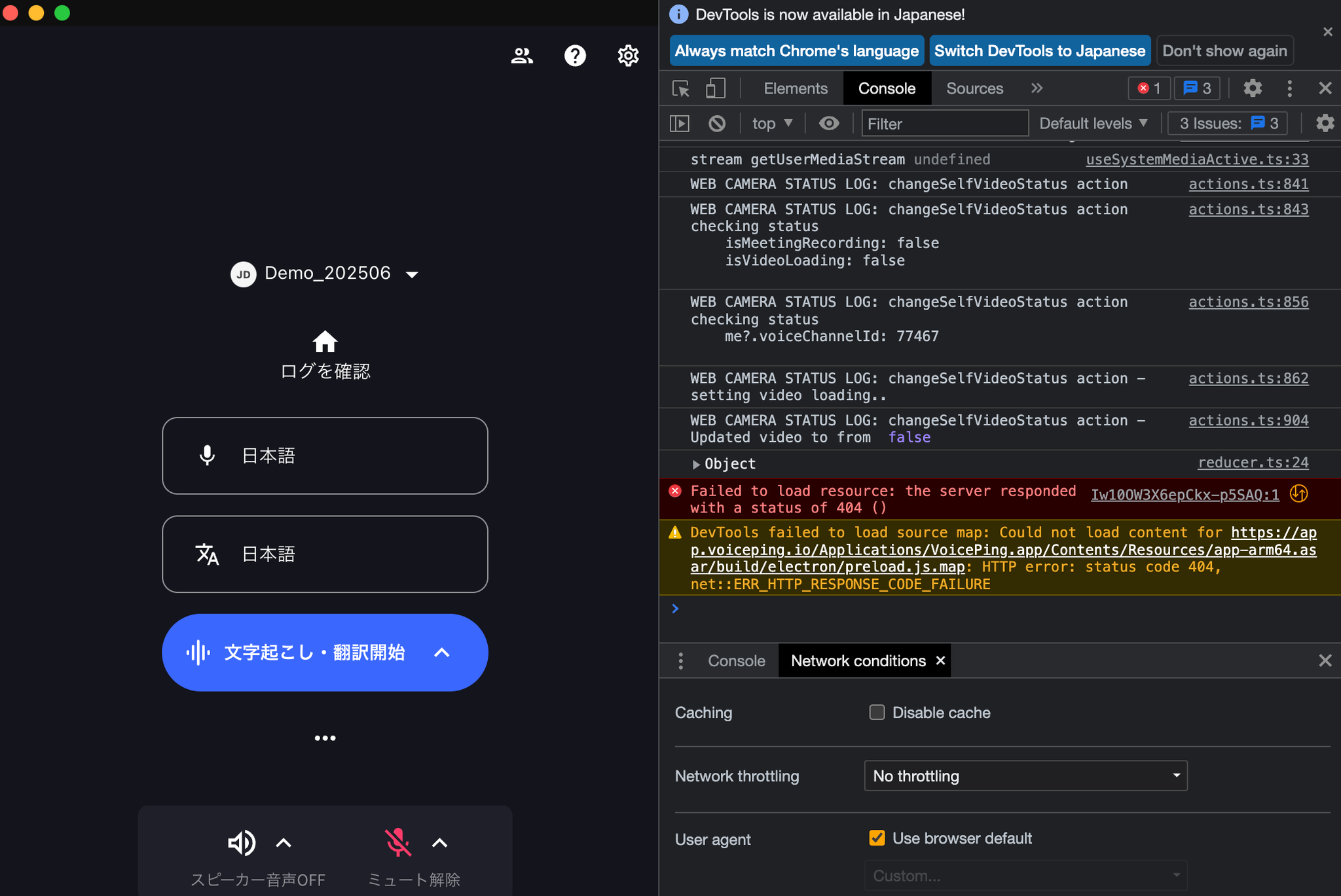
For deeper browser issues, support may ask for developer-console screenshots.
  1. Press F12 or open browser developer tools.
  2. Select the Console tab.
  3. Reproduce the issue if possible.
  4. Capture the console errors and send them with Product Feedback or the support form.
For contracts, billing, or urgent account issues, email or contact support instead of filing only product feedback.