
What is a Project
Projects are a categorization feature to check the members involved and working hours for each internal project. You can also check member working hours and work details by project from the time tracking logs.1. How to Create Projects & Assign Members
- Open Time Tracking Admin from the left sidebar (managers only)
- Click the Manage Project tab
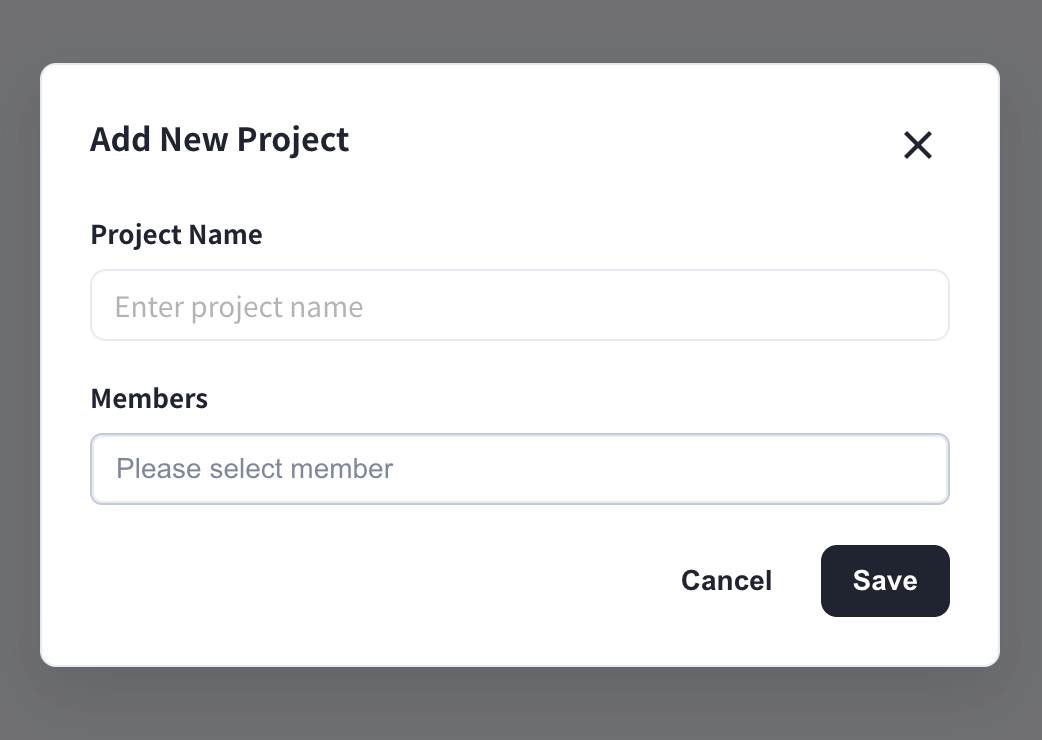
- Click Add Project
- Enter the project name and select members
- Click Save
2. Project Management
All projects are listed on the Manage Project tab.
What You Can Do on the Manage Project Tab
- Change the project name: click the pencil icon next to the name
- Add or remove members: click the pencil icon in the Members column
- Assign groups to a project: click the pencil icon in the Groups column
- Delete a project: click the trash icon in the Actions column
- Export the project list to CSV with the Export to CSV button
Official Links
Official Website
Visit our official website
X (Twitter)
Follow us on X
Like us on Facebook
Connect on LinkedIn