
Create Account from Invitation Link
- Click the invitation URL sent by your manager. You will be redirected to the registration page.
If you don’t have the invitation URL, please ask your manager to issue one.
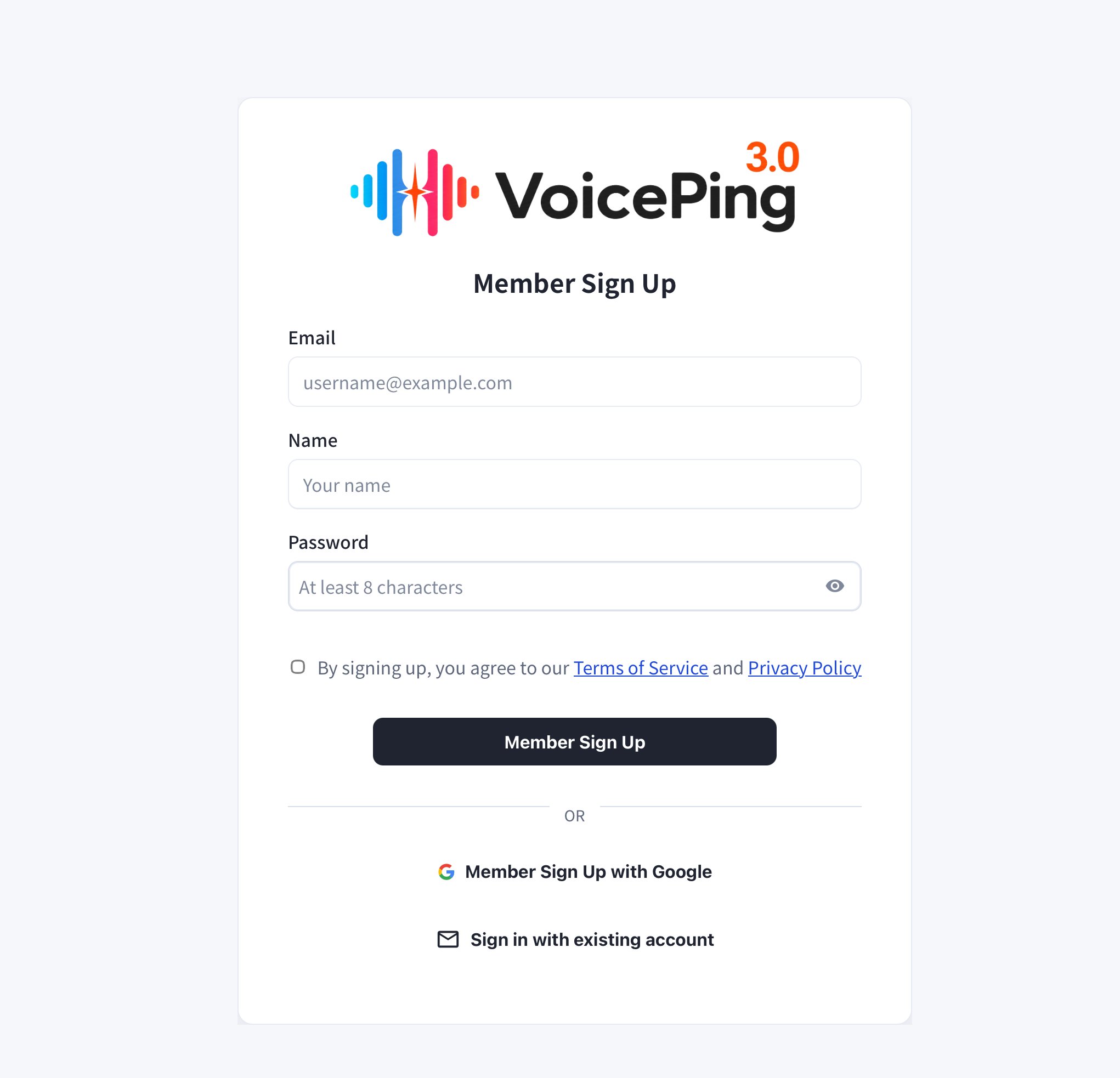
- Enter your email, name, and password, then click “Member Sign Up”.
- To sign up with Google, click “Member Sign Up with Google”.
- If you already have an account, click “Sign in with existing account”.
If you received the invitation link by email, you must register with that email address.
- After registration, the app download will start automatically. Run the downloaded file to install the app.
If the app download does not start automatically, you can download it directly from the PC App Download page.
- Open the app and log in with your registered email and password.
Official Links
Official Website
Visit our official website
X (Twitter)
Follow us on X
Like us on Facebook
Connect on LinkedIn