
Open Integrations
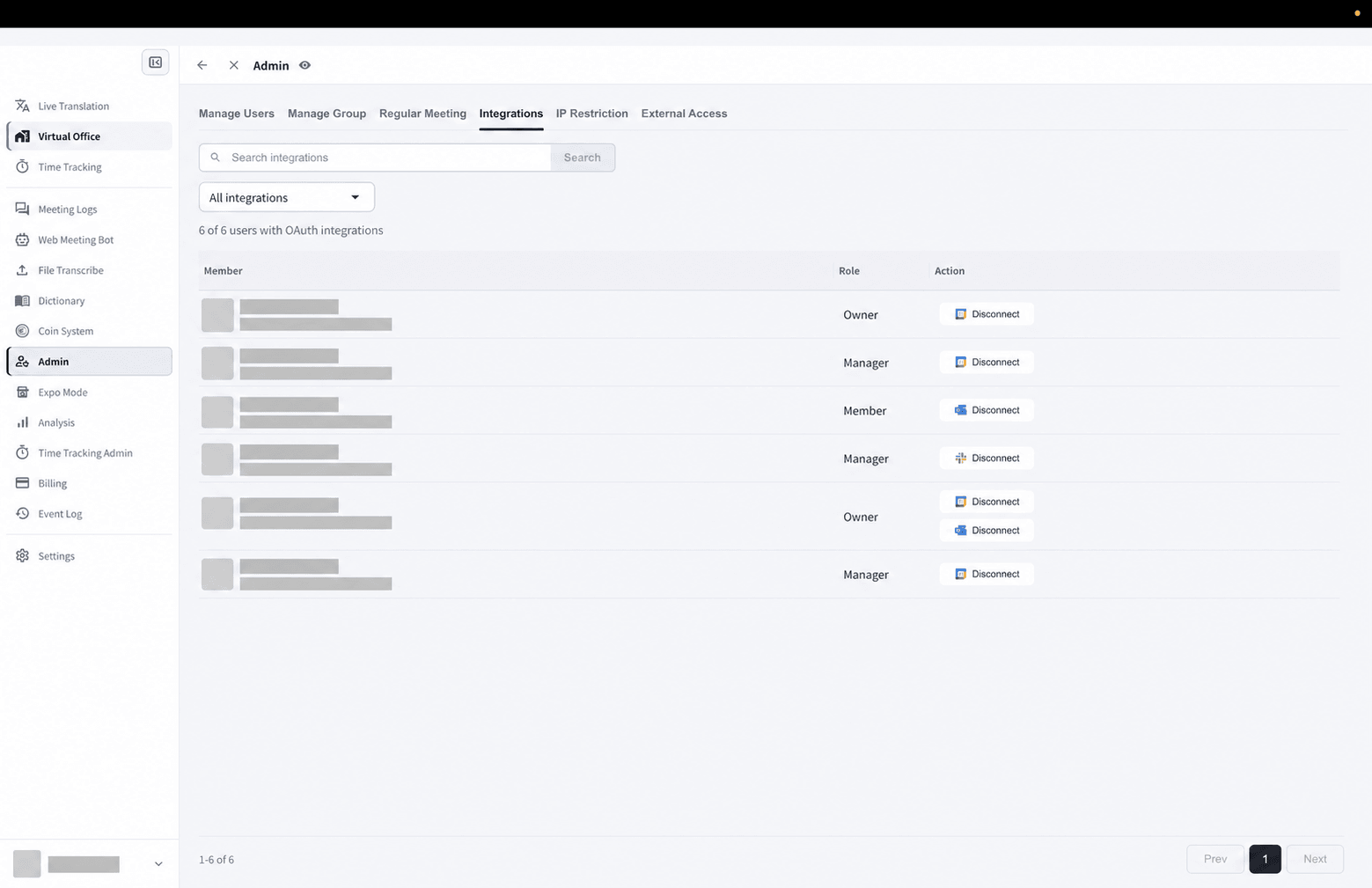
- Open Admin.
- Select Integrations.
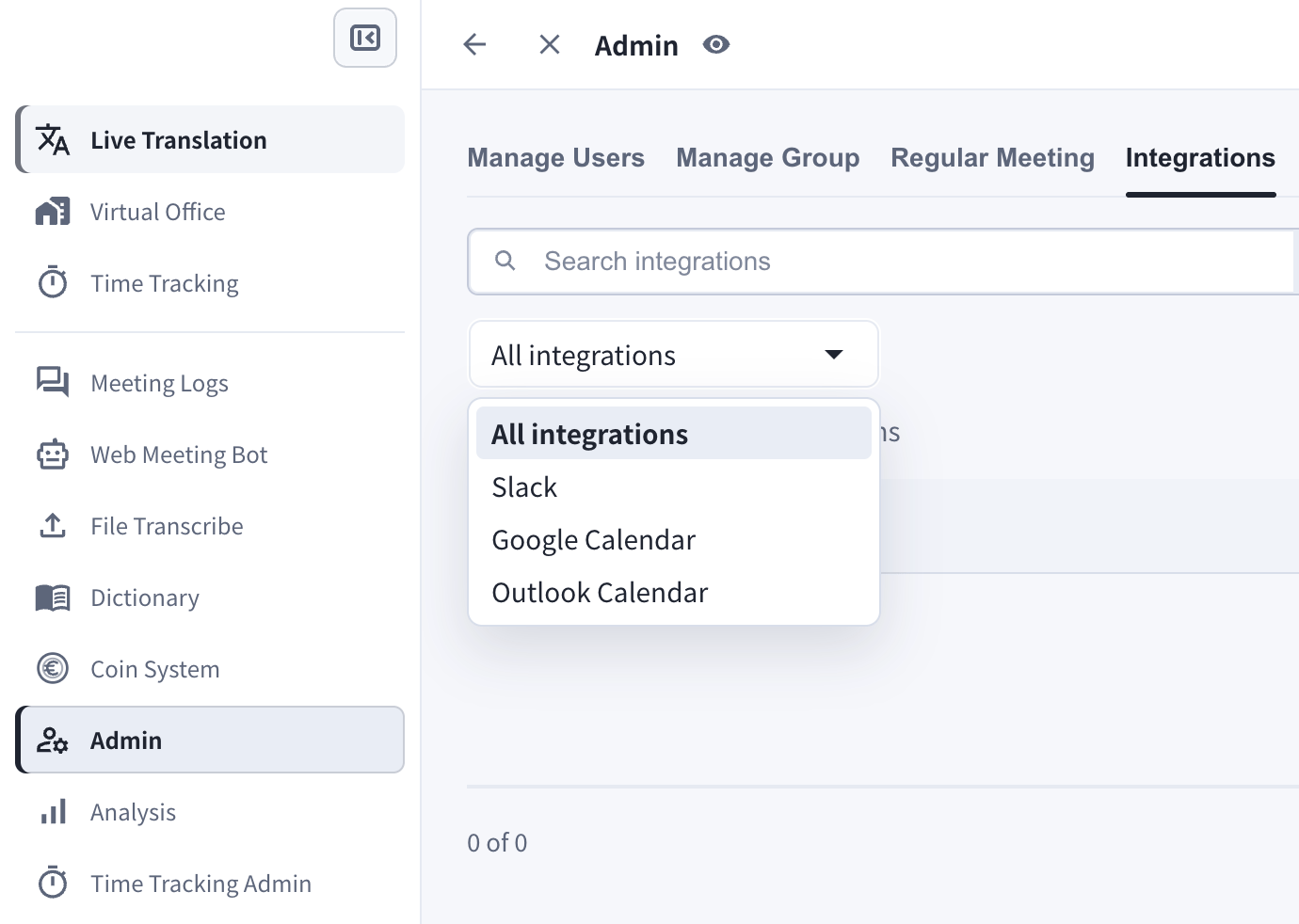
- Filter by All integrations, Slack, Google, or Outlook.
Calendar Integrations
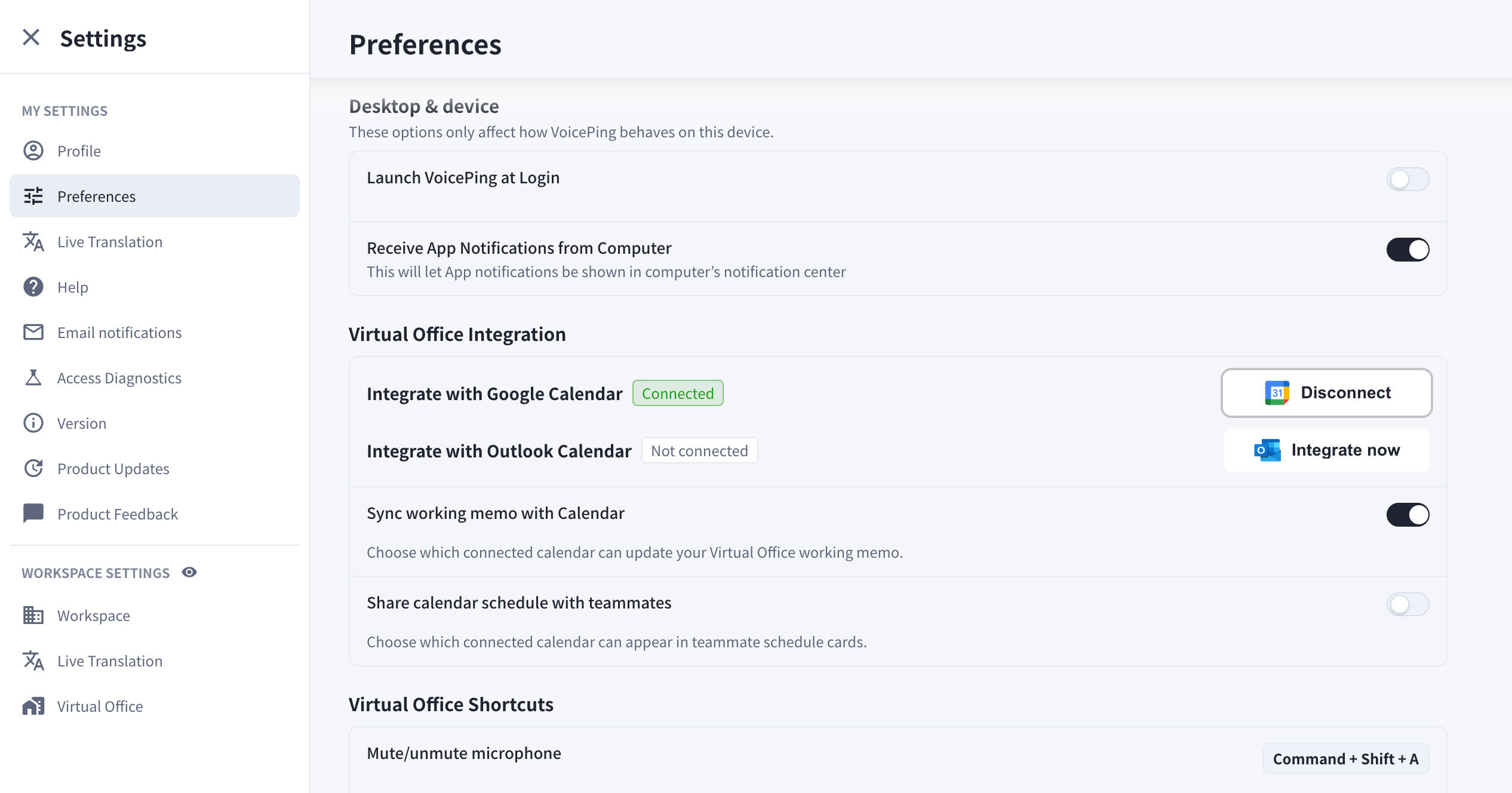
Members can connect calendars from their settings. Calendar integration can:- Share calendar availability with teammates.
- Support calendar-based meeting detection and picture-in-picture reminders.
- Let Web Meeting Bot prepare supported Zoom, Google Meet, or Microsoft Teams sessions from calendar events.
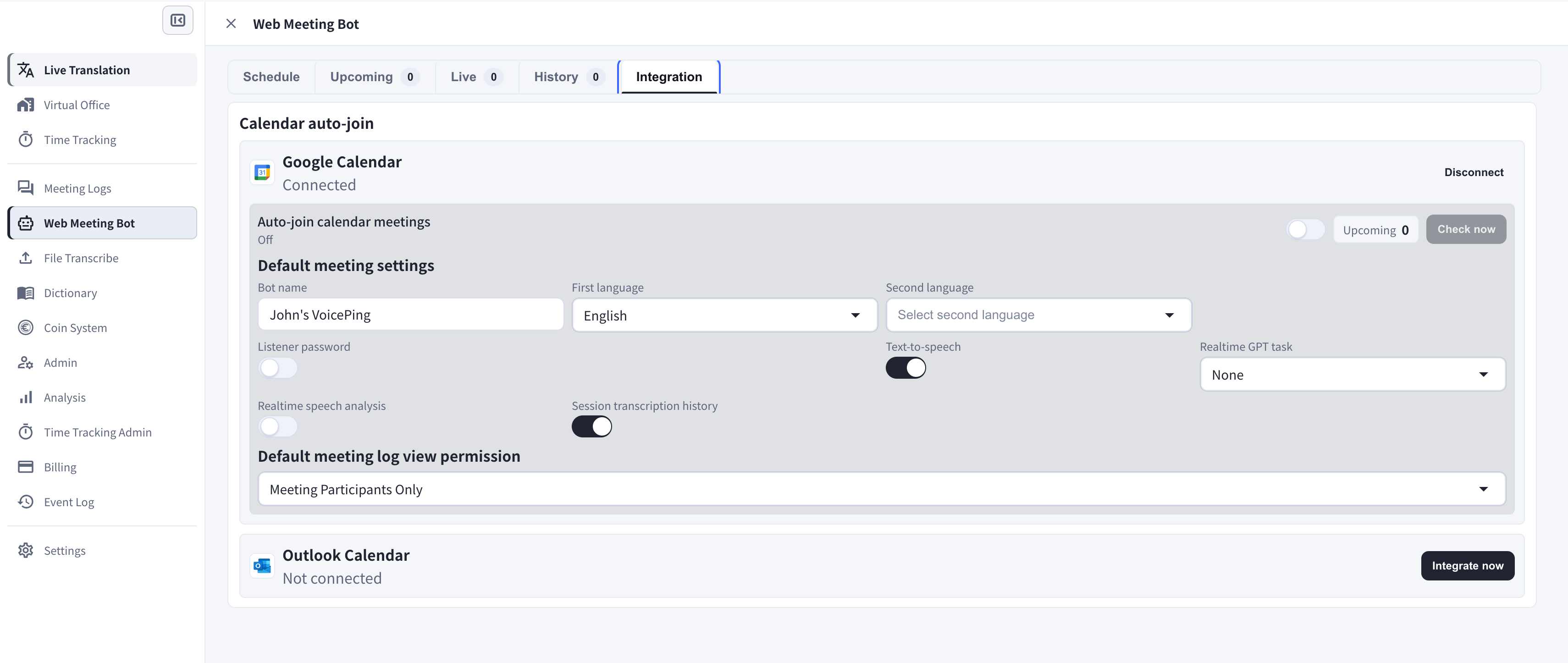
Google Calendar
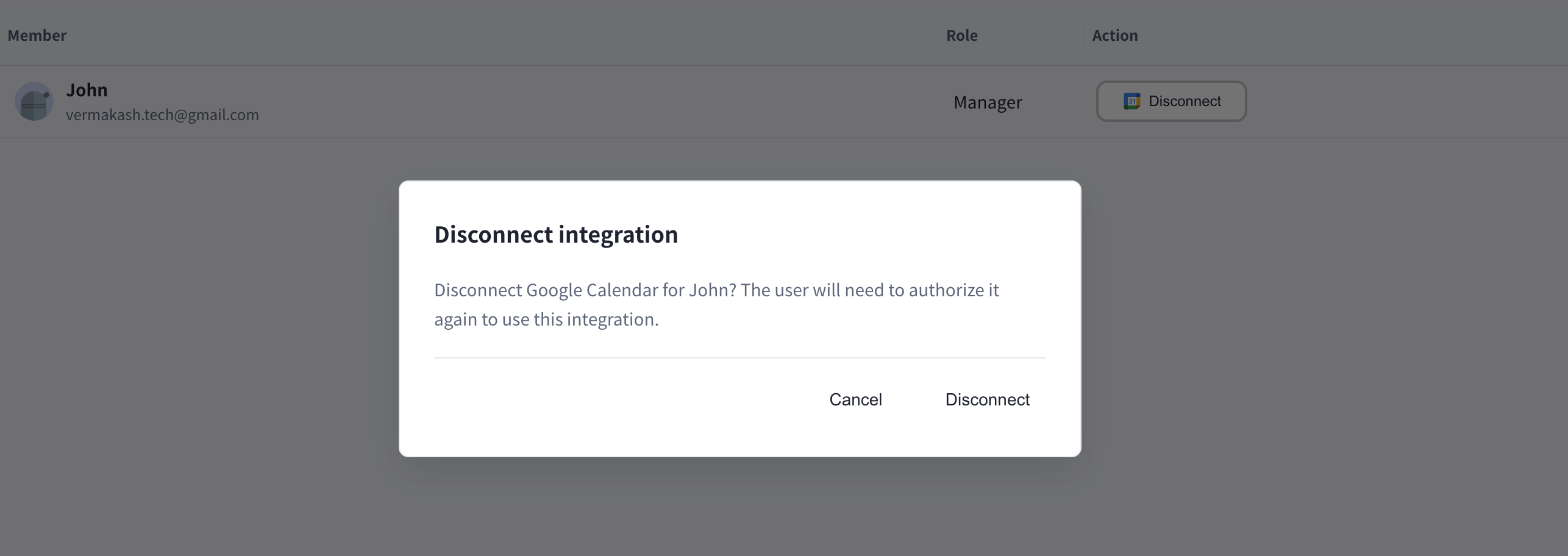
Use Integrate with Google Calendar to connect Google Calendar. You can disconnect the integration later from Integrations.Outlook Calendar
Use Integrate with Outlook Calendar to connect Microsoft Outlook Calendar. You can disconnect the integration later from Integrations.Slack
Slack integration is managed from the integrations screen. Managers can review connected members and disconnect provider access when needed.Older notification integration instructions are deprecated and are no longer part of the public VoicePing 3.0 manual.
Official Links
Official Website
Visit our official website
X (Twitter)
Follow us on X
Like us on Facebook
Connect on LinkedIn