
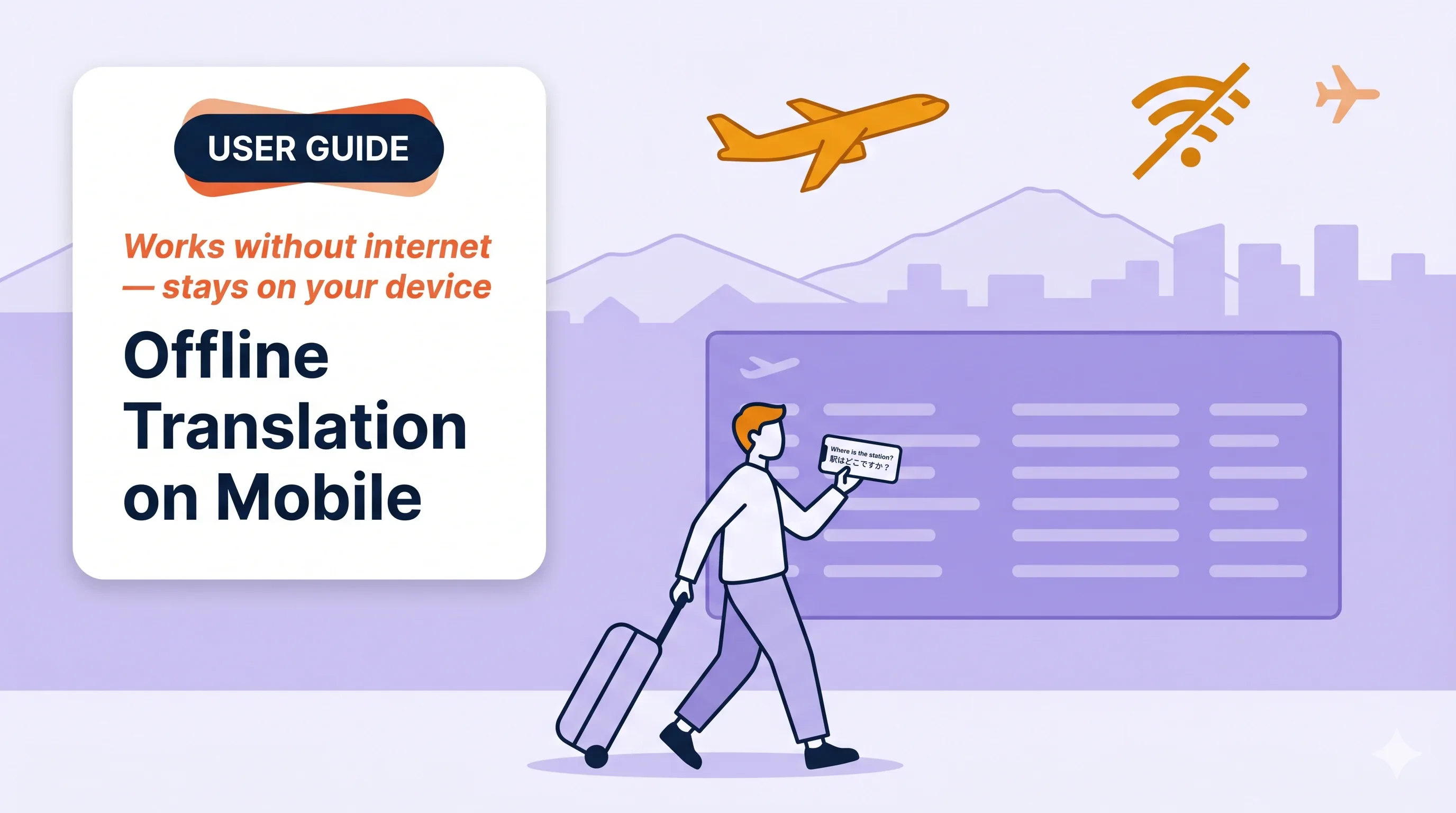
Use this when…

Field sales & customer visits
In-person meetings where guest Wi-Fi is locked down or the signal is patchy.

Factory, warehouse, construction site
Quick multilingual exchanges on the floor without depending on the cloud.

Trade show / expo booth
Fast back-and-forth with international visitors — no setup, no venue Wi-Fi.

Travel
Directions, food orders, check-in — works in airplane mode once the model is on the device.
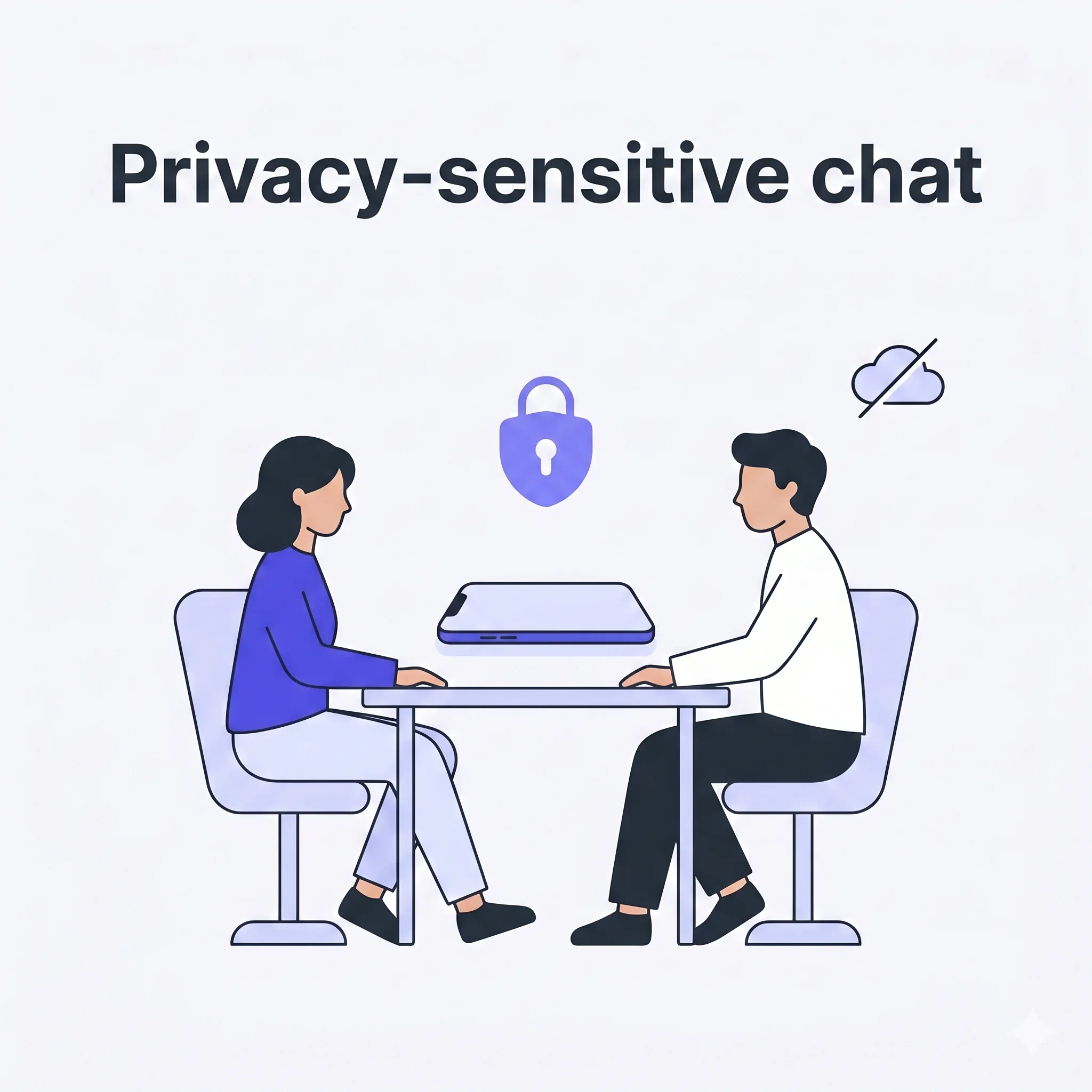
Privacy-sensitive conversation
HR intake, medical, legal — audio never leaves the phone, easier to explain to the other side.
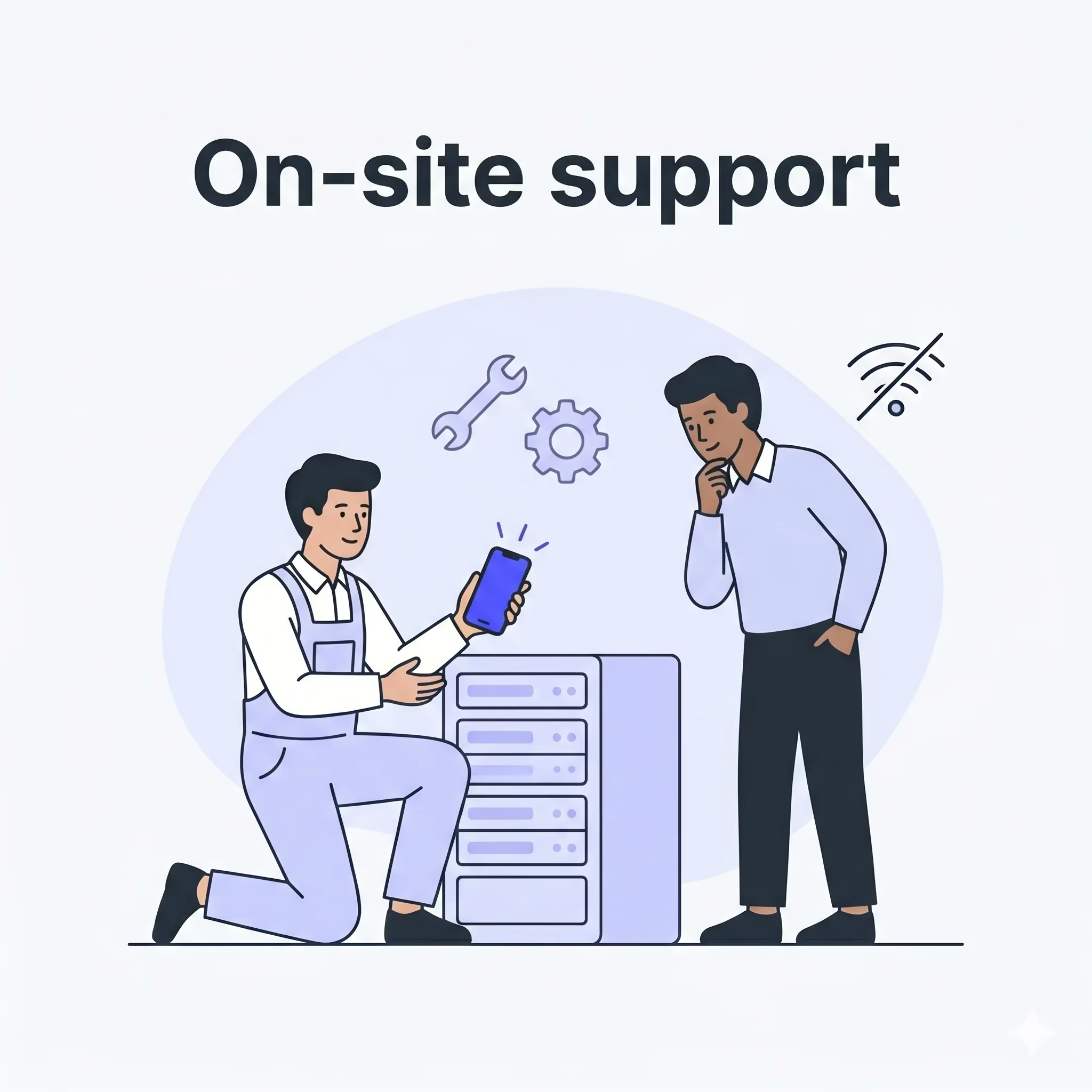
On-site support & technician calls
Engineer ↔ local operator communication when the site blocks STT endpoints.
Highlights
- iOS and Android · unlimited usage time · on-device only, no upload
- 5 supported languages — English, Japanese, Korean, Chinese, Cantonese (single unified model)
Start an offline session
1
Tap + → Offline Transcript
From the home screen, open the session menu and choose Offline Transcript.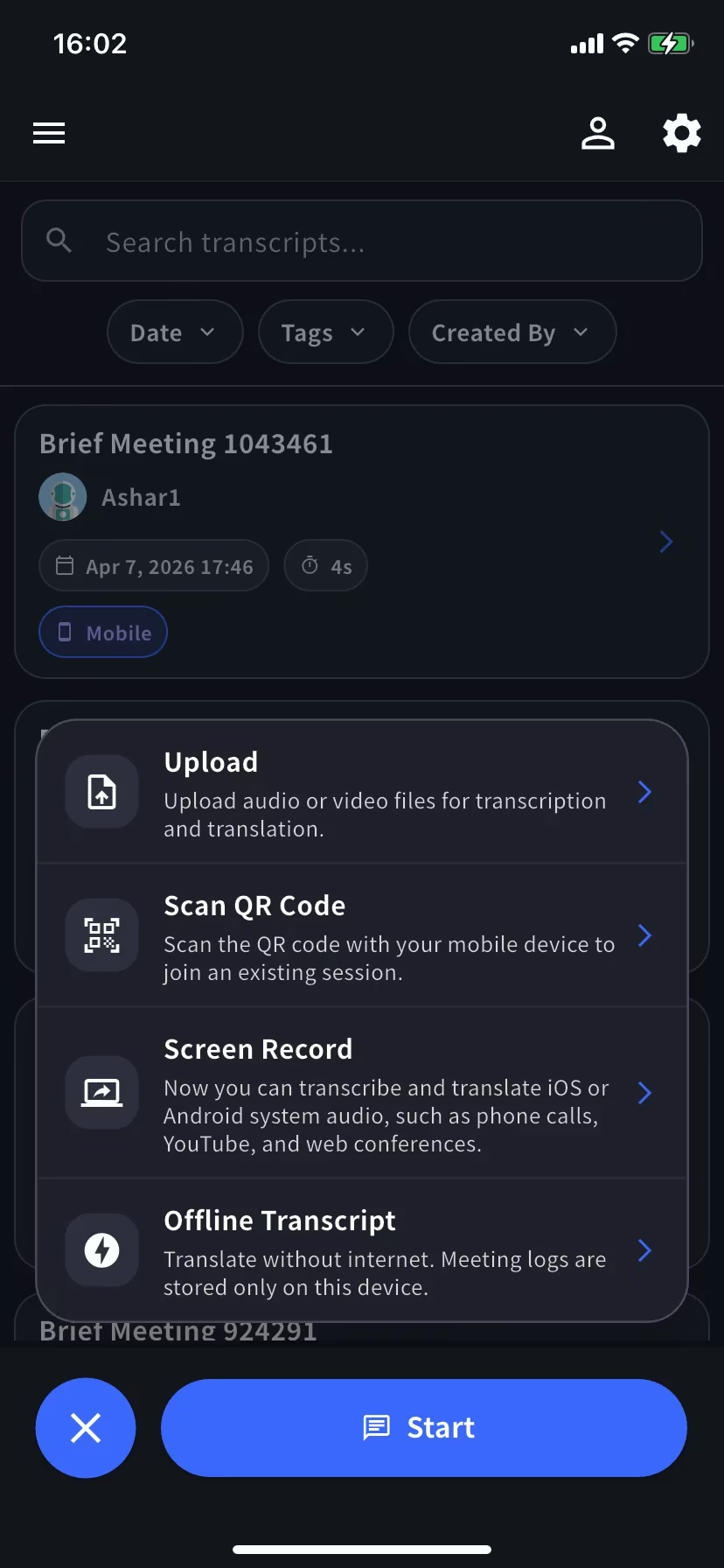
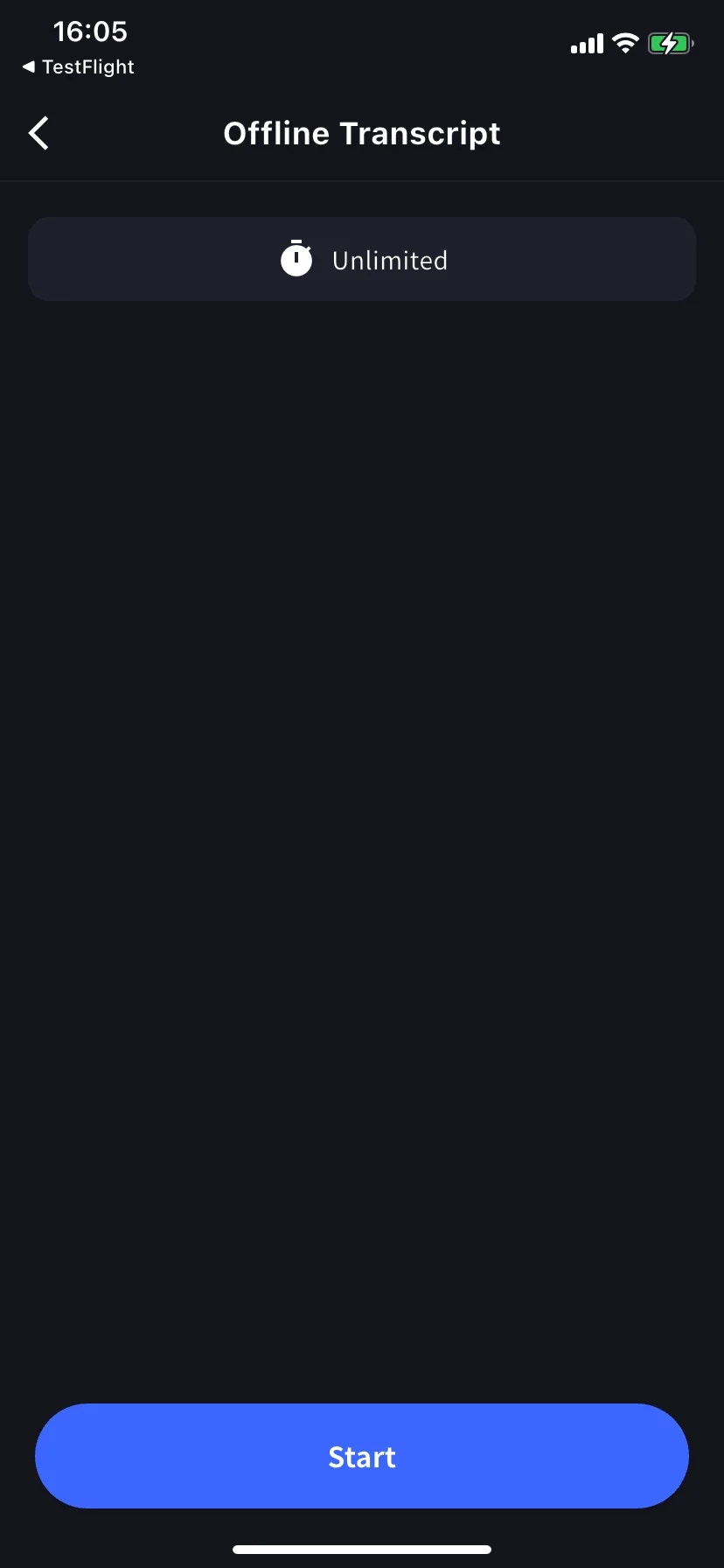
2
Tap Start
First time only: the model downloads automatically (the button shows progress). Keep the app open and on Wi-Fi until it completes. Later sessions start instantly.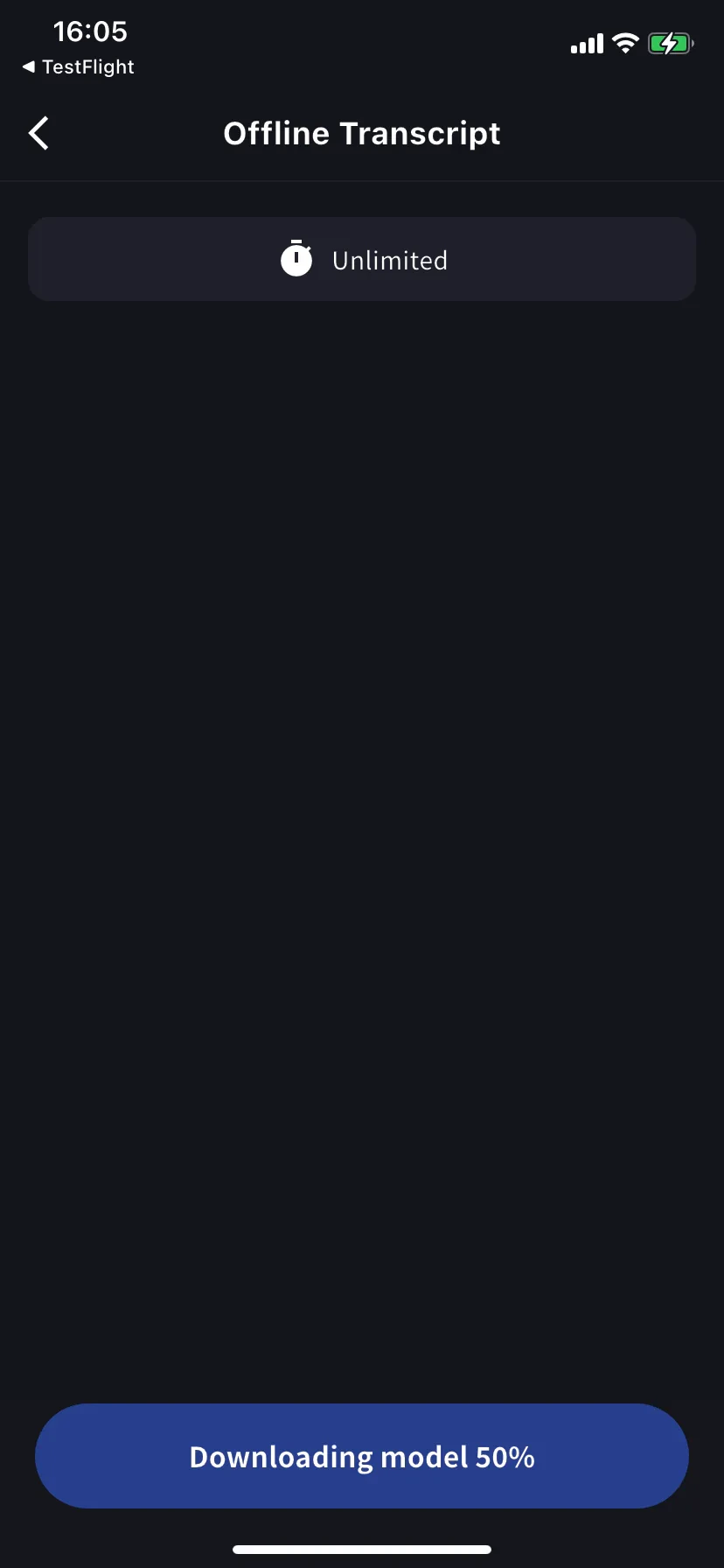
3
Speak
Transcription + translation appear live. Each row is saved as text + a local audio snippet — tap the speaker icon to replay.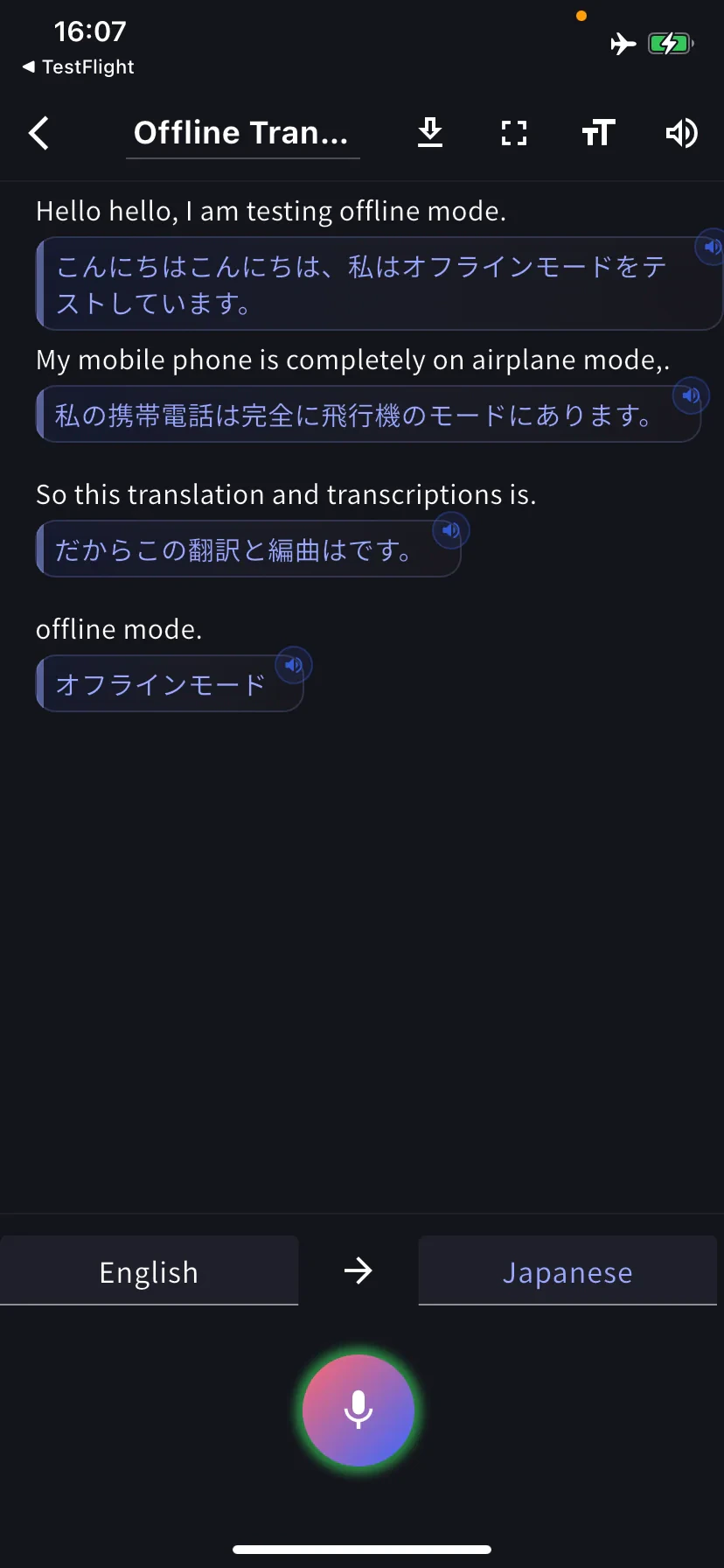
Change languages
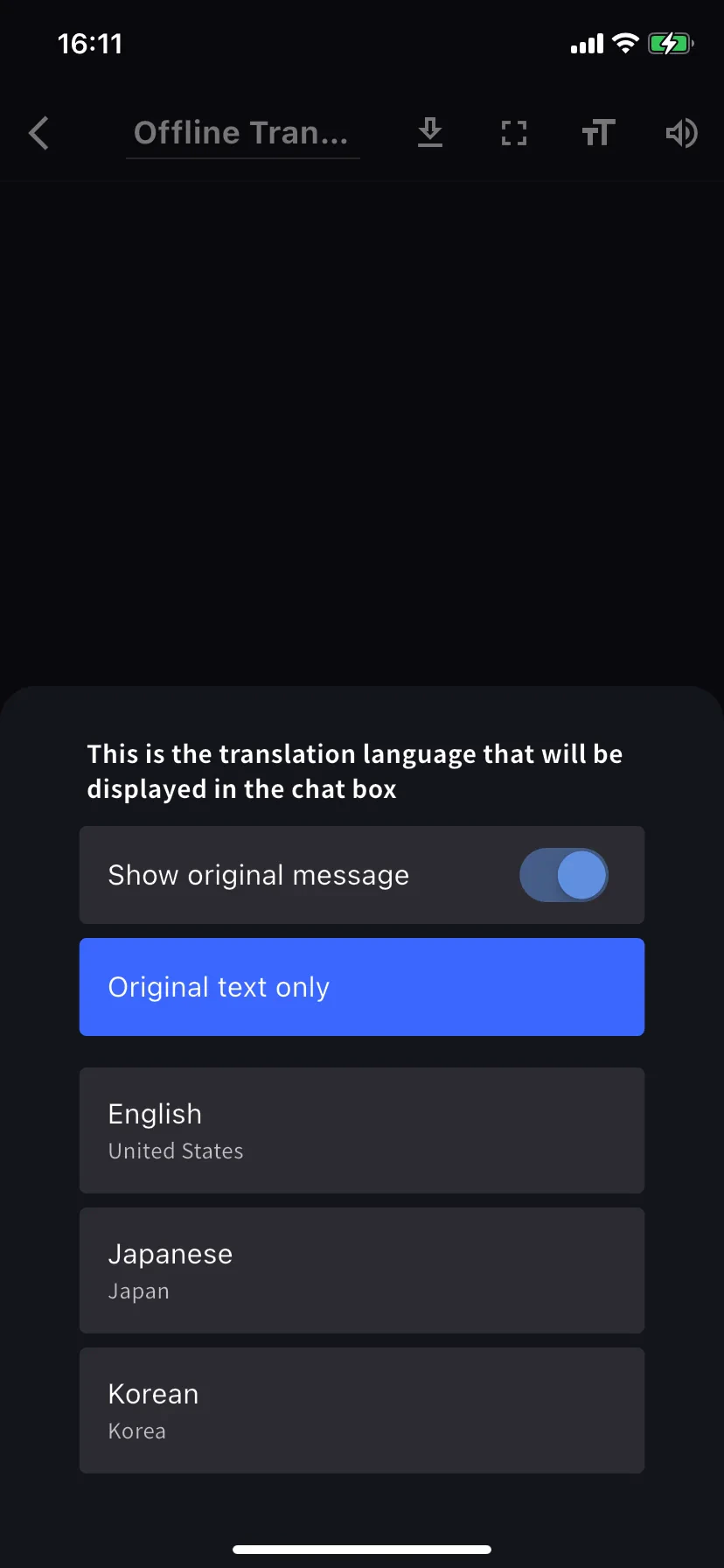
Tap the language tabs at the bottom (e.g. English → Japanese). Left tab = what you speak, right tab = what you read. The translation sheet also has Show original message and Original text only toggles.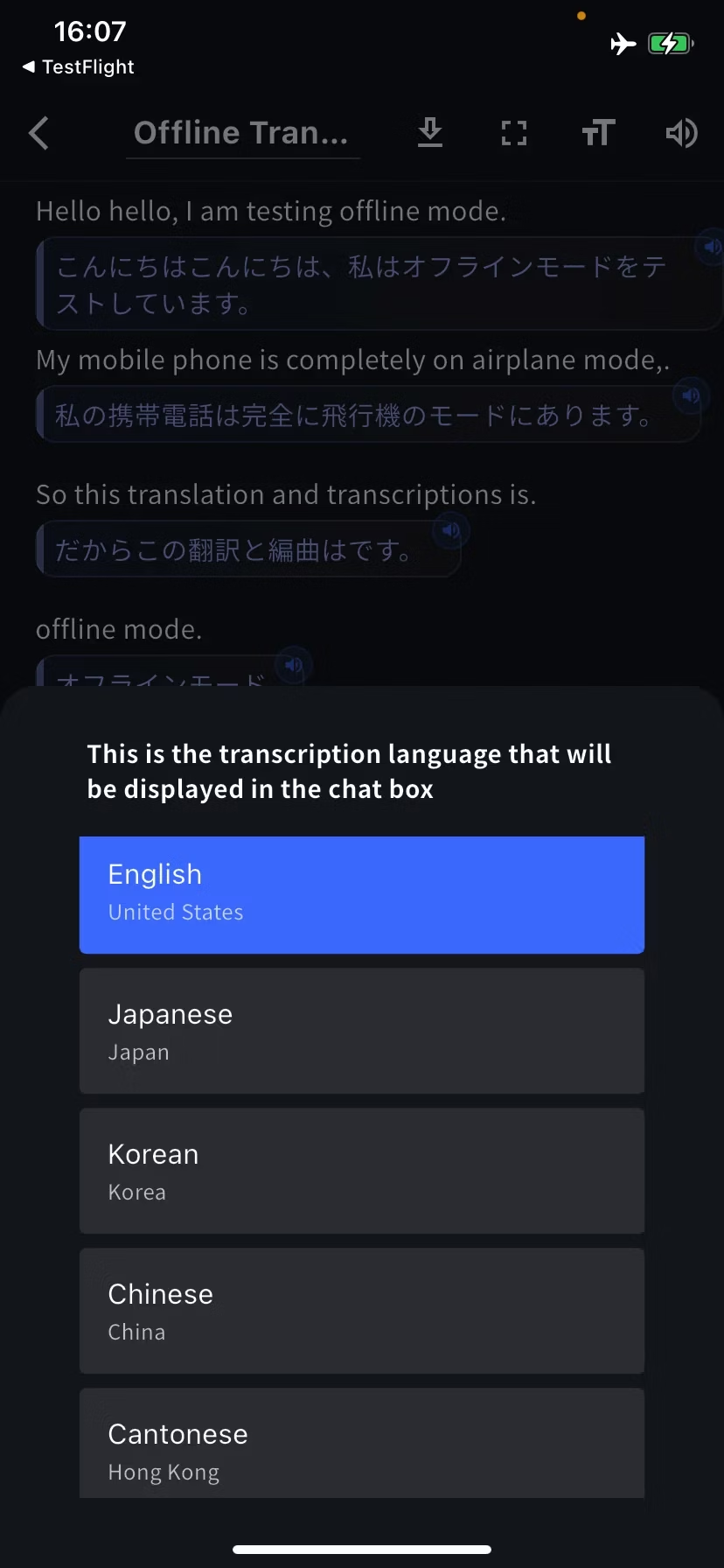
Past offline transcripts
Every offline session saves to the Offline Transcript screen on this device. Tap to open, trash icon to delete.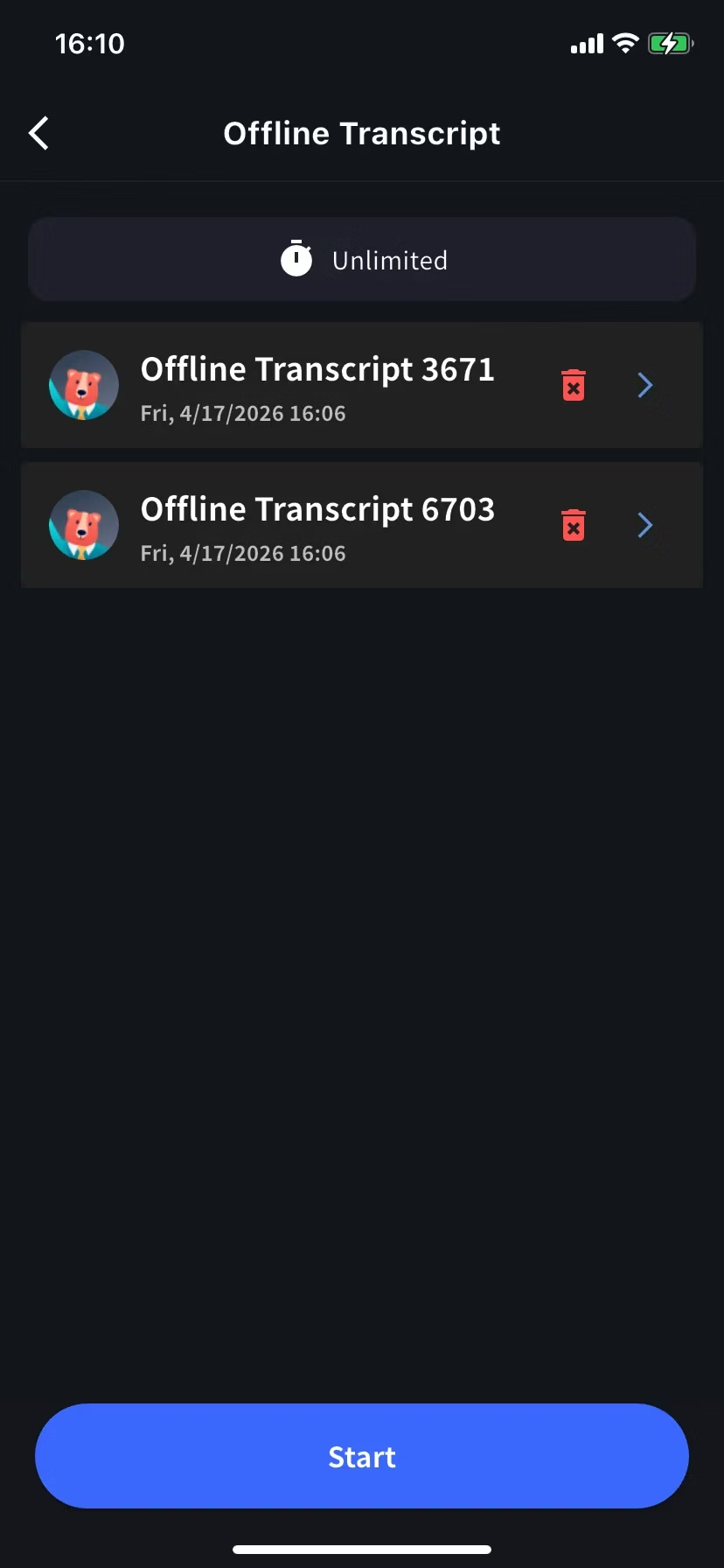
Storage and privacy
- Transcripts + per-row audio saved only on this device — no cloud backup.
- Deleting the app or a row removes the data permanently.
Tips
- Keep the screen on or stay charged during long sessions — STT is CPU-intensive.
- Need another language, or audio from Zoom / YouTube? Use Screen Record / Device Audio.
- Already have a recording? Use Upload Files.
Official Links
Official Website
Visit our official website
X (Twitter)
Follow us on X
Like us on Facebook
Connect on LinkedIn