
How to Use
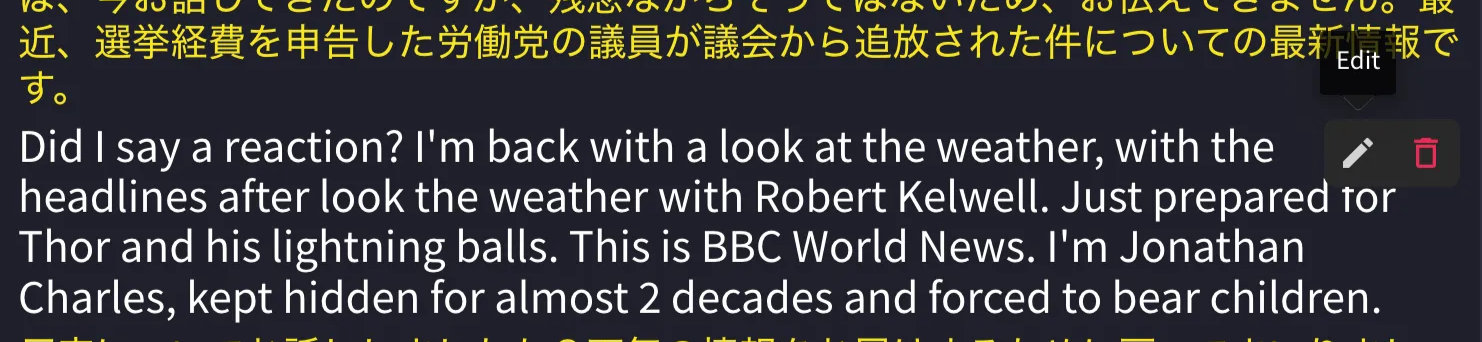
- Hover your mouse over the sentence you want to edit.
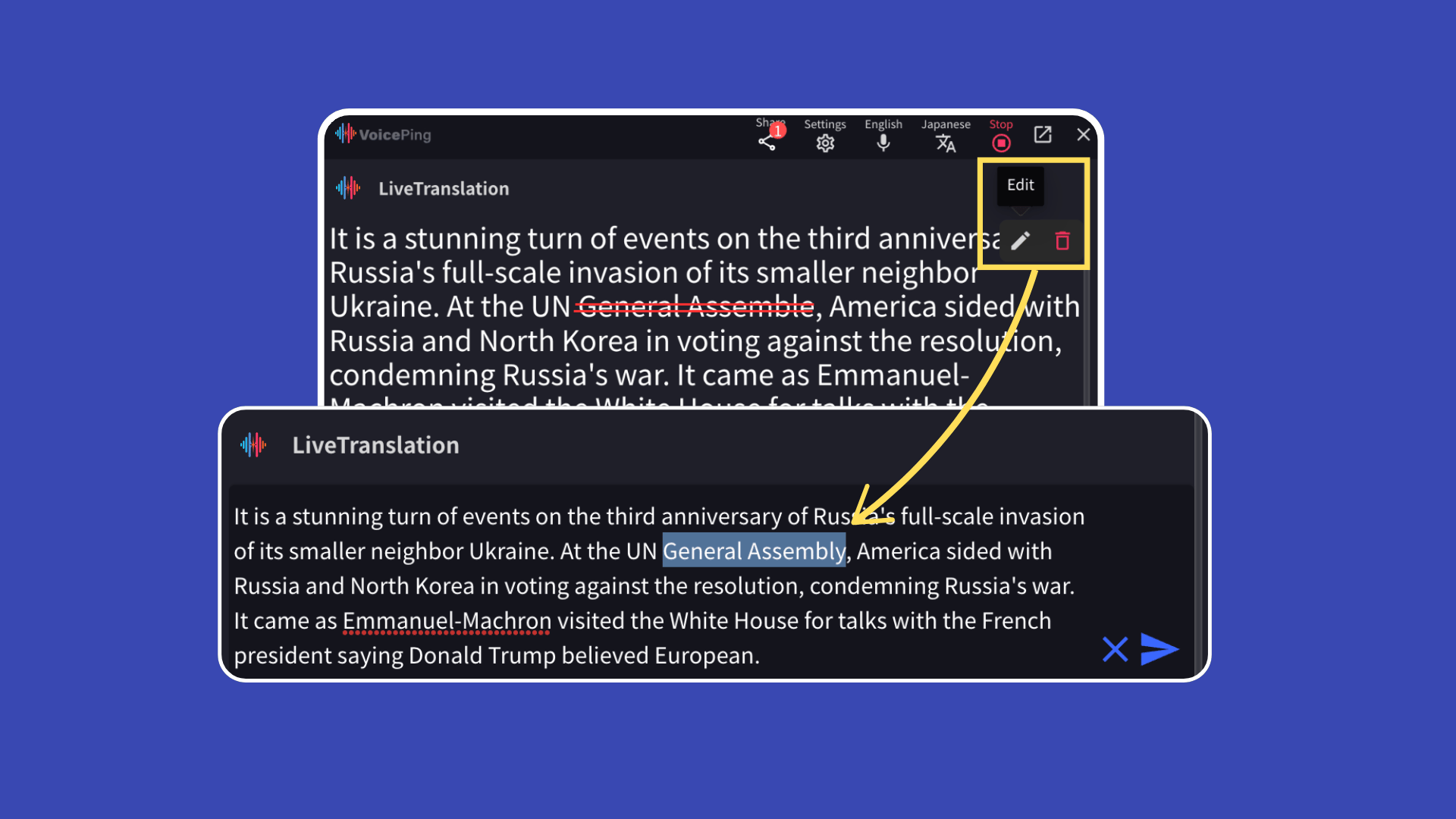
- Click the “Edit” button.
- After making corrections, click the blue arrow button on the right to save.

Real-Time Reflection to Guests
Edited content is reflected in real-time to guests viewing the translation channel via QR code or URL.Official Links
Official Website
Visit our official website
X (Twitter)
Follow us on X
Like us on Facebook
Connect on LinkedIn