
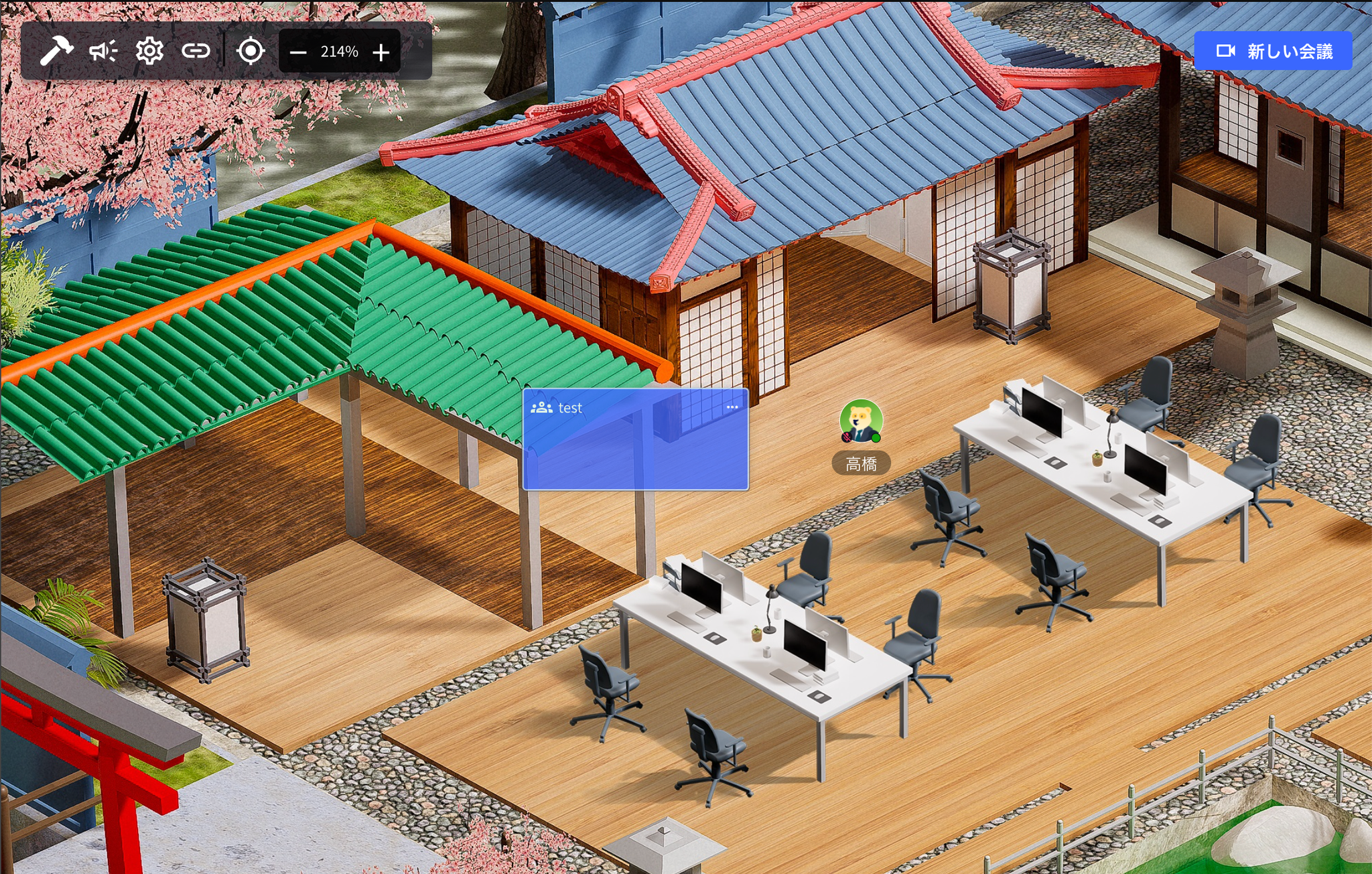
1. Create a New Meeting Room
Steps
- Click “New Meeting”
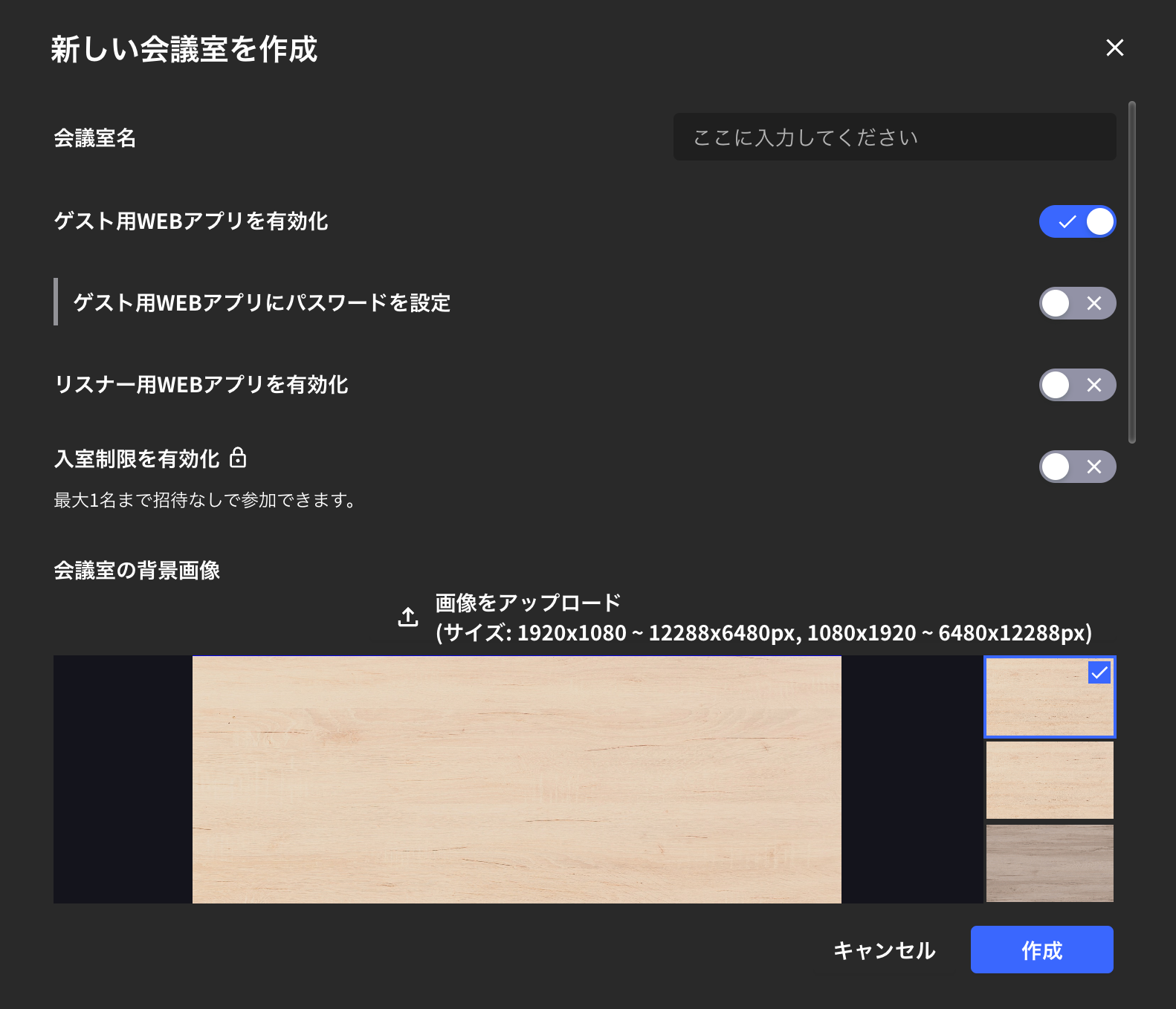
- Enter meeting room name and click “Create”
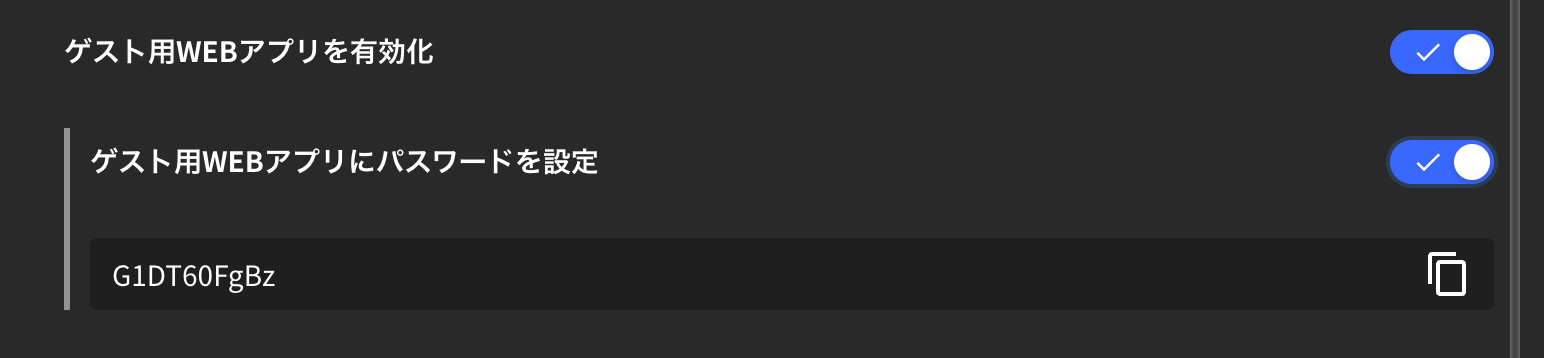
- Enter the meeting room from the name bar on the left

2. Meeting Room Settings
This explains settings when creating a new meeting room & detailed settings for existing meeting rooms.How to Check Existing Meeting Room Settings
- From inside the meeting room
- From the name bar
- From the meeting card
Enable Guest Web App
- When you “Enable guest web app”, people who haven’t installed the VoicePing app can access the meeting room from their browser.
- If you want to password-protect browser access to the meeting room, turn on “Password for guest web app”.
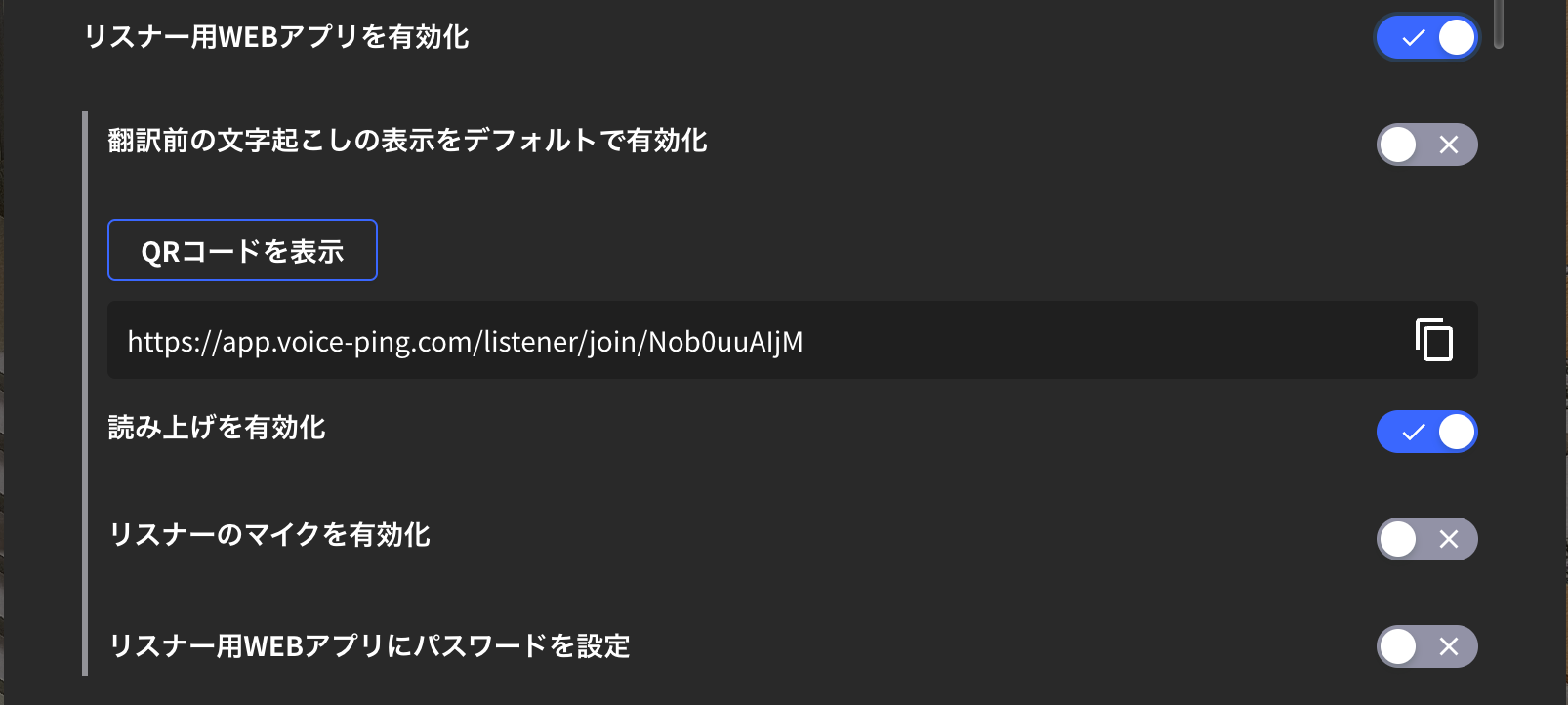
Enable Listener Web App
This setting issues a link to share the meeting room’s transcription and translation pages with external guests.Set as Private Meeting Room
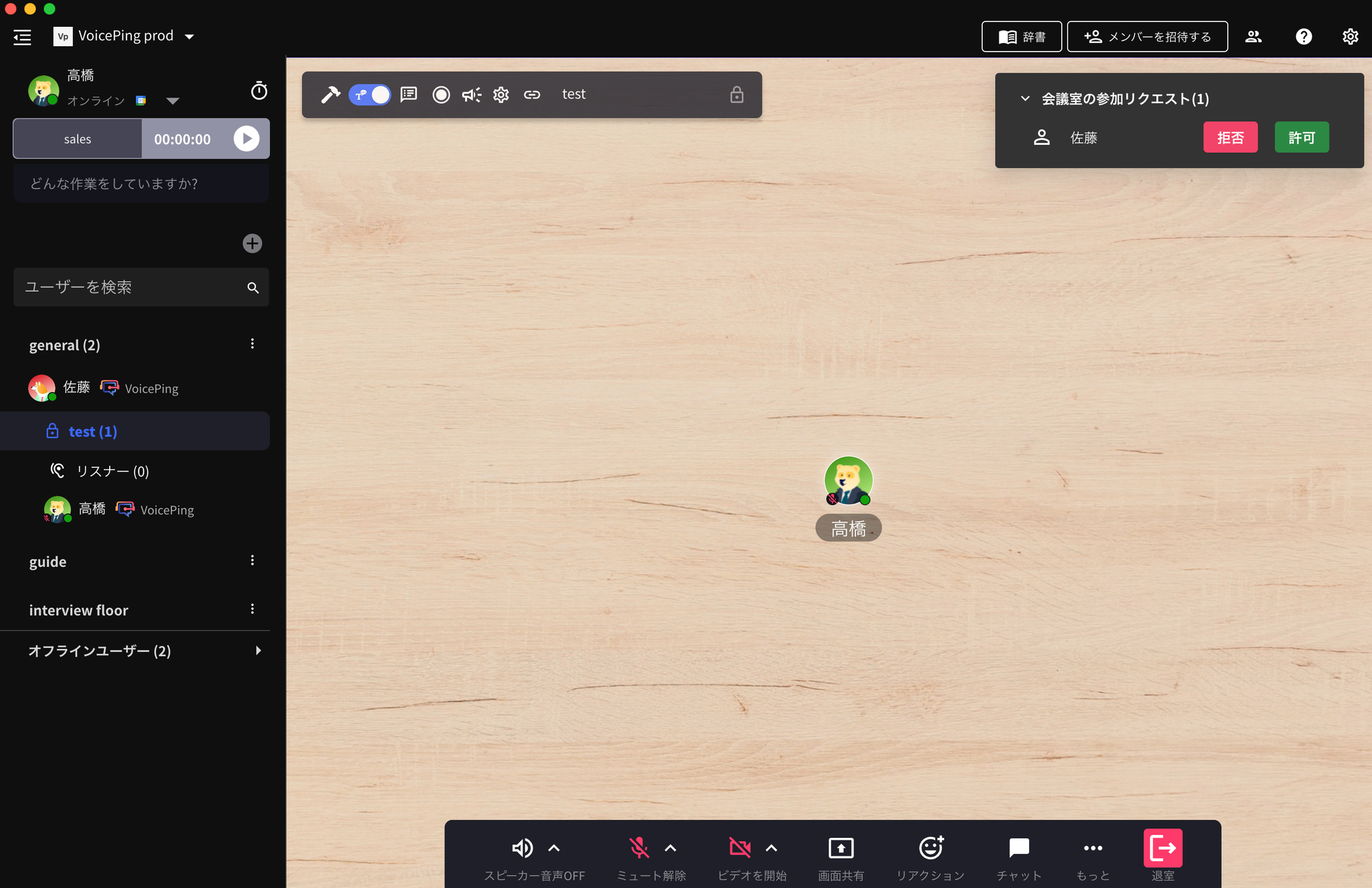
When this setting is turned on, it becomes a private meeting room and you can join the meeting room via participation request.

Recurring Meetings
By making the above settings, you can automatically call designated members when it’s time for a recurring meeting.
Enable Transcription Function
When transcription function is turned off, meeting transcription will not occur.Auto-Delete Data When User Is Absent
Meeting room data (objects and chat messages) will be automatically deleted after the meeting ends (when user is absent).Data Retention
Official Links
Official Website
Visit our official website
X (Twitter)
Follow us on X
Like us on Facebook
Connect on LinkedIn