從單次會議草擬客戶提案

情境。 提案審議會議剛結束。客戶說明了他們的目標、點出兩項資安疑慮,並希望採取分階段的時程。現在您必須把這段對話轉成正式提案。難的不是下筆 — 而是避免遺漏任何關鍵訊息。 此工作流程假設您已啟用 MCP 存取 並連接好 AI 用戶端。
1

找出特定會議

Search my VoicePing transcripts for the Northstar Capital proposal review meeting.
Find the most relevant transcript and show me the title, date, participants
if available, and why it matches.
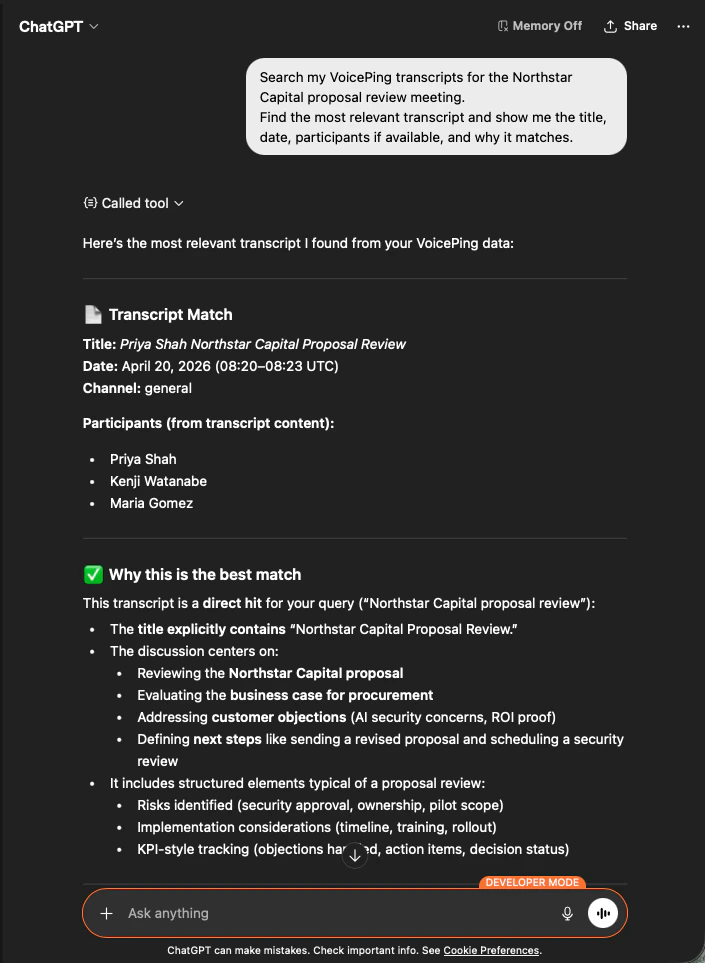
AI 會找出正確的會議記錄,列出與會者並解釋為何它是正確的對象 — 讓您確信提案是立基於正確的那場會議。
ChatGPT identifying the Northstar Capital proposal review transcript with participants and match reasoning
2

擷取結構化的提案輸入資料

Read that transcript and extract the key proposal inputs:
- customer goals
- pain points
- requested solution
- success criteria
- objections or concerns
- timeline
- stakeholders
- next steps
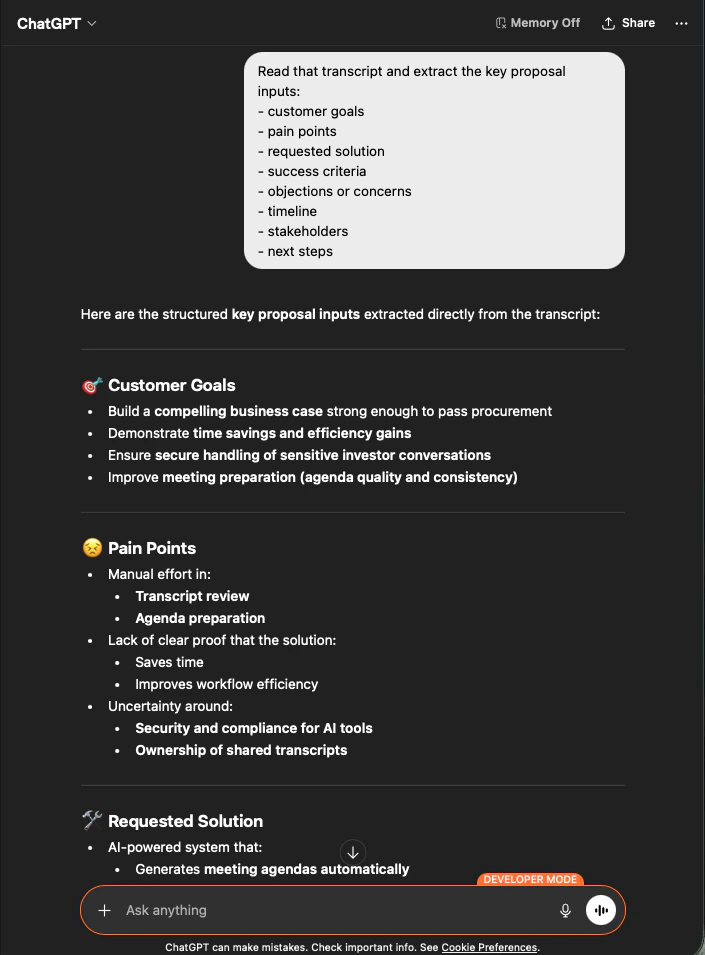
AI 會擷取每一項輸入,並完全依照您指定的方式分類。這就是您的提案骨架 — 沒有任何虛構內容,所有資訊都可追溯回會議記錄。
ChatGPT extracting structured proposal inputs — customer goals, pain points, requested solution — from a Northstar Capital transcript
3

產出提案草稿

Create a customer proposal draft based only on this meeting.
Structure it with:
- executive summary
- customer situation
- proposed solution
- implementation scope
- expected value
- security or operational considerations
- timeline
- next steps
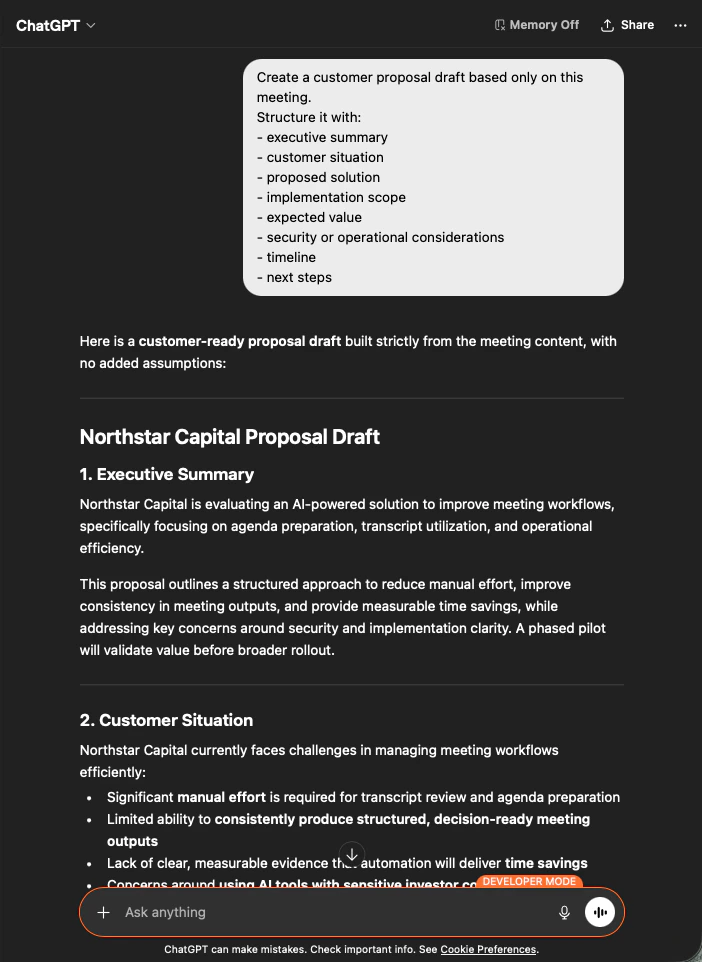
輸出是一份完整的提案草稿 — 先是執行摘要,接著每一個章節都嚴格依據會議內容填寫。您只需調整語氣後送出即可。
ChatGPT producing a customer-ready Northstar Capital proposal draft built strictly from meeting content
要求 AI “based only on this meeting” 以及 “with no added assumptions”,是「可直接寄出的提案」與「必須逐行查核的提案」之間的差別。

下一步

外部存取總覽

回到總覽,了解權限範圍、生命週期控制與事件記錄。

如何啟用 MCP 存取

Claude、ChatGPT、Codex、Claude Code 與 Gemini CLI 的設定指南。