
Use this when…
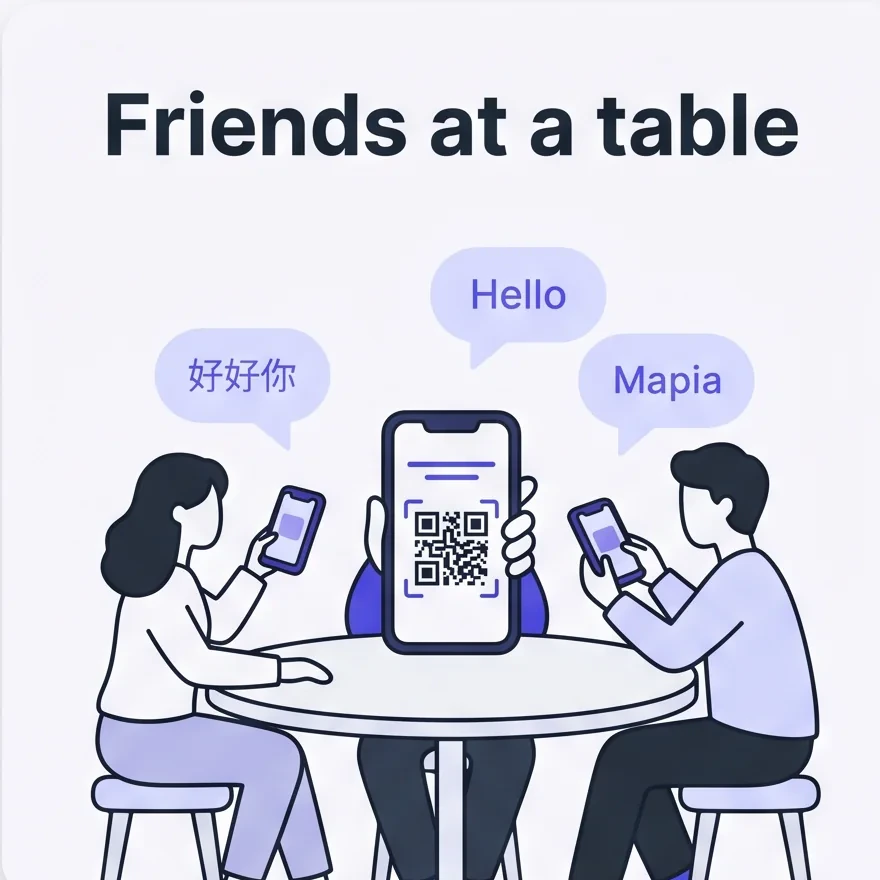
Everyone at the table scans your QR and reads in their own language instead of everyone crowding around one screen.
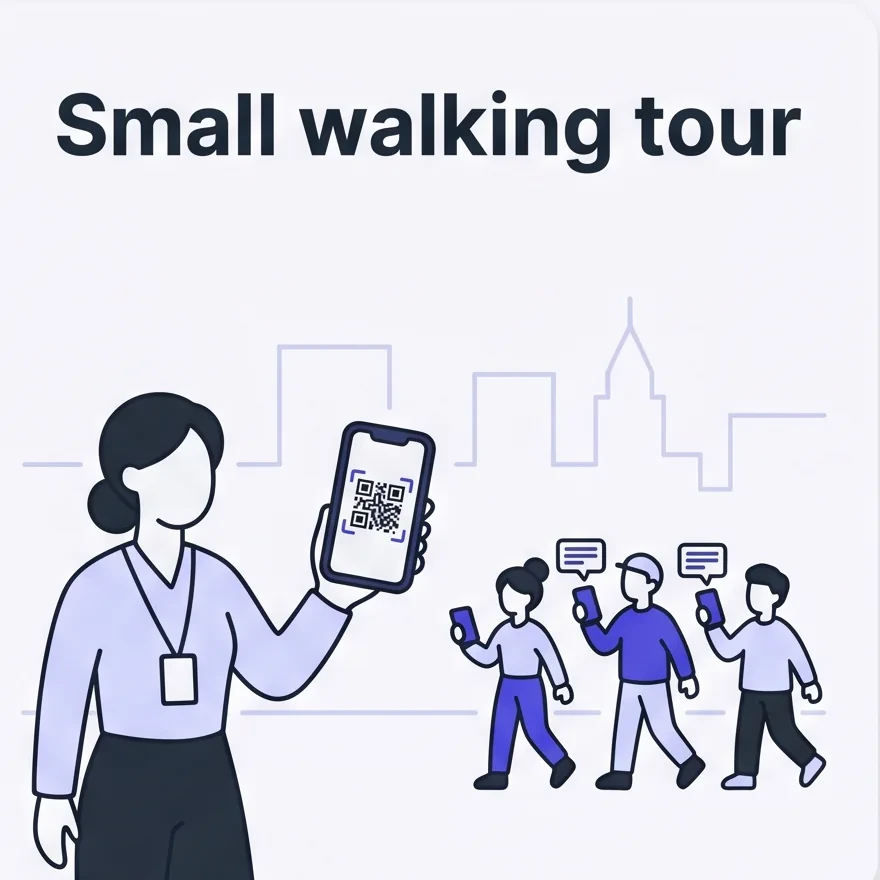
You speak to the group; a handful of people follow along on their own phones as you walk.
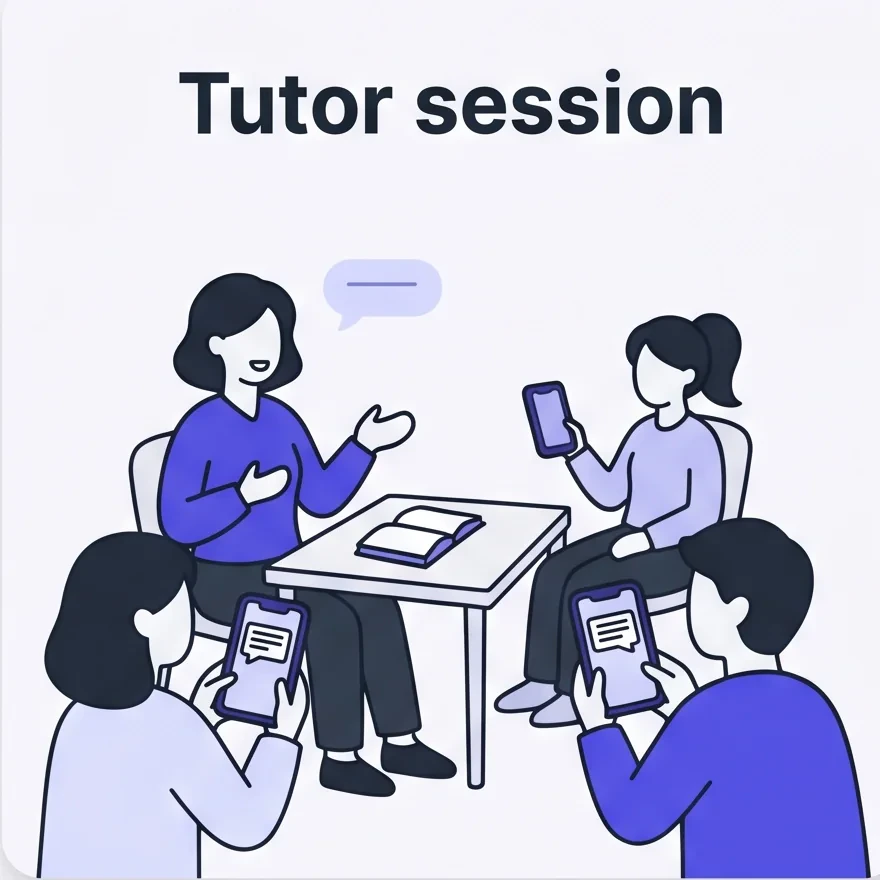
Students scan once and each picks their preferred language; optionally enable mic so they can ask back.
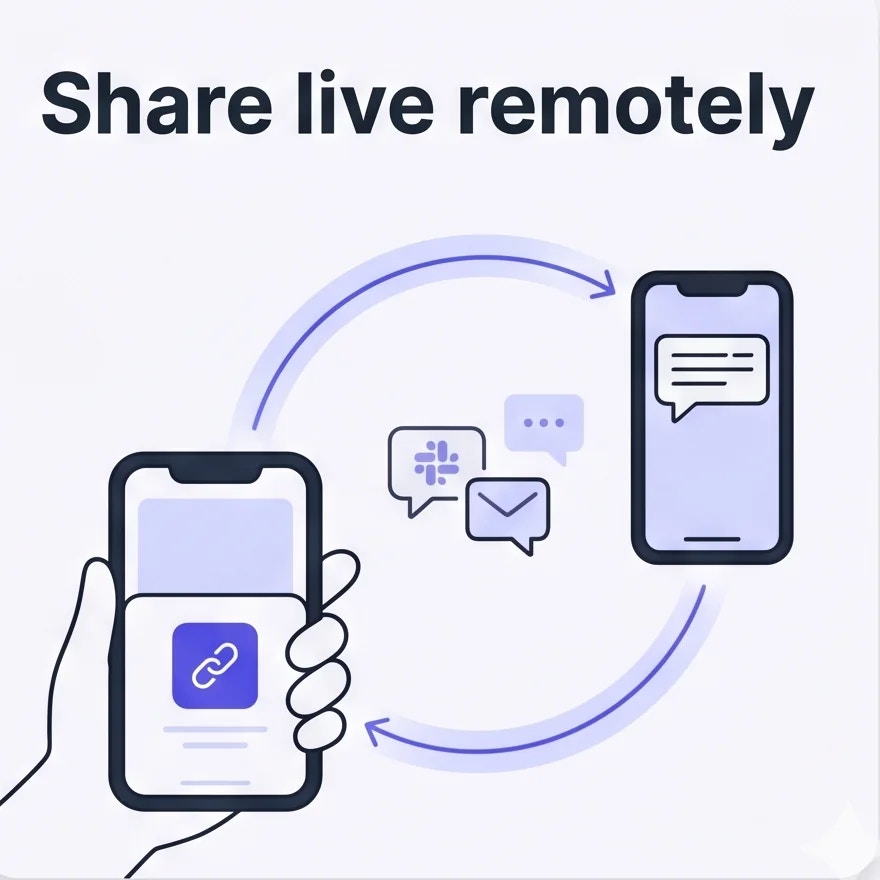
Tap share to send the link via Slack / LINE / email — they read live from anywhere.
Open the listener share sheet
In a live session, tap +👤 in the toolbar, then toggle Enable listener on.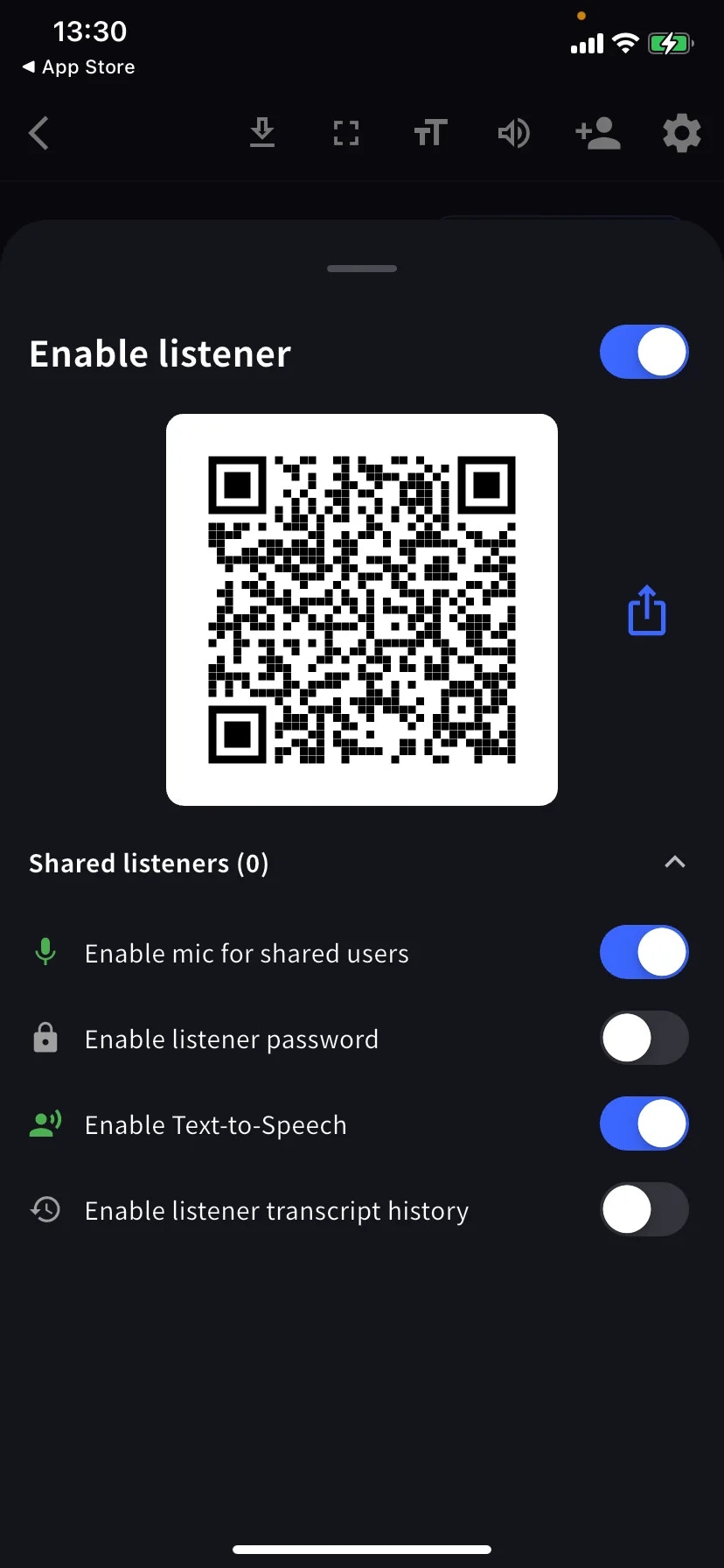
Listener controls
The Shared listeners (N) row expands the current list.
Scenario presets
Small multilingual gathering around a table
Small multilingual gathering around a table
Mic off · Password off · TTS off. Each person reads in their own language on their own phone.
Private chat for a few specific people
Private chat for a few specific people
Password on (share the code in a separate message) · Mic off · History off.
Tutor session or small class
Tutor session or small class
Mic on so students can ask back
Tips
- Test the QR with a second device before the event.
- The QR stays valid until you End the meeting.
- Password gates entry but isn’t end-to-end privacy — combine with restricted Share Scope for sensitive content.