
How to Use
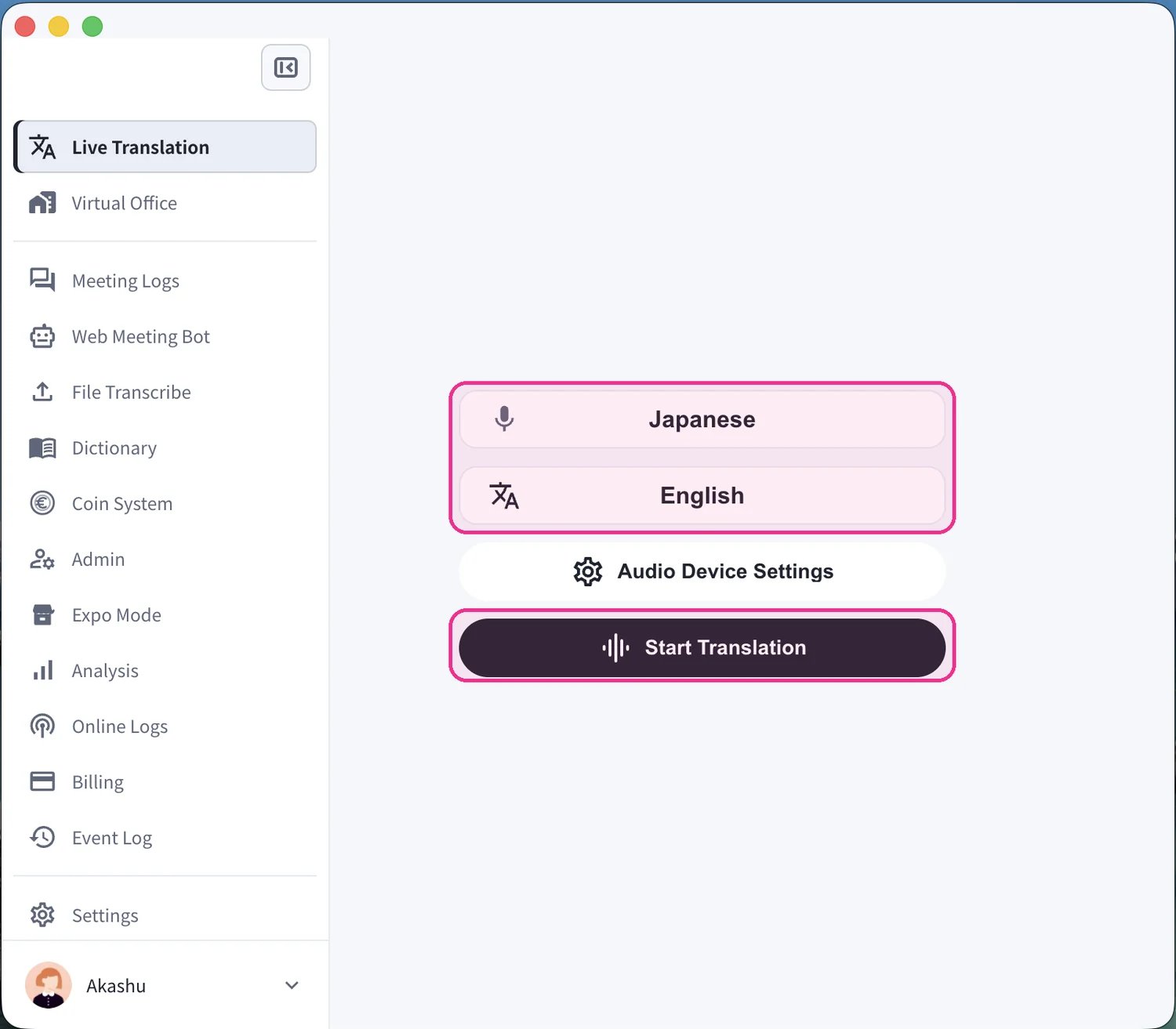
- Start a translation. On the Live Translation screen, set your spoken language (microphone icon) and the translation language (“Text & A” icon), then click Start Translation.
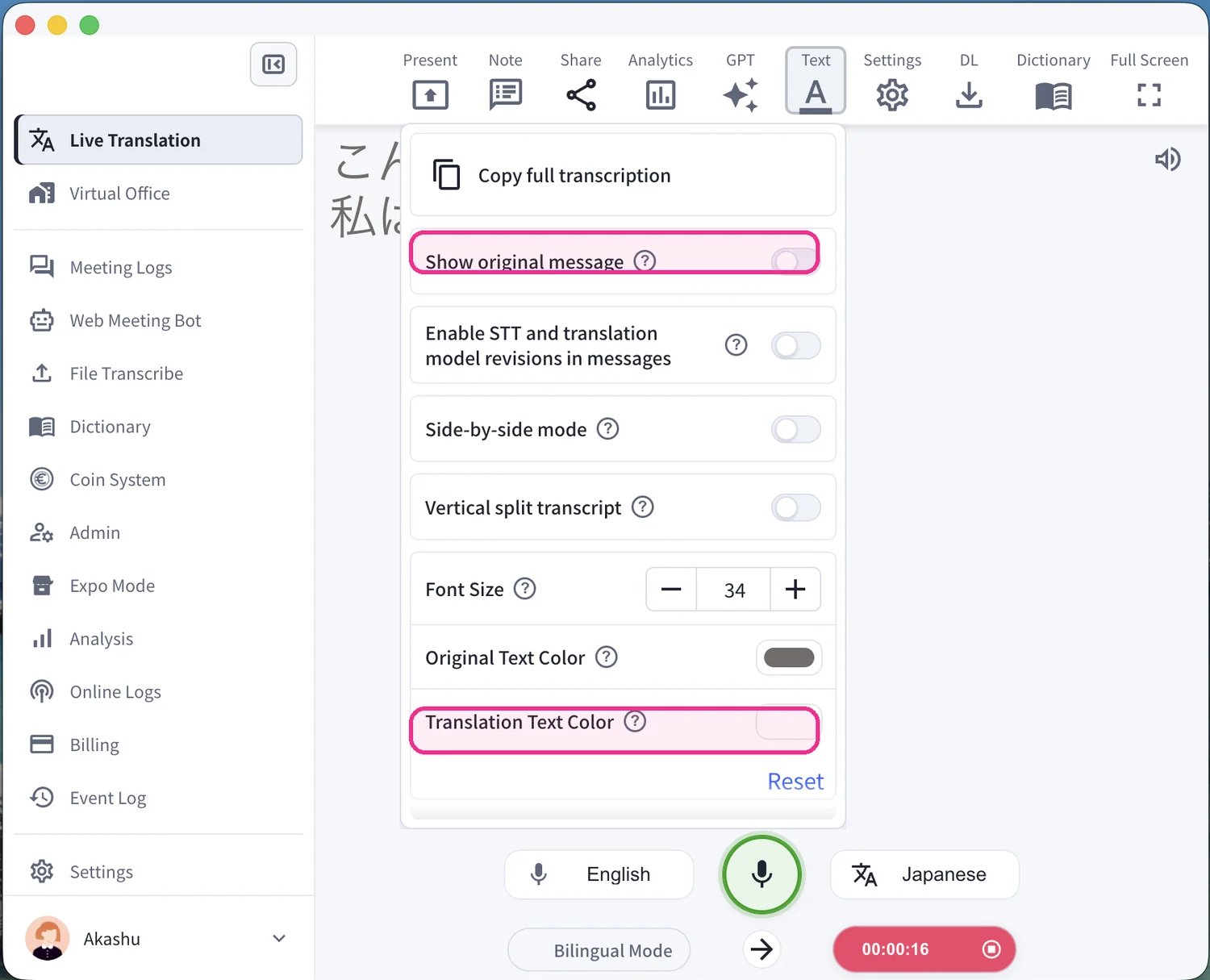
- Set up how the subtitles look. Before presenting, open the Text panel in the top toolbar to adjust the view. Toggle Show original message to show or hide the source language, and set the Translation Text Color (and font size) so the captions read clearly over your content.
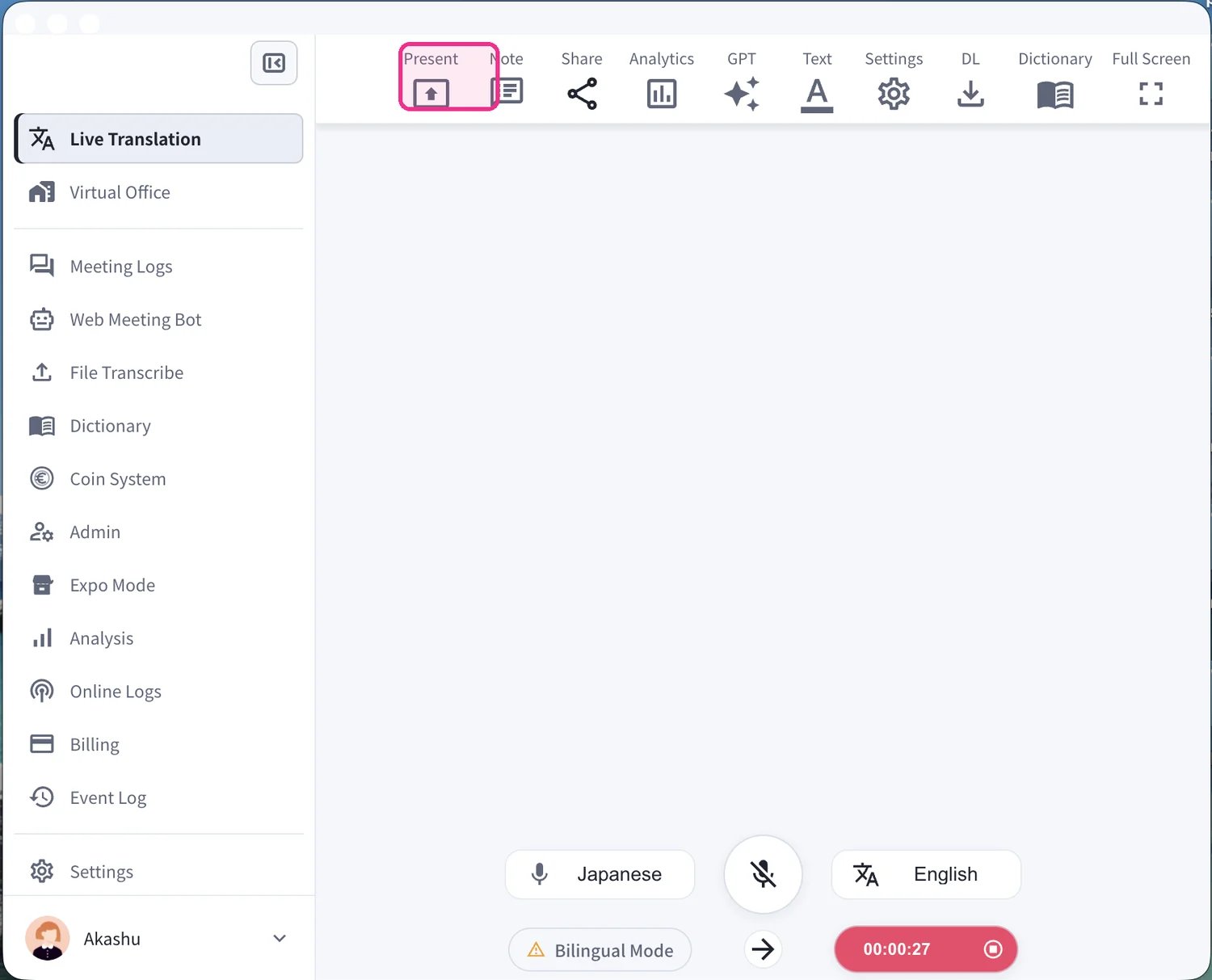
- Open Present mode. Click Present in the top toolbar to launch the presentation subtitle window.
- Overlay the subtitles on your content. The subtitle window opens with a transparent background. Place it over your slides, PDF, or video and the live captions — source text and translation — appear on top of your material in real time.
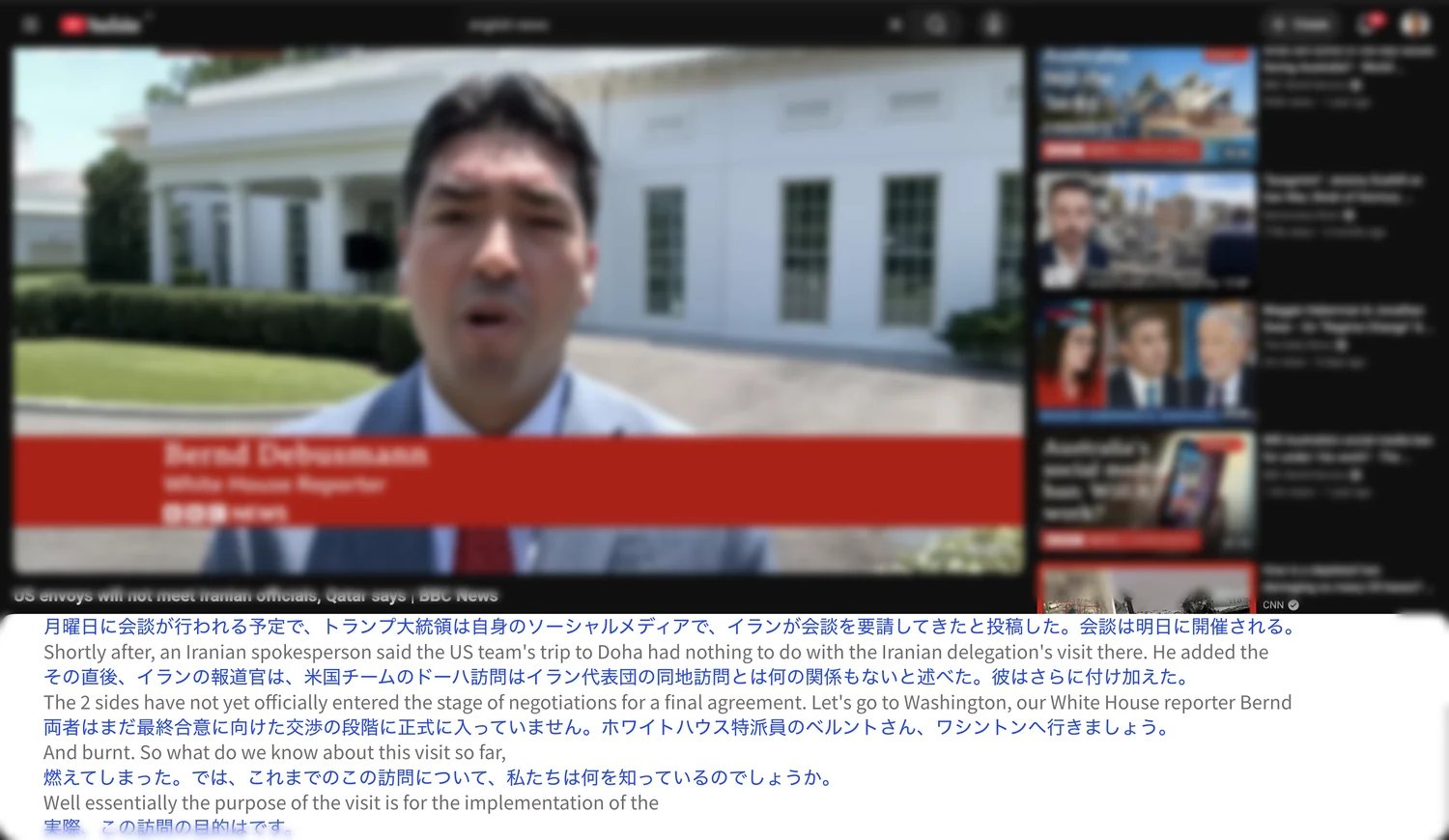
- Toggle transparent mode. In the floating subtitle window, click the palette icon to switch between transparent mode — where the subtitles overlay your content with a see-through background — and a solid, non-transparent background. You can also toggle Bilingual, or switch the transcription and translation languages.

- Present with clean overlaid captions. Switch to full screen for the final look — transparent subtitles sit directly over your video or slides with no background box.