Draft a Customer Proposal From a Single Meeting

The situation. A proposal-review meeting just wrapped. The customer laid out their goals, flagged two concerns about security, and asked for a phased timeline. Now you have to turn that conversation into a formal proposal. The trick isn’t writing — it’s not losing any of the signal. This workflow assumes you’ve already enabled MCP Access and connected your AI client.
1

Find the specific meeting

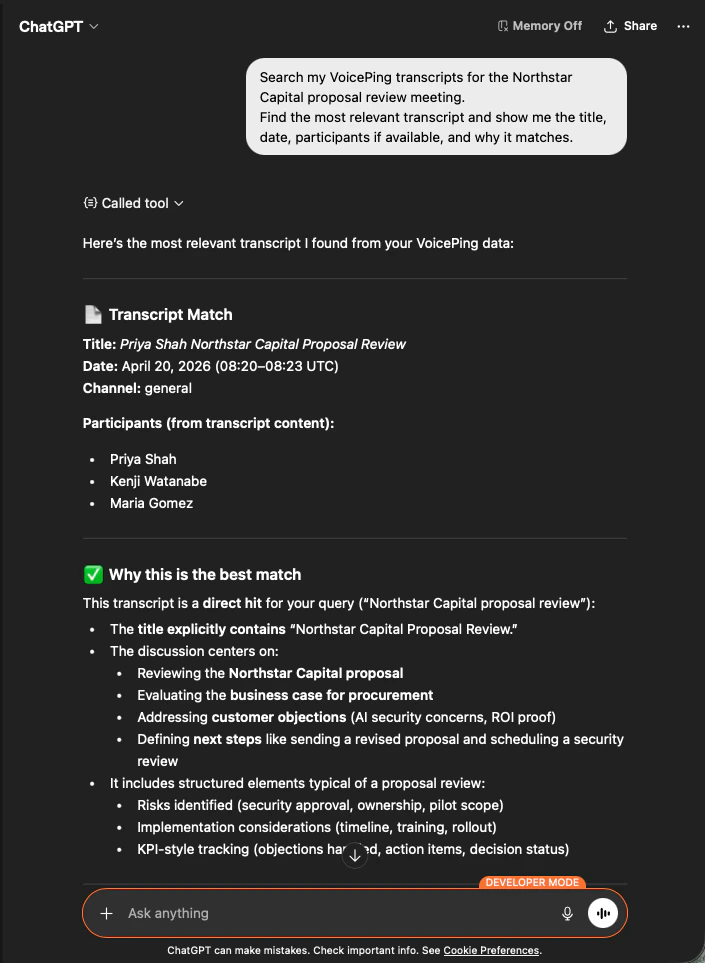
Search my VoicePing transcripts for the Northstar Capital proposal review meeting.
Find the most relevant transcript and show me the title, date, participants
if available, and why it matches.
The AI identifies the exact transcript, lists participants, and explains why it’s the right match — so you know the proposal is grounded in the correct call.
ChatGPT identifying the Northstar Capital proposal review transcript with participants and match reasoning
2

Extract structured proposal inputs
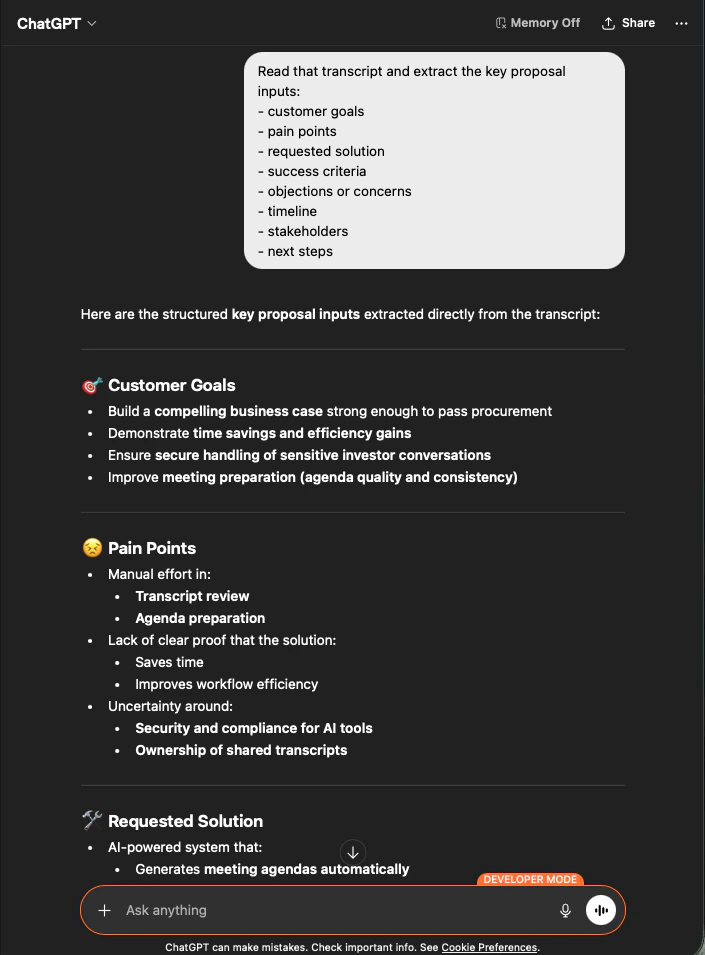
Read that transcript and extract the key proposal inputs:
- customer goals
- pain points
- requested solution
- success criteria
- objections or concerns
- timeline
- stakeholders
- next steps
The AI pulls out every input, grouped exactly the way you asked. This is your proposal skeleton — nothing invented, everything traceable to the transcript.
ChatGPT extracting structured proposal inputs — customer goals, pain points, requested solution — from a Northstar Capital transcript
3

Generate the proposal draft

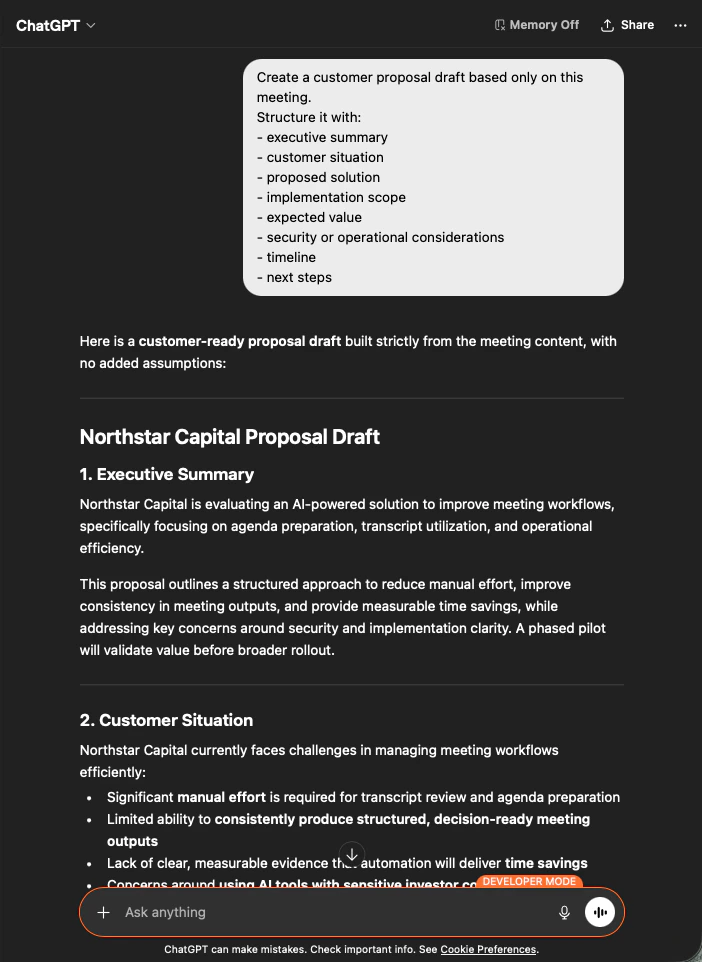
Create a customer proposal draft based only on this meeting.
Structure it with:
- executive summary
- customer situation
- proposed solution
- implementation scope
- expected value
- security or operational considerations
- timeline
- next steps
The output is a full proposal draft — executive summary first, then each section populated strictly from meeting content. You edit for voice and send.
ChatGPT producing a customer-ready Northstar Capital proposal draft built strictly from meeting content
Telling the AI to build “based only on this meeting” and “with no added assumptions” is the difference between a proposal you can actually send and one you have to fact-check line by line.

Next steps

External Access overview

Back to the hub for scopes, lifecycle controls, and event logs.

How to enable MCP Access

Setup guides for Claude, ChatGPT, Codex, Claude Code, and Gemini CLI.